You can install a cumulative update offline using the MSU file. On Windows 11 24H2 and higher, to install a cumulative update offline, you need to download both the checkpoint update’s (KB5043080) MSU file and the latest cumulative update’s MSU file.Read more
Windows Security Icon Missing from Tray and the Task Manager Startup Tab
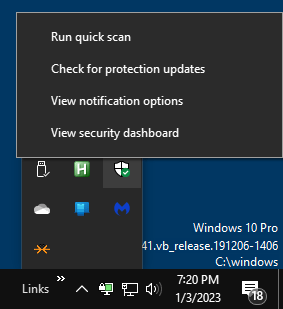
The Windows Security tray icon provides a convenient way to run a quick scan, check for definition updates, or launch the Windows Security app quickly. However, in some systems, the icon may be missing from the notification area.Read more
Generate a System Information Report using MSINFO32
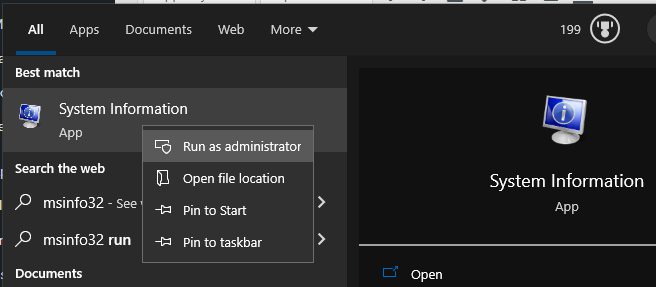
The built-in Microsoft System Information (Msinfo32.exe) tool in Windows gathers information about your computer. It displays a comprehensive view of your hardware, system components, and software environment, which you can use to diagnose computer issues.Read more
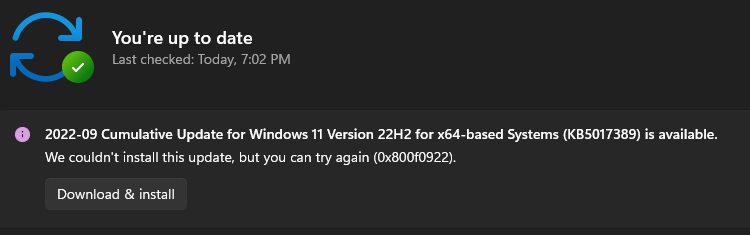
How to Download Windows 10 or 11 ISO
This article explains how to download the official Windows 10 or Windows 11 ISO from Microsoft servers using different methods. The Media Creation Tool downloads the latest version of Windows 10/11 by default. You can also use Rufus or other third-party tools to accomplish the task.Read more
How to Reset or Repair a Windows 10/11 App When it Fails to Work
Windows 10/1 includes a feature where you can quickly reset or repair a store app without having to uninstall and reinstall it. Universal Apps store their settings in per-app registry hives, and resetting the app is probably the only way you can clear the settings.Read more
How to Clear Customize Notifications (Taskbar Corner Overflow) Icons
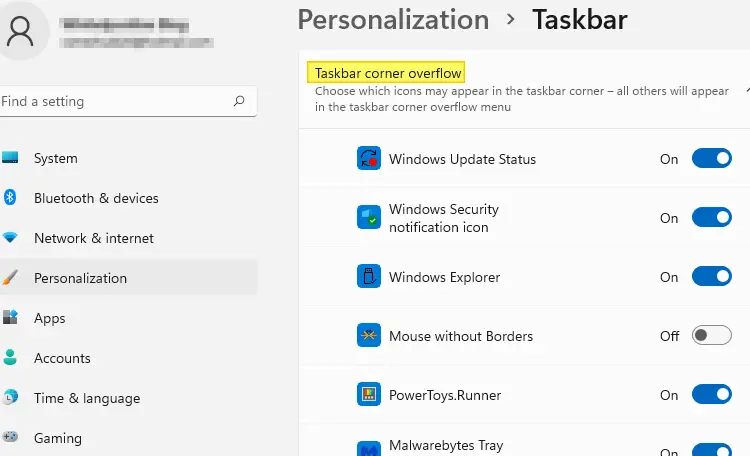
Over time, many invalid or obsolete taskbar notification icons may appear on the “Customize notifications” or the “Select which icons appear on the Taskbar” page with duplicate, invalid or missing icons.Read more
[Fix] Power Options Grayed Out and Managed by Administrator
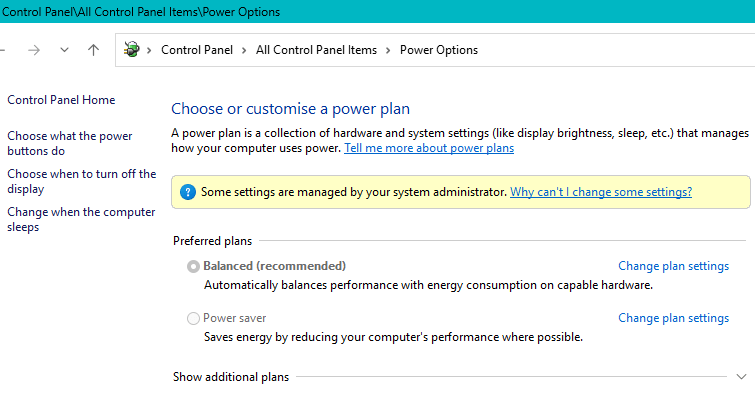
When you open Power Options (powercfg.cpl) in the Control Panel, the power plans may be grayed out, and the following message appears in that applet:
Some settings are managed by your system administrator.
[Fix] WebP Images do not have Thumbnails in File Explorer
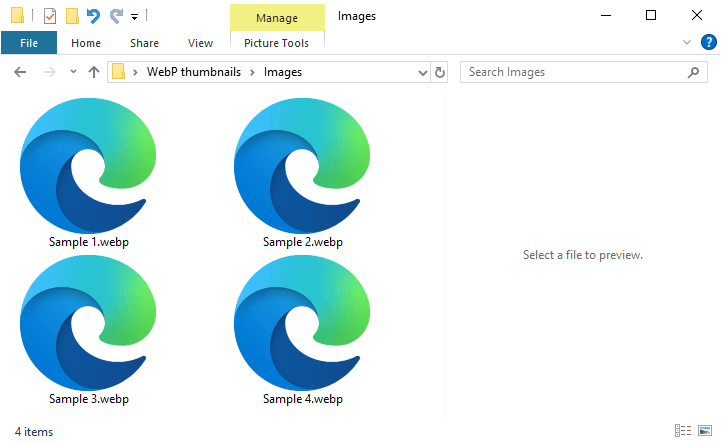
WebP is a modern image format developed by Google that provides superior lossy and lossless compression for web images. When you open a folder containing WebP images, you may notice that none of them have thumbnails.Read more
How to Reset the TEMP folder Permissions to Default
Almost every classic Windows app creates files in the TEMP folders. Incorrect permissions for the user or system TEMP folders can cause errors when installing or running programs.
User temp folder: C:\Users\%username%\AppData\Local\Temp
System Temp folder: C:\Windows\TEMP
How to Change the Default Option in Shut Down Windows dialog (Alt+F4)
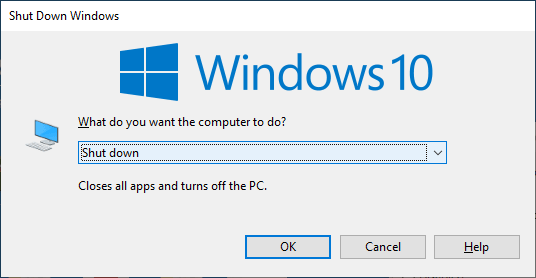
When you open the classic Shutdown dialog (Alt+F4) or click on the Start menu power button, the default option is “Shut Down”. This post explains how to change the default option in the classic Shutdown Dialog (the Alt + F4 dialog) as well as the Start menu Power button action.
[Fix] Capability Access Manager.db-Wal Huge File Size
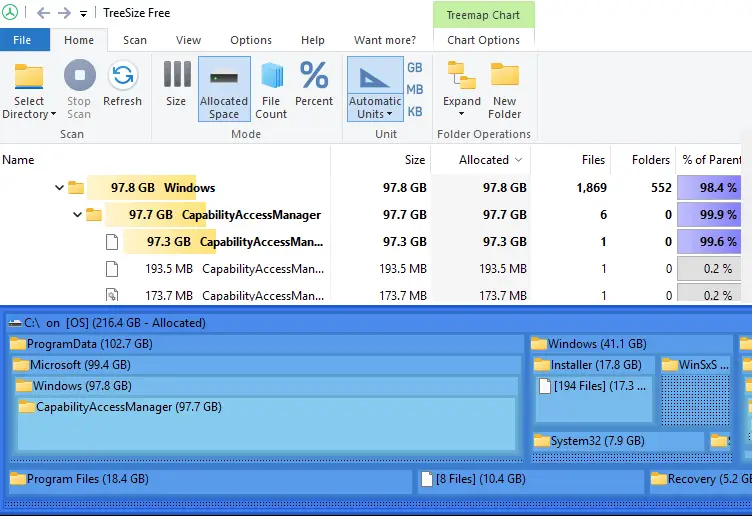
Many users have reported that the Capability Access Manager service in Windows 11 continuously writes to CapabilityAccessManager.db and CapabilityAccessManager.db-wal, and that the file sizes are very large. Read more
Word cannot save in .docx or .doc file format
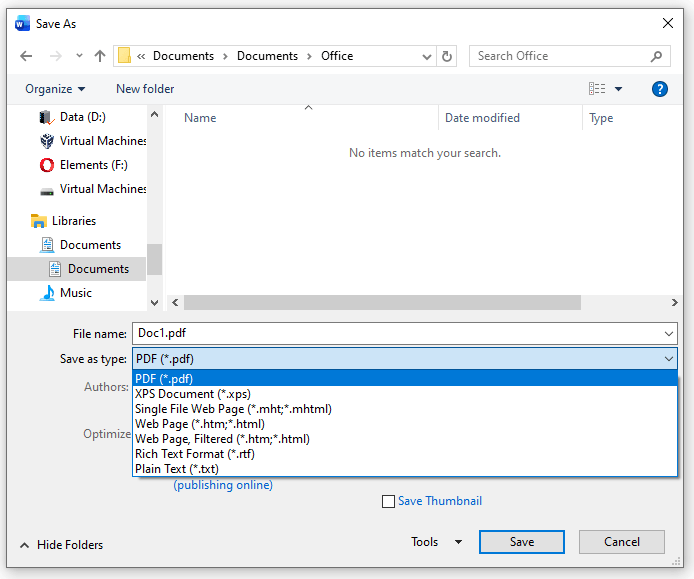
When you attempt to save a document in Word, the .docx and .doc options may be missing. You’re able to save in other formats (.pdf, .xps, .rtf, etc) though. You wonder if this is due to your Microsoft Office subscription or an activation issue.Read more
How to Delete the WorldOfWarships folders from WindowsApps
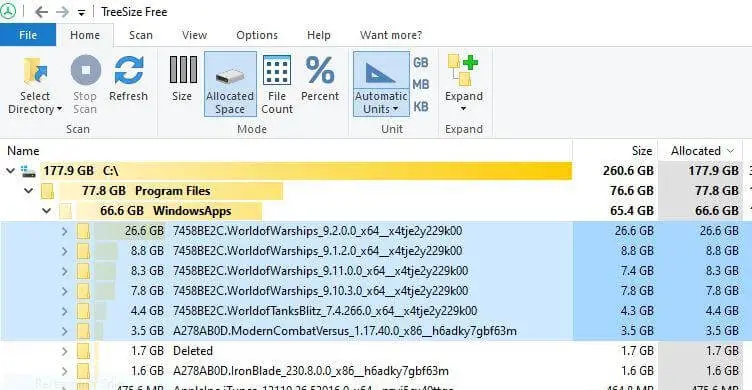
When you install World of Warships (WoW) via the Microsoft Store, it often occupies significant space within the protected C:\Program Files\WindowsApps folder. The game can require 60–90 GB of storage after installation, and sometimes even more during updates.
In some cases, the older versions are not removed during the WoW update, and each versioned folder may occupy 60 GB or more space.
If you uninstall the app, the package folders still remain under WindowsApps. You’re wondering how to properly delete the WoW subfolders in the WindowsApps folder.Read more
Strange file named “D” appears in the Windows folder

When you open the Windows directory, an unknown 10 GB file named “D” with the system and hidden attributes appears. Deleting the file causes the error “The process cannot access the file because it is being used by another process.”
How to Install WMIC Offline in Windows 11
In Windows 11 24H2 and later, WMIC is not installed by default but is available as a Feature On Demand (FoD) component that can be installed via Settings or DISM. However, installing WMIC or any other FoD via Settings or DISM requires internet access. If you have a standalone Windows 11 PC without internet access and need to enable Windows Management Instrumentation Command-line (WMIC), this article is for you.Read more