Get the Install Date/Time of Store Apps in Windows 10

get appx installation date timestamp

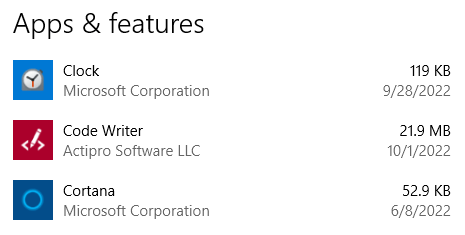
The Apps & Features page in Windows 10 shows you the installation date (without the time) for each UWP app. In Windows 10, this information is stored in the registry.
get appx installation date timestamp

Unfortunately, PowerShell’s Get-AppxPackage cmdlet doesn’t display the installation timestamp data. But you can get the list of app packages and the corresponding install date and time using a script discussed in this post.Read more
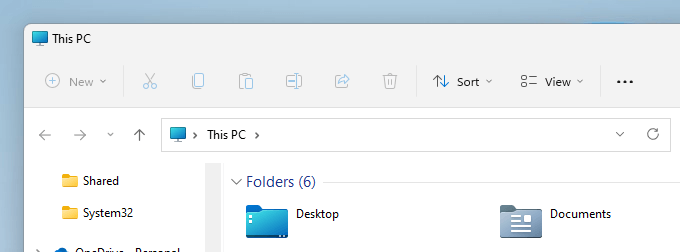
Copy Detailed File Info to Clipboard via Right-Click Menu

copy file information, version, product via right-click menu

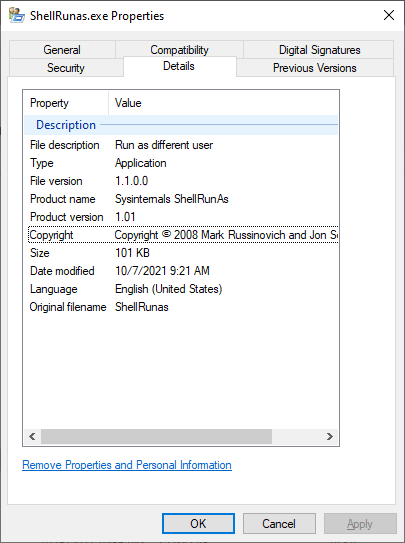
The Details tab in the Properties sheet shows the file version, product name, copyright, and other details. However, Windows doesn’t let you copy the information to the clipboard.

copy file information, version, product via right-click menu

In this article let’s see how to copy the file info to the clipboard using PowerShell. You can also incorporate the command to the right-click menu if desired.Read more

How to Check if a Program (.EXE or .DLL) is 32-bit or 64-bit

find out if exe is 32-bit or 64-bit

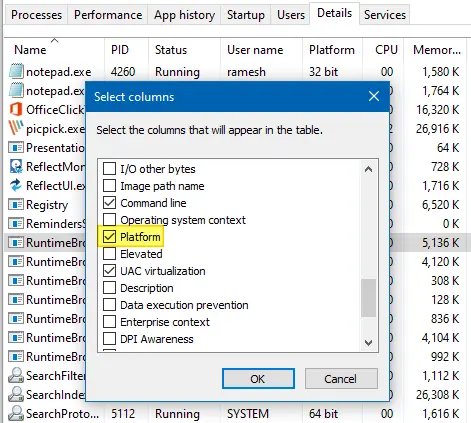
Software developers compile separate executable files (.EXE or .DLL) for 32-bit (x86) and 64-bit (x64) systems. The 64-bit version of the program is usually denoted by suffixing 64 or x64 with the filename — e.g., sigcheck.exe vs. sigcheck64.exe. In some cases, the bitness notation may be missing, and you may be wondering if the executable is 32-bit or 64-bit.

This article discusses various methods to determine if a program or executable file is 32-bit or 64-bit in Windows.

Note that some vendors may combine the 32-bit and 64-bit executables into one 32-bit self-extractor file that would detect the platform, extract, and run the correct EXE for the current platform.Read more

How to Change Shortcut (.lnk) Target in Bulk Using Script

shortcuts search and replace bulk

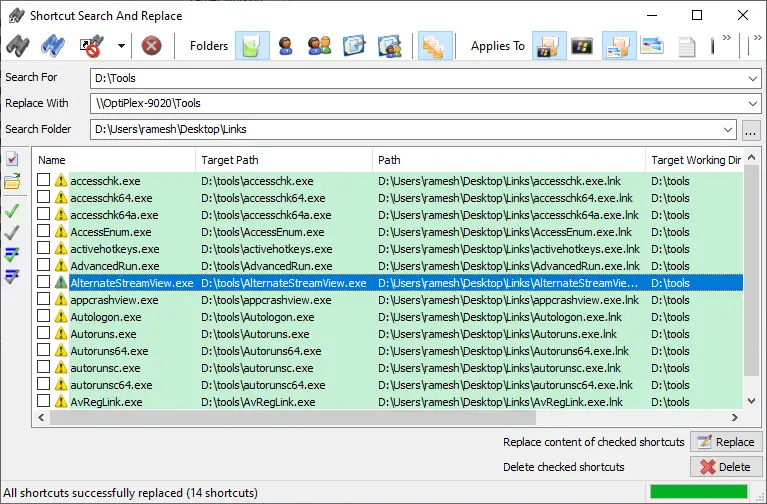
Many users have shortcuts pointing to various network shares from other systems or your domain’s storage server. If your company migrates the server and changes the computer name, share name, or folder path, you need to manually update the shortcut targets to point to the right destination. In most cases, the folder structure may remain the same, but the server name usually changes.Read more

How to Save Windows 10/11 Spotlight Wallpapers

Windows Spotlight brings to you some fantastic images that are worth storing. Unfortunately, at present, Windows 10/11 doesn’t have a GUI option to save these lock screen wallpaper images; this has to be done manually or using a custom app or script. This post tells you how to save Windows Spotlight lock screen images automatically or manually.Read more