WebP is a modern image format developed by Google that provides superior lossy and lossless compression for web images. When you open a folder containing WebP images, you may notice that none of them have thumbnails.
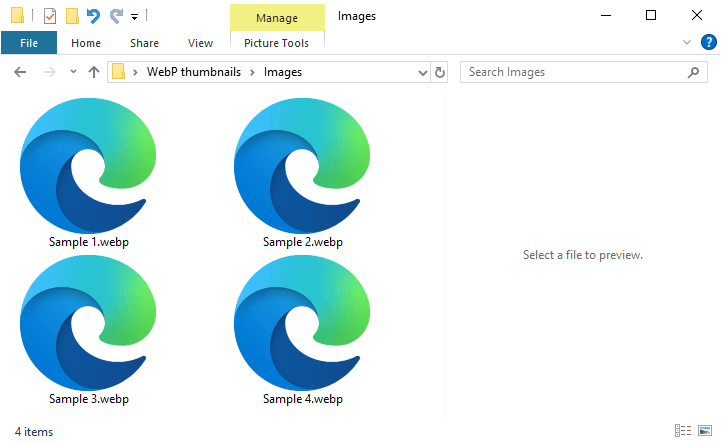
This issue may occur even if you have installed the WebP Image Extension from the Microsoft Store.
This post explains how to enable thumbnail previews for WebP images in File Explorer.
Resolution
Installing the Google WebP Codec should enable thumbnail support for WebP images in File Explorer. Here’s the direct download link for the same:
https://storage.googleapis.com/downloads.webmproject.org/releases/webp/WebpCodecSetup.exe
Source: Downloading and Installing WebP | Google for Developers
Installing the above program adds the Google WebP Decoder module WebpWICCodec.dll to your system.
	File: C:\Program Files\WebP Codec\WebpWICCodec.dll
	Company:	Google Inc
	Description:	WebP codec for Windows Imaging Component
	Product:	WebP Codec for Windows
	File version:	0.19.9.0
	Original Name:	WebpWICCodec.dll
	Copyright:	Copyright (c) 2010, Google Inc. All rights reserved.
	MD5:	FCE9A3601F2982B9AB21E76C1C636D67
	SHA256:	D8920B914BBEE572319FB6E27F97BD9DA8AC7A5531E5172732172A4C3B25EC84
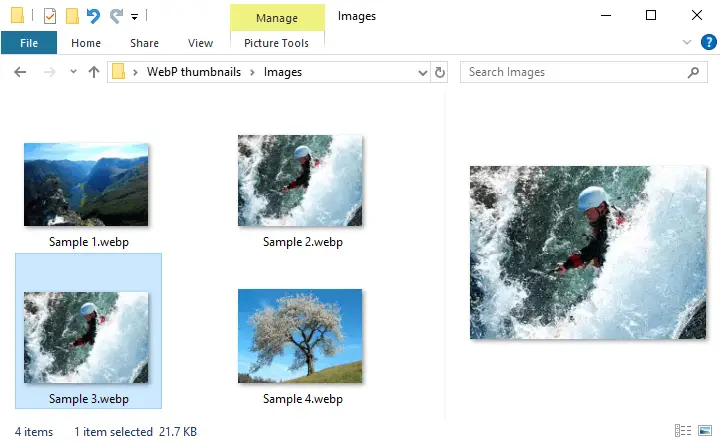
After installing the module, WebP thumbnails and previews (in the Preview pane) are generated.
One small request: If you liked this post, please share this?
One "tiny" share from you would seriously help a lot with the growth of this blog. Some great suggestions:- Pin it!
- Share it to your favorite blog + Facebook, Reddit
- Tweet it!
