0xC1900209: This PC can’t be upgraded to this version of Windows (24H2)

setup incompatible driver service 24h2

When you install a feature update in Windows 10 or 11, the following error message may appear.

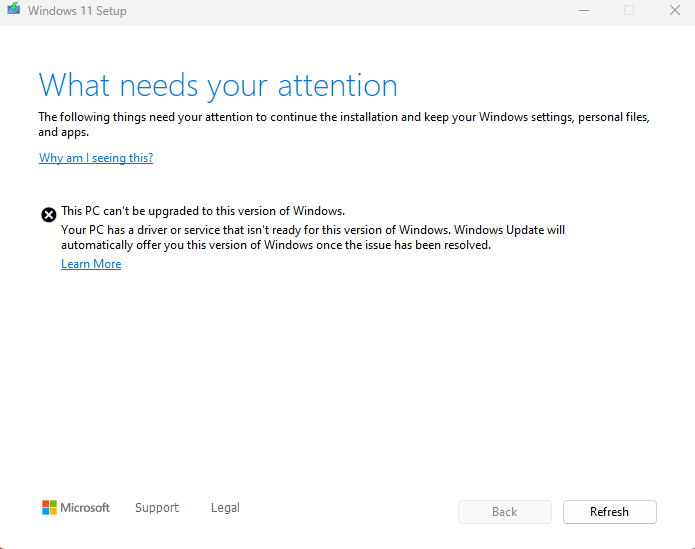
What needs your attention

The following things need your attention to continue the installation and keep your Windows settings, personal, files, and apps.


This PC can't be upgraded to this version of Windows.

Your PC has a driver or service that isn't ready for this version of Windows. Windows Update will automatically offer you this version of Windows once the issue has been resolved.
Read more

“Keep personal files and apps” is Grayed Out During Setup

keep files and settings - grayed out - wrong iso

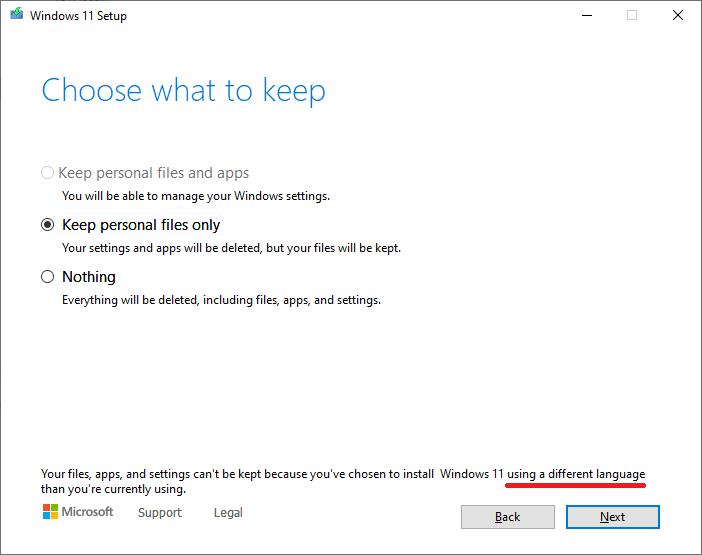
When you attempt to perform an in-place upgrade of Windows 10 or 11, the “Keep personal files and apps” option may be disabled. The following message appears at the bottom of the dialog:

Your files, apps, and settings can't be kept because you've chosen to install Windows 11 using a different language than you're currently using.

Read more

KB5035853, KB5034765, KB5034204 fail with the error 0x800f0922

windows 10 0x800f0922 undoing changes reboot loop

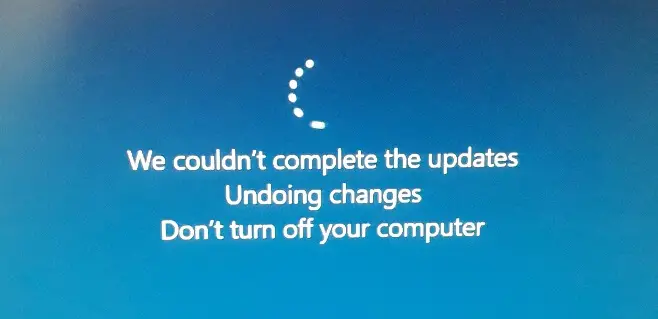
The KB5034204 (2014-01), KB5034765 (2014-02), and KB5035853 (2024-03) Cumulative updates may fail with the error code 0x800f0922, which indicates a rollback has occurred.

The update fails due to a version mismatch error. The CBS.log file may show the following entry:

Error 0x80070519 in WinREAgent::WinREServicingManager::InternalLoad (base\diagnosis\srt\winreagent\dll\winreservicingmanager.cpp:1044): Version mismatch, saved Servicing manager is in a different version

Read more

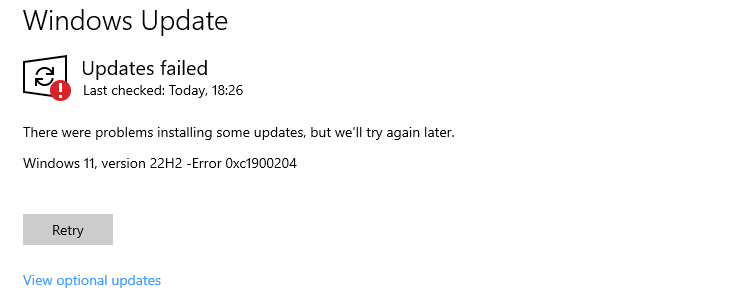
Error 0xC1900204 During Windows 10 or 11 Setup

windows update error - programfilesdir change registry

When you install a feature update via the Windows Update, the error code 0xC1900204 may occur. There were problems installing some updates, but we’ll try again later. Error 0xC1900204 If you use the Media Creation Tool to do an in-place upgrade, the only option you may get is to delete your files (which most users … Read more

KB5022913 Installation Error 0x800f081f

When you try installing the 2023-02 Cumulative Update for Windows 11 Version 22H2 for x64-based Systems (KB5022913), the error 0x800f081f may appear. We couldn’t install this update, but you can try again (0x800f081f) Cause This happens if a manifest file is missing from the computer. Resolution Follow these steps to restore the missing file. Download … Read more