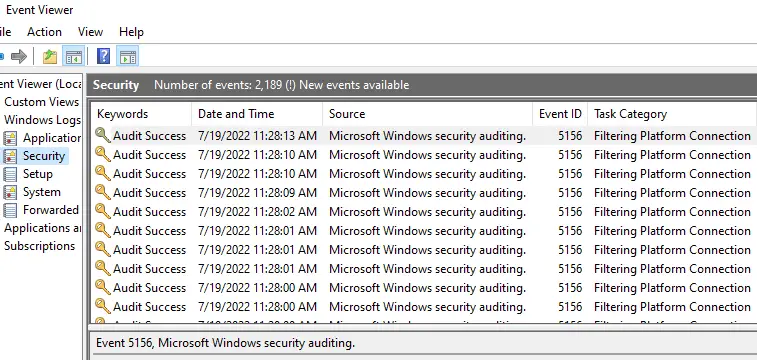
Disable “Filtering Platform Connection” (Event ID 5156, 5158) Security Logging

windows filtering platform event id 5156

When you open the Security Event log, the log may contain many “Filtering Platform Connection” events. The event ID of these entries maybe 5156 or 5158. The security log may record close to 100 events per minute, containing the event ID 5156 or 5158. This causes the security event log to become full very quickly. … Read more

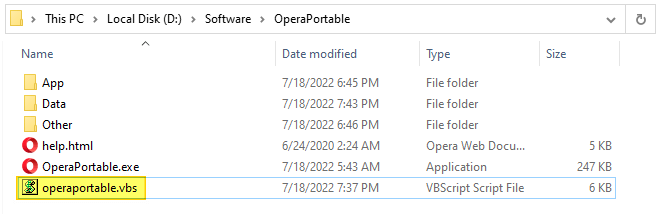
Register Opera Portable with Default Apps or Default Programs in Windows

add opera portable to default apps - vbscript

Opera, Portable Edition is the popular Opera web browser bundled with a PortableApps.com Launcher as a portable app. It’s packaged in a portable browser version that you can always have at hand on a USB drive. The advantage of using the portable app is that you can take your bookmarks, browsing history, extensions, and saved passwords with you.

This article covers a VBScript that can register Opera Portable Edition with Default Apps or Default Programs in Windows Vista through Windows 10/11.
Read more

How to Get Windows 10 Classic Paint in Windows 11

get back classic paint windows 11

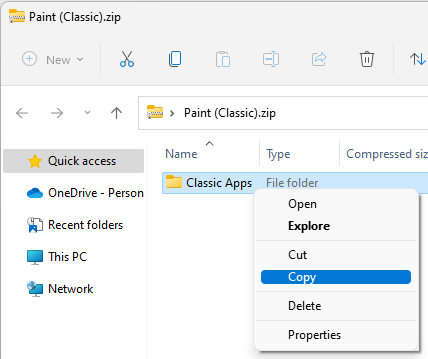
Windows 11 has got the redesigned and modern (UWP) Paint app that has an updated UI that matches the new visual design of Windows 11. The modern Paint app’s new design includes rounded corners, Mica, and more. It has a new toolbar with updated icon designs, a rounded color palette, and a new set of drop-down menus for tools such as brushes, stroke size, and flip/rotate controls.Read more

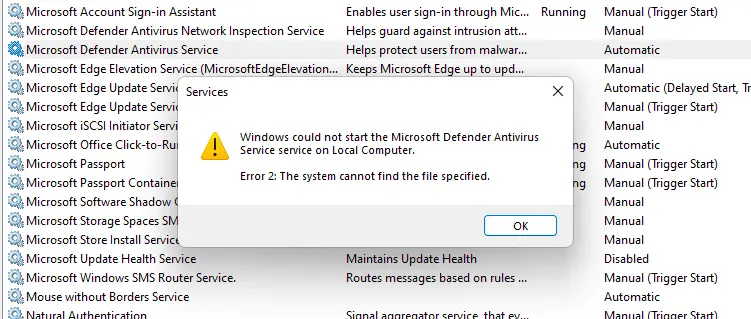
Microsoft Defender Service Error 2 “Cannot Find the File Specified”

defender service error 2

In the aftermath of a malware attack and subsequent removal using specialized programs, you may notice that the Microsoft Defender Antivirus service fails to start on your Windows 10 or 11 computer. One of the common errors users encounter is “Error 2” (0x80070002), which denotes that a file is missing.Read more

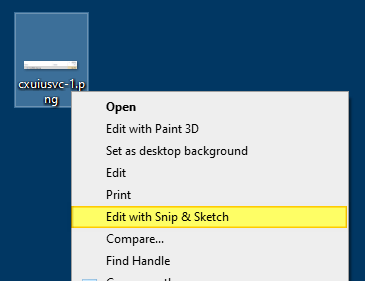
How to Add “Edit with Snip & Sketch” Option to Right-Click Menu

Add "Edit with Snip & Sketch" to the right-click menu.

The Snip & Sketch app in Windows 10/11 lets you annotate screenshots, photos, and other images with your pen, touch, or mouse and save, paste or share them with other apps. The Snip & Sketch app doesn’t allow the pasting of images from the Windows clipboard to the app’s canvas area. This is a significant limitation in the Snip & Sketch app.Read more

(Solved) Microsoft Print to PDF Error 0x800f0922

microsoft print to pdf error 0x800f0922

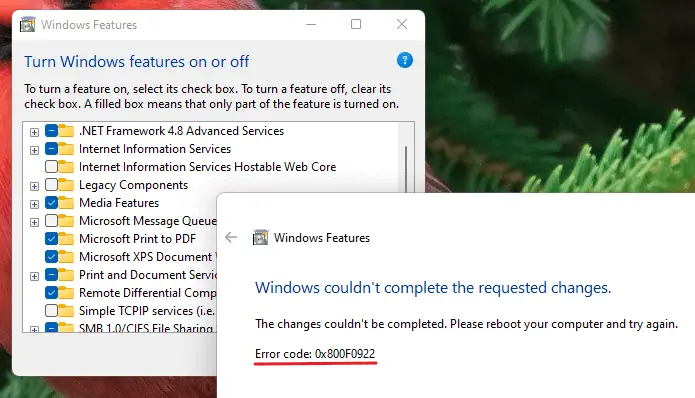
We saw in detail how to reinstall the Microsoft Print to PDF printer in Windows 10 or 11. During the process, some users have encountered the error 0x800f0922 no matter which method they used (DISM, PowerShell, the “Add a Printer” wizard, or the Windows Features GUI) to install the driver.

microsoft print to pdf error 0x800f0922

The Windows Features method might cause the following error:

Windows couldn't complete the requested changes.

The changes couldn't be completed. Please reboot your computer and try again.

Error code: 0x800F0922

Read more

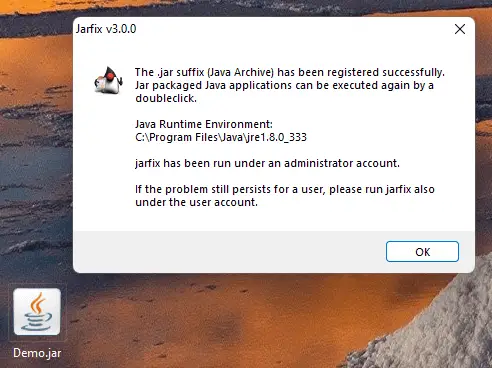
How to Fix .JAR (Executable Jar File) File Association in Windows

jarfix - repair .jar file association settings

Jar (Java ARchive) or “executable Jar file” is executed by Java Runtime Environment (javaw.exe) program. On Windows, the Java Runtime Environment’s setup will register a default association for Jar files so that double-clicking a Jar file on the desktop will automatically run it with “javaw.exe -jar” command-line argument.Read more

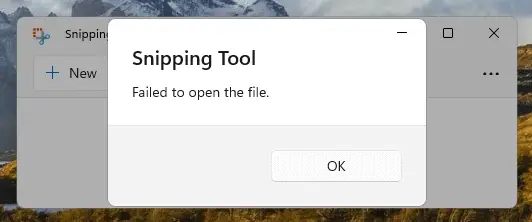
“Failed to open the file” Error in Snipping Tool or Snip & Sketch App

snip failed to open the file

When you use the Snipping Tool to screenshot the screen or a window, the snip may be copied to the clipboard but the Snipping Tool can’t open the image. The following error appears after taking a screenshot: Snipping Tool Failed to open the file. On Windows 10, the Snip & Sketch tool may throw the … Read more

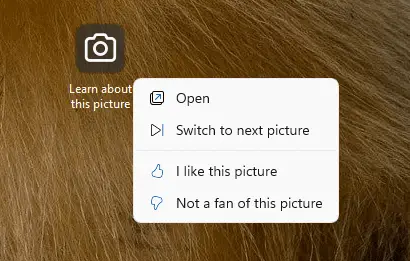
How to Remove “Learn about this picture” Desktop Icon in Windows 11

remove learn about this picture icon

When you select the “Windows Spotlight” option as the desktop background in the Personalize settings page, Windows 11 adds a desktop icon named “Learn about this picture.” The “Learn about this picture” is a shell folder (special icon) that, when double-clicked, opens the Bing Images search results page for the current desktop spotlight wallpaper.
Read more