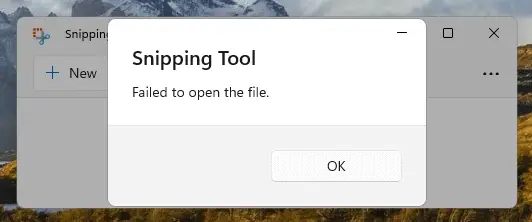
When you use the Snipping Tool to screenshot the screen or a window, the snip may be copied to the clipboard but the Snipping Tool can’t open the image. The following error appears after taking a screenshot:
Snipping Tool

Failed to open the file.
On Windows 10, the Snip & Sketch tool may throw the same error after taking a snip:
Snip & Sketch

Failed to open the file.
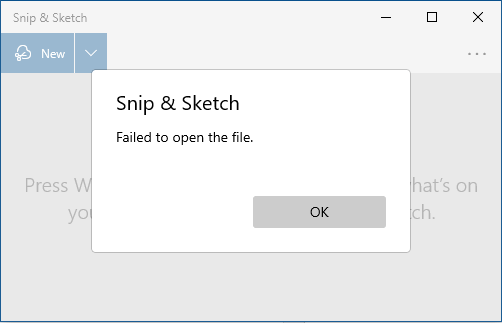
The above error pops up when you click on the “Snip copied to clipboard – Select here to mark up and share the image” notification (at the bottom right corner of the screen) after taking a snip using Snipping Tool/Snip & Sketch app or using the Win + Shift + S keyboard shortcut.
Note: On Windows 11, classic Snipping Tool and Snip & Sketch apps are now called “Snipping Tool”. On Windows 10, as of this writing (v21H2), the “Snipping Tool” and “Snip & Sketch” are separate apps.
The above error occurs if the Data Sharing Service (DsSvc) is disabled. This service provides data brokering between applications.
[Fix] “Failed to open the file” Snip Error in Windows 10/11
To fix the “Failed to open the file” error in the Snipping Tool or Snip & Sketch app, follow these steps:
- Right-click Start, click Run.
- Type “
services.msc” and click OK. - Double-click “Data Sharing Service.”
- Set its Startup type to Manual.
- Start the service by clicking “Start”.
- Exit the Services console.
One small request: If you liked this post, please share this?
One "tiny" share from you would seriously help a lot with the growth of this blog. Some great suggestions:- Pin it!
- Share it to your favorite blog + Facebook, Reddit
- Tweet it!

it didn’t work
I agree with Joshua. This fix is a fail.
Right Click
stop/start
fixed!
Mine was already set as stated so I STOPPED it and then started it again. That worked, but Doing a Restart didn’t work.
Awesome!
Worked like the Charm!!!
choose service–>stop–>start
Does NOT work. Even after a reboot.
Data Sharing Service is already running, stop and restart, still fails