[Fix] Win+Shift+S not working in Windows 10 or 11

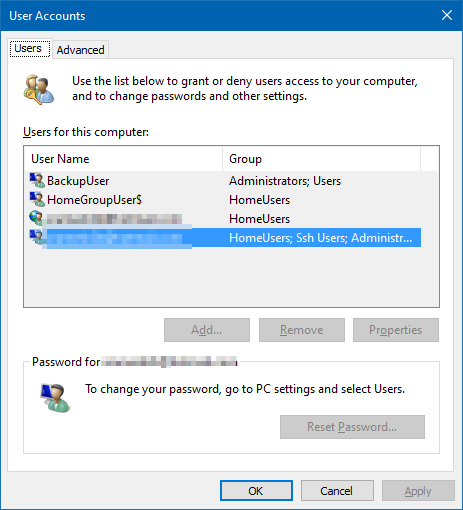
ms-screenclip run command

The Win + Shift + S keyboard shortcut, powered by the Snip & Sketch tool, allows you to quickly take a screenshot of a particular screen area or the entire screen. Some users are facing a situation where the hotkey combination doesn’t work on their Windows 10 computer. For instance, nothing may happen when you use the hotkeys. Or you don’t get the Snip & Sketch screen capture notification in the Taskbar notification area.

Let’s see how to fix the Snip & Sketch screen clipping feature in Windows 10 or Windows 11.Read more

How to Restore Missing “Print Management” Console

print management console missing

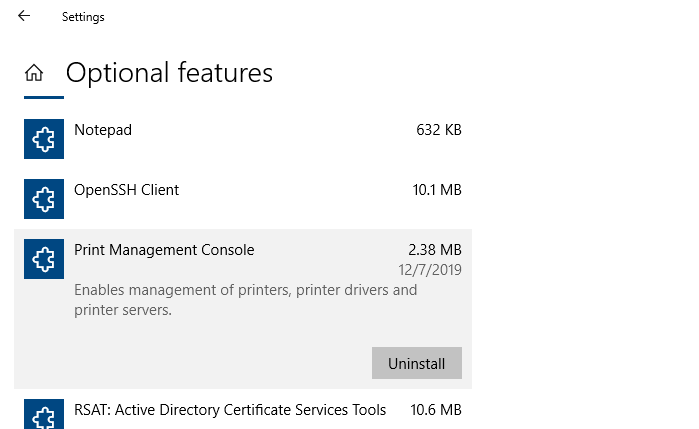
After installing a Windows 10 Feature update (v2004 or higher) or Windows 11, you may observe that the Print Management MMC console is missing from the system. Print Management is a Microsoft Management Console (MMC) snap-in that lets you install, view, and manage all printers on your local computer or the network. You can add or delete printer driver packages, manage the print queue, and do much more.

This issue can occur in Windows 10/11 Professional or Enterprise edition. Note that the Print Management console is not available on Home editions of Windows. If you’re using Windows Home Edition, this article doesn’t apply to you.

The Print Management shortcut may be missing in the Administrative Tools folder. And, when you attempt to run printmanagement.msc directly, you’ll see the following error:

Windows cannot find 'printmanagement.msc'. Make sure you typed the name correctly, and then try again.

Also, copying the file printmanagement.msc file from another Windows 10 computer and running it would cause the error “couldn’t load the snap-in” since the supporting files are missing from the computer.

Read more
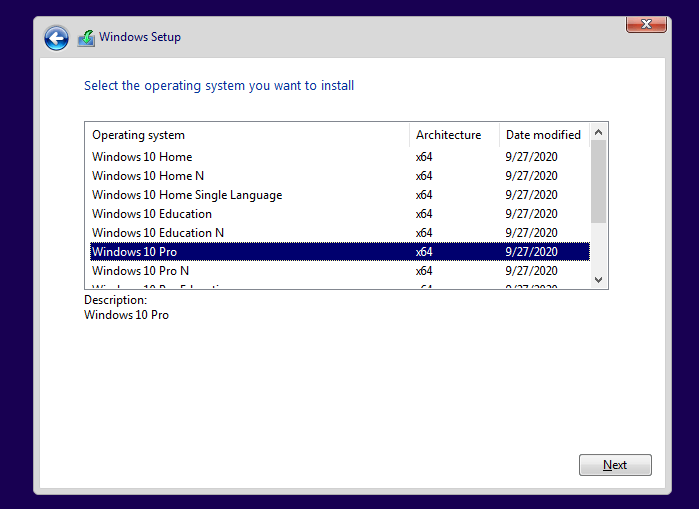
Error 0x800707E7 0x3000D during Windows Setup

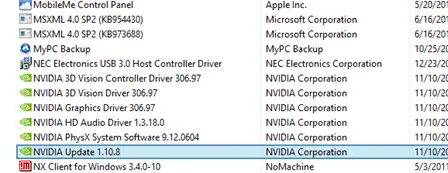
nvidia updatus user account uninstall

When you upgrade from Windows 7 or Windows 8 to Windows 10 or 11 or do a repair installation, the error 0x800707E7 – 0x3000D may occur and the setup is canceled automatically. The same error may occur when installing a Feature Update (e.g., upgrading from 21H2 to 22H2). Here is the full error message:

We couldn't install Windows 10.

We've set your PC back to the way it was just before you started installing Windows 10.

0x800707E7 - 0X3000D

The installation failed in the FIRST_BOOT phase with an error during MIGRATE_DATA operation.

Read more

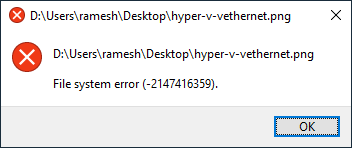
Fix: File system error (-2147416359) in Windows 10/11

File system error (-2147416359)

When you try to open an image file or video in a modern (UWP) app like Groove, Photos, Movies & TV, the following error may occur:

File system error (-2147416359).

File system error (-2147416359)

The error is seen only when opening files using modern apps. The classic desktop (win32) apps are not affected by this issue. For instance, you may be able to open the same image using Windows Photo Viewer or Office Picture Manager. Likewise, the same video may open fine in VLC Player, but not in Groove, or Films & TV.

Also, nothing may happen when you launch a store app. For example, nothing happens when you attempt to launch Calculator, Calendar, Mail, Movies & TV, Photos, or any other store app for that matter.Read more

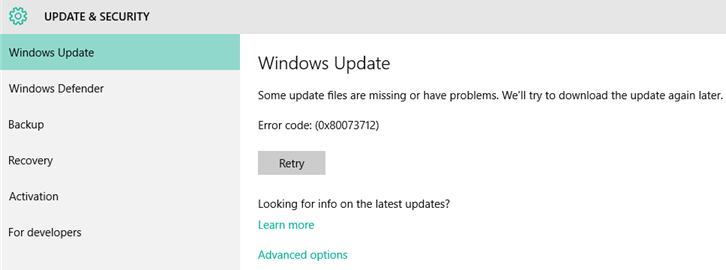
How to Fix Windows Update Error 0x80073712

80073712 windows update error

When installing a cumulative update, .NET framework update, or a feature update, the error 0x80073712 occurs and stops the installation process. Here is the full error message verbatim: Some update files are missing or have problems. We’ll try to download the update again later. Error code: (0x80073712). Cause The error 0x80073712 (ERROR_SXS_COMPONENT_STORE_CORRUPT) denotes that the … Read more

Windows Defender Service Missing; Security at a glance page is Empty

windows defender service missing - security at a glance is empty

In the aftermath of malware infection, when you open the Services MMC on a Windows 10 or 11 computer, you may find that the Windows Defender (“Microsoft Defender Antivirus Service”) service is missing from the Services MMC. The Windows Security settings “Security at a glance” page may show up empty as in the following screenshot. … Read more

“Users must enter a user name and password” option missing

userpasswords2 password checkbox missing

When you open the User Accounts dialog by running control userpasswords2 or netplwiz.exe to configure automatic login to your user account, the Users must enter a user name and password to use this computer option may be missing in that dialog.

userpasswords2 password checkbox missing

As a result, you’re unable to configure auto-login to your user account. This post tells you how to bring back the option in Windows 10 or 11.Read more