You’re browsing “Microsoft” category, which is the top-most category which contains every thing related to Microsoft. Windows Operating Systems, News, Windows Update news and everything Microsoft!
Earlier, we saw how to fix the Some required files are missing error when attempting to create a USB Recovery Drive in Windows 10. The steps involved copying the Windows Recovery Environment image Winre.wim from the Windows 10 source (DVD/ISO) and also fixing the recovery partition.
The following is a different error that appears when creating a Recovery Drive.
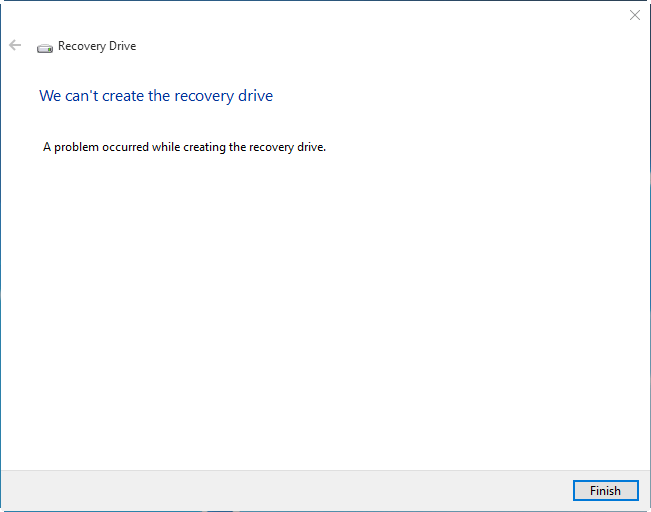
We can’t create the recovery drive
A problem occurred while creating the recovery drive.
There seem to be many different causes for this error, but the most prominent reason is the failure of Volume Shadow Copy Service (VSS) to generate a snapshot. For most users, the above error happens only if you enable the option Back up system files to the recovery drive.Read more
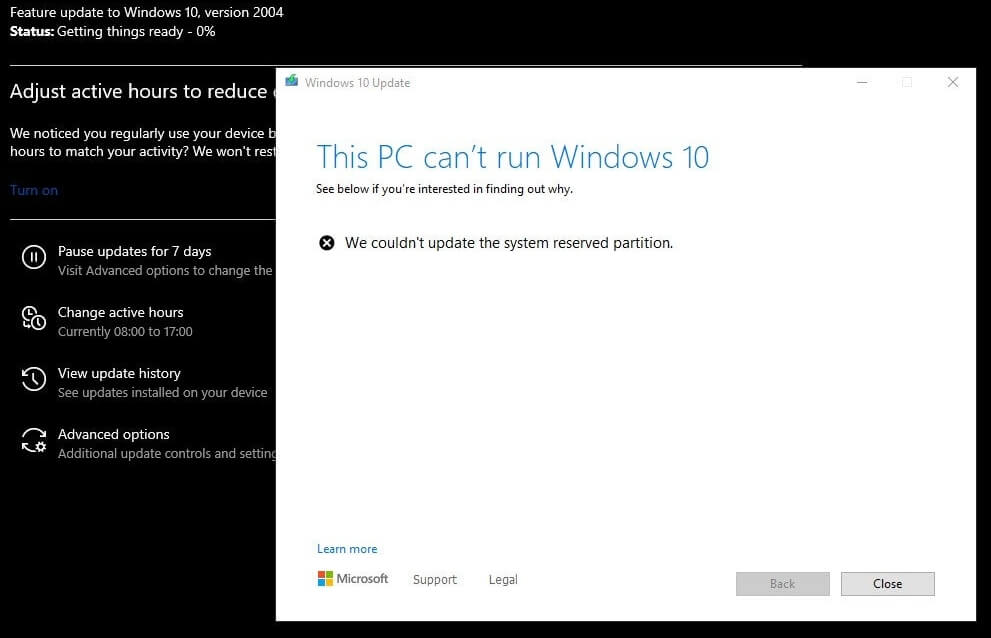
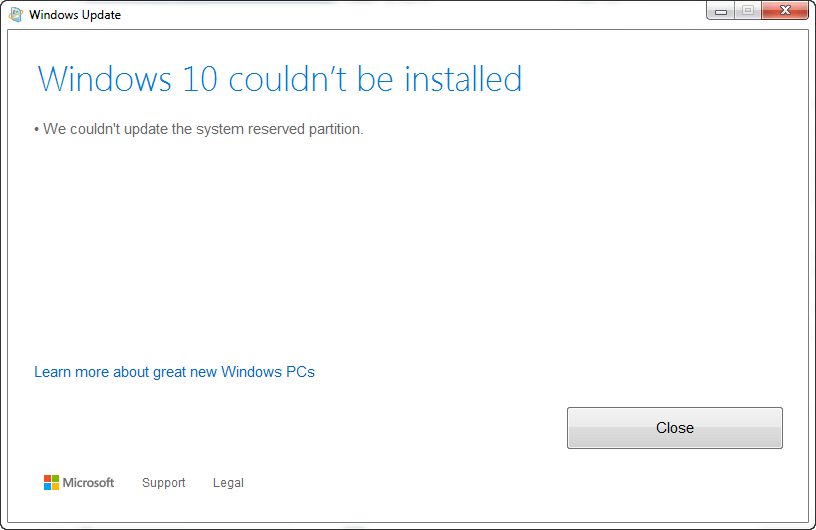
When upgrading to Windows 10 or 11 from Windows 7, 8, or 8.1, or updating Windows 10 or 11, you might encounter the error We couldn’t update system reserved partition, or error 0xc1900104, or error code 0x800f0922.
Error when updating Windows 10Error when upgrading from Windows 7, 8, or 8.1.
When this happens, the setupact.log in the Panther directory may contain the following entries:
Info       CFreeSystemPartitionDiskSpaceChecker: checked InsufficientSystemPartitionDiskSpace, found HardBlock.Not enough space on partition [\\?\GLOBALROOT\Device\HarddiskVolume1\] Required: 15 MB. Available: 9 MB.
Info       ConX::Compatibility::FreeSystemPartitionDiskSpaceCheckerImpl::SaveToPersistableData: Save data - FreeSystemPartitionDiskSpaceCheckerImpl = no
Info       ConX::Compatibility::CCompatibilityHost::SerializeData: Provider wsc:setup: is serializing 28 bytes of data.
Info       [0x090008] PANTHR CBlackboard::Open: C:\$WINDOWS.~BT\Sources\Panther\CompatScanCache.dat succeeded.
Info       [0x090009] PANTHR CBlackboard::Close: c:\$windows.~bt\sources\panther\compatscancache.dat.
Info       ConX::Compatibility::CCompatibilityController::ReportData: Type: [0], ID: [2], ReportOption: [2]
Info       ConX::Compatibility::CCompatibilityHost::SetScanResult: Provider wsc:setup: reports HardBlock

Info       MOUPG  InitializeRoutine: MOSETUP_ACTION_IMAGE_EXIT
Info       MOUPG  ImageExit: Initializing SetupResult: [0xc1900201]
Info       MOUPG  ImageExit: Initializing Extended:    [0x20008]
This happens if the System Reserved Partition (SRP) or the EFI partition is full. The EFI or the System Reserve Partition partition on your hard drive that stores boot information for Windows.
According to Microsoft, to upgrade your device, you’ll need to free up 15MB of space on the SRP using the appropriate method below. And then try the upgrade again. If you’re updating Windows 10, you need to free up 13MB.Read more
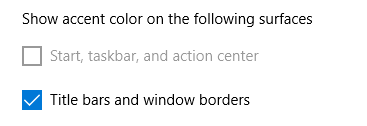
After installing the Windows 10 Feature Update 1903 or higher, you may have noticed that the accent color checkbox Start, taskbar, and action center is grayed out. The recent Windows 10 versions come with a new Light Theme (“Light” color mode) that displays the Taskbar, Start menu, action center, notification area pop-ups, etc., in light grey color.
When the light color mode is enabled for Windows, the Taskbar, Start menu, and the action center can’t be colorized, which is why those settings are dimmed out. This is by design. You’ll be able to show an accent color for window title bars and borders, though.
Here is how to enable the dark color mode for Taskbar, Start Menu, and the Action Center. The current version of Windows 10 is 20H2 as of this post, and the instructions apply to version 20H2 as well.
After updating to Windows 10 version 2004, mapped network drives don’t reconnect after a restart. Here are some of the symptoms you may be experiencing:
Mapped drives that link to your NAS (e.g., Synology, ReadyNAS, etc.) or Windows 2000/XP/2003 computers do not work after upgrading to Windows 10 v2004. Remapping the drive works only for the current session. Enabling the SMB 1.0/CIFS File Sharing support in Windows Features dialog also doesn’t help.
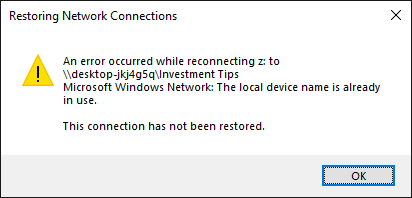
As soon as the computer restarts, a red X sign appears on the mapped drive, and the drive doesn’t reconnect. The following error appears when you attempt to access the mapped drive:
Restoring Network Connections
An error occurred while reconnecting z: to \\computername\share_name
Microsoft Windows Network: The local device name is already in use.
This connection has not been restored.
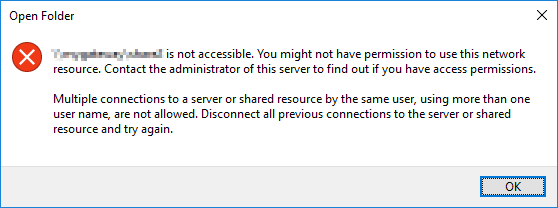
The UNC paths to network shares work correctly, but only if you haven’t already mapped a drive letter to the share. If not, the following error occurs when you access the share using the UNC path: (e.g., \\computername\share_name)
\\computername\share_name is not accessible. You might not have permission to use this network resource. Contact the administrator of this server to find out if you have access permissions.
Multiple connections to a server or shared resource by the same user, using more than one user name, are not allowed. Disconnect all previous connections to the server or shared resource and try again.
When you try to connect to the network share using \\servername\share_name or \\IP_Address\share_name using the correct domain\username and password, you may get the error code 0x80070043 - The network name cannot be found.
Many users have rolled-back Windows 10 to version 1903 or v 1909 due to the above issues.
Let’s see how to fix this issue without having to rollback Windows 10 to v1909 or v1903.
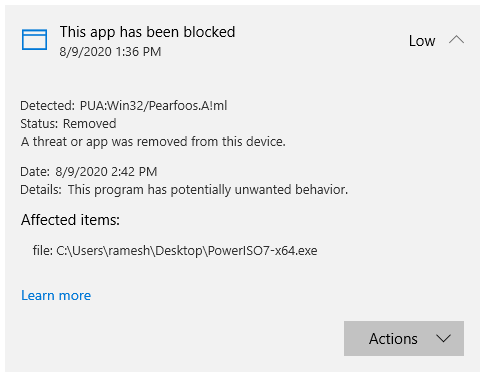
On some Windows 10 and 11 computers, Microsoft Defender Antivirus may repeatedly warn about the same threat, although you’ve taken the necessary action (remediated) on that threat.
When you click “Start actions” after choosing “Remove”, nothing happens. Windows Defender would keep showing that non-existent threat.Read more
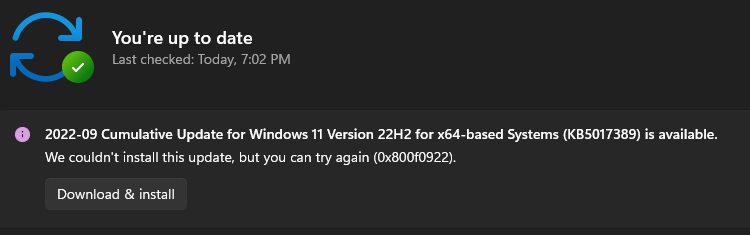
When installing an update, especially a Cumulative Update or .NET Framework package in your Windows 10 or 11 computer, the update installation may fail with an error code 0x800F0922 (“CBS_E_INSTALLERS_FAILED“) or 0xc1900104 or the error message “Something didn’t go as planned”.Read more
Windows allows you to create USB recovery media using the RecoveryDrive.exe (“Create a recovery drive”) utility. When you attempt to create the recovery drive in Windows 10 or 11, the following error appears, and the process stalls: We can’t create a recovery drive on this PC Some required files are missing. To troubleshoot problems when … Read more
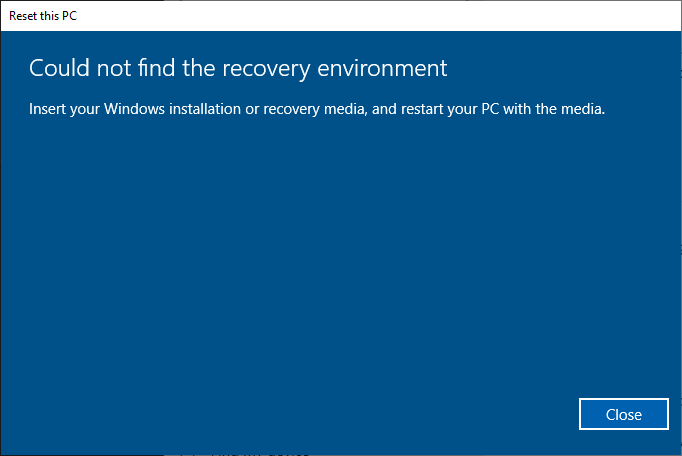
When you attempt to use the Reset this PC option to Reset (“Remove everything”) or Refresh (“Keep my files”) Windows 10 or 11, the following error may appear:
Could not find the recovery environment

Insert your Windows installation or recovery media, and restart your PC with the media.
This error occurs if the Windows Recovery Environment (Windows RE) is disabled or if the WinRE image is corrupted in the system.
With the Windows RE feature disabled on the computer, if you boot into the Windows RE (without the setup or repair disk), the following features would be missing in the Windows Recovery Environment:
Additionally, if Windows RE is disabled or corrupted, the following error occurs when you attempt to create a Windows Recovery Drive (USB).
We can't create a recovery drive on this PC
Some required files are missing. To troubleshoot problems when your PC can't start, use your Windows installation disc or media.
This article tells you how to fix the errors “Could not find the recovery environment” and “We can’t create a recovery drive on this PC” by enabling or repairing the Windows Recovery Environment feature.Read more
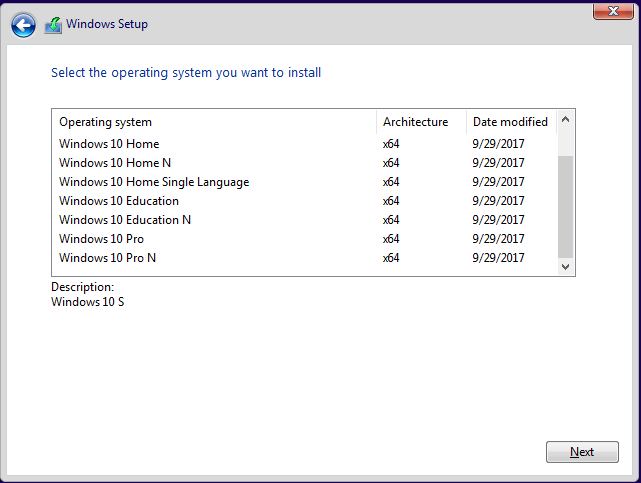
There are situations where you need a specific Windows system file from the install.wim image present in a Windows 10/11 setup disk or ISO. In the case of missing system files, the DISM & SFC procedure will automatically restore them. Alternatively, you can restore missing Windows system files (of any version) from the WinBindex.Read more
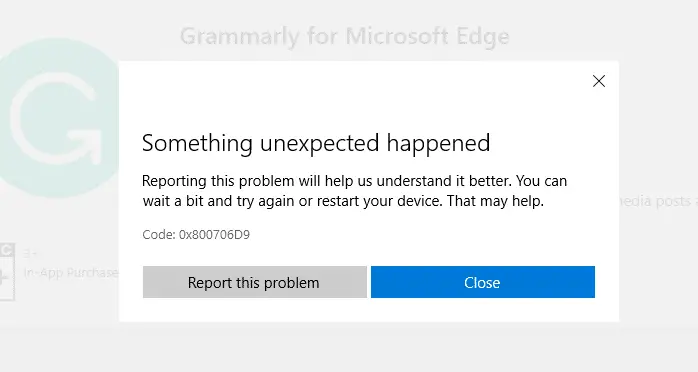
You may be unable to download new apps or update existing apps using the Microsoft Store due to error 0x800706D9 — Something unexpected happened. Error code 0x800706D9 translates to “There are no more endpoints available from the endpoint mapper”, which doesn’t make much sense for the end-user.
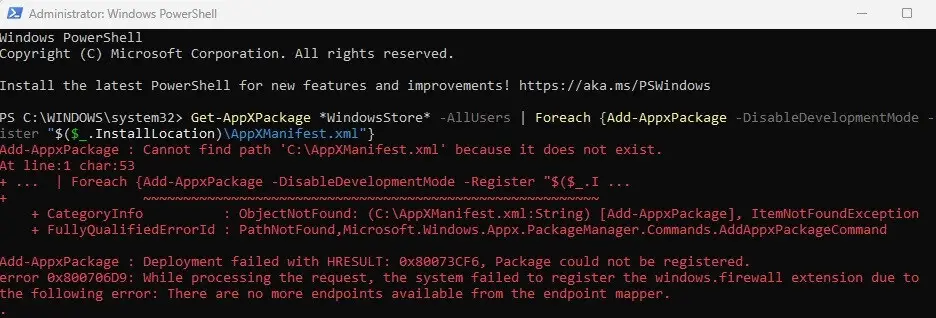
Also, the same error is shown when you install or update apps using PowerShell.
The error message is:
Add-AppxPackage: Deployment failed with HRESULT: 0x80073CF6, Package could not be registered.

error 0x800706D9: While processing the request, the system failed to register the windows.firewall extension due to the following error: There are no more endpoints available from the endpoint mapper.
This post tells you how to fix Microsoft Store 0x800706D9 in Windows 10 and 11.Read more