WebP is a modern image format developed by Google that provides superior lossy and lossless compression for web images. When you open a folder containing WebP images, you may notice that none of them have thumbnails.Read more
Microsoft
You’re browsing “Microsoft” category, which is the top-most category which contains every thing related to Microsoft. Windows Operating Systems, News, Windows Update news and everything Microsoft!
How to Reset the TEMP folder Permissions to Default
Almost every classic Windows app creates files in the TEMP folders. Incorrect permissions for the user or system TEMP folders can cause errors when installing or running programs.
User temp folder: C:\Users\%username%\AppData\Local\Temp
System Temp folder: C:\Windows\TEMP
How to Change the Default Option in Shut Down Windows dialog (Alt+F4)
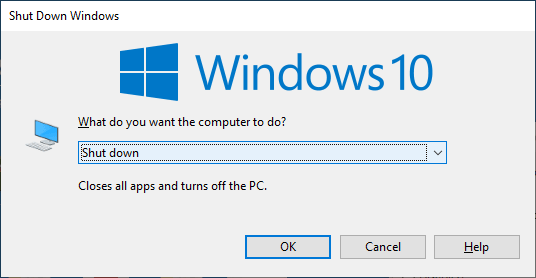
When you open the classic Shutdown dialog (Alt+F4) or click on the Start menu power button, the default option is “Shut Down”. This post explains how to change the default option in the classic Shutdown Dialog (the Alt + F4 dialog) as well as the Start menu Power button action.
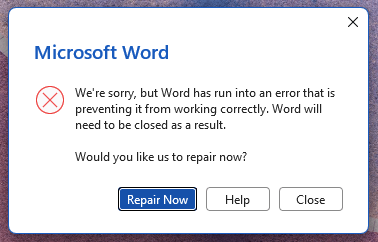
[Fix] Capability Access Manager.db-Wal Huge File Size
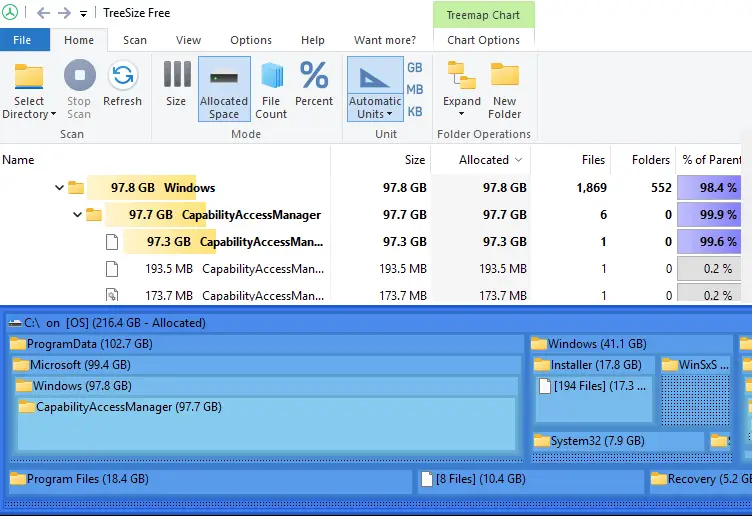
Many users have reported that the Capability Access Manager service in Windows 11 continuously writes to CapabilityAccessManager.db and CapabilityAccessManager.db-wal, and that the file sizes are very large. Read more
Word cannot save in .docx or .doc file format
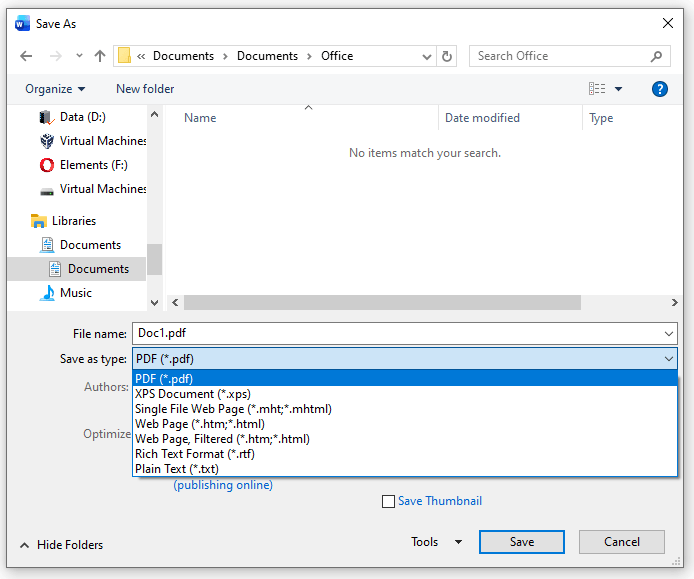
When you attempt to save a document in Word, the .docx and .doc options may be missing. You’re able to save in other formats (.pdf, .xps, .rtf, etc) though. You wonder if this is due to your Microsoft Office subscription or an activation issue.Read more
How to Delete the WorldOfWarships folders from WindowsApps
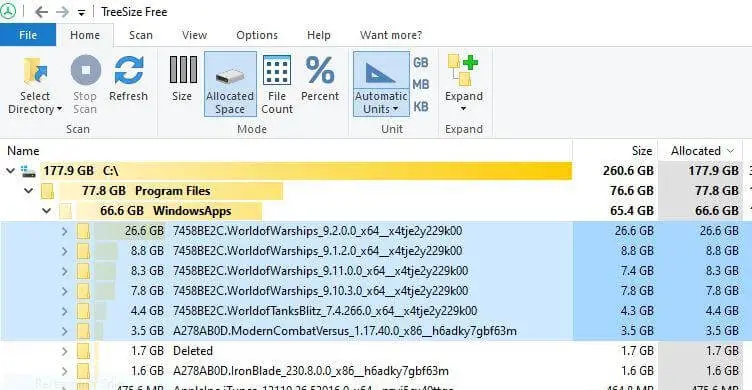
When you install World of Warships (WoW) via the Microsoft Store, it often occupies significant space within the protected C:\Program Files\WindowsApps folder. The game can require 60–90 GB of storage after installation, and sometimes even more during updates.
In some cases, the older versions are not removed during the WoW update, and each versioned folder may occupy 60 GB or more space.

If you uninstall the app, the package folders still remain under WindowsApps. You’re wondering how to properly delete the WoW subfolders in the WindowsApps folder.Read more
Strange file named “D” appears in the Windows folder

When you open the Windows directory, an unknown 10 GB file named “D” with the system and hidden attributes appears. Deleting the file causes the error “The process cannot access the file because it is being used by another process.”
How to Install WMIC Offline in Windows 11
In Windows 11 24H2 and later, WMIC is not installed by default but is available as a Feature On Demand (FoD) component that can be installed via Settings or DISM. However, installing WMIC or any other FoD via Settings or DISM requires internet access. If you have a standalone Windows 11 PC without internet access and need to enable Windows Management Instrumentation Command-line (WMIC), this article is for you.Read more
“Add Legacy Hardware” Missing in Device Manager?
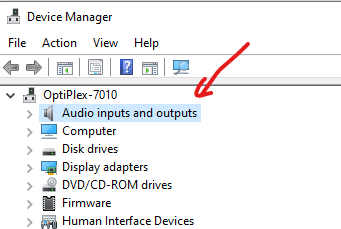
If “Add legacy hardware” and other options are missing from the Action menu in Device Manager, it is likely because the Device Manager’s tree view is not focused.