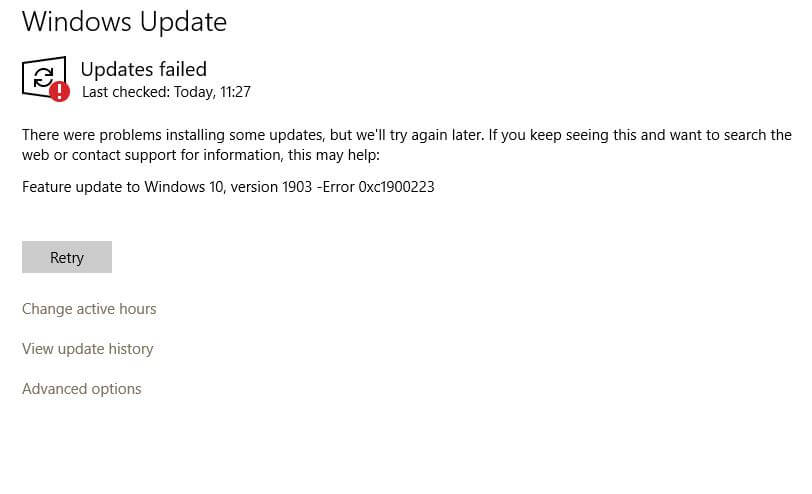
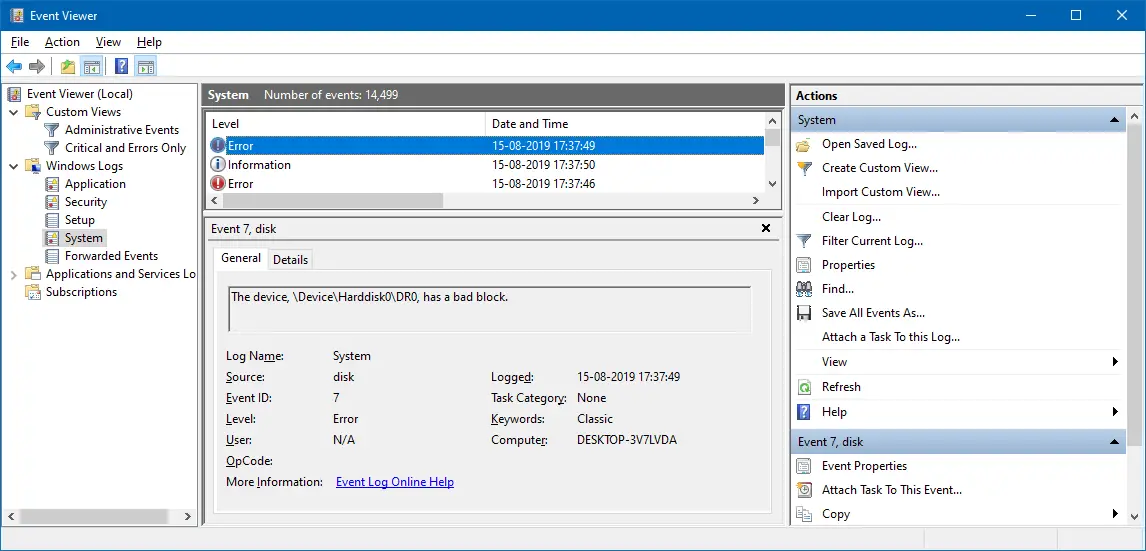
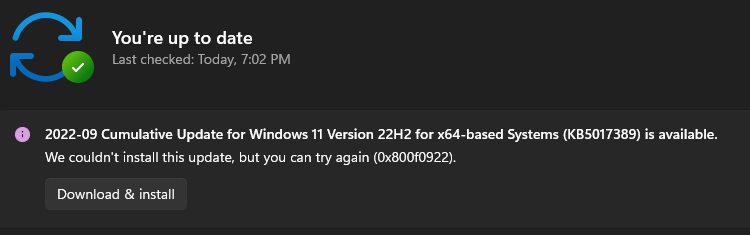
When upgrading to Windows 10 or 11 from Windows 7, 8, or 8.1, or updating Windows 10 or 11, you might encounter the error We couldn’t update system reserved partition, or error 0xc1900104, or error code 0x800f0922.
Update: If you’re receiving the “We couldn’t update system reserved partition” error or error code 0xc1900201 especially when upgrading to Windows 11 24H2, please check out this link.
https://www.winhelponline.com/blog/0xc1900201-windows-feature-update/
https://www.winhelponline.com/blog/0xc1900201-windows-feature-update/
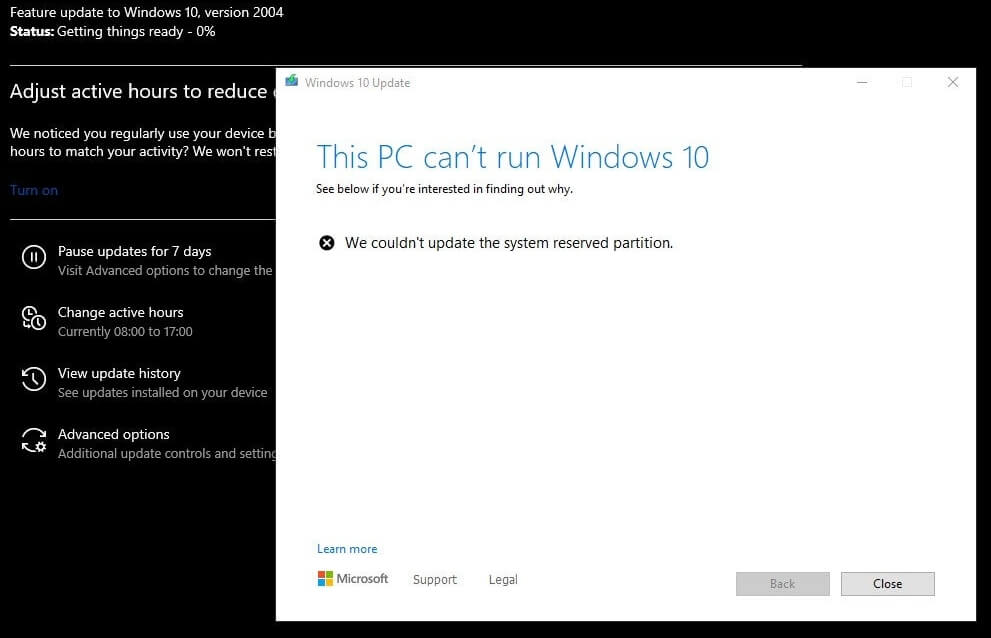
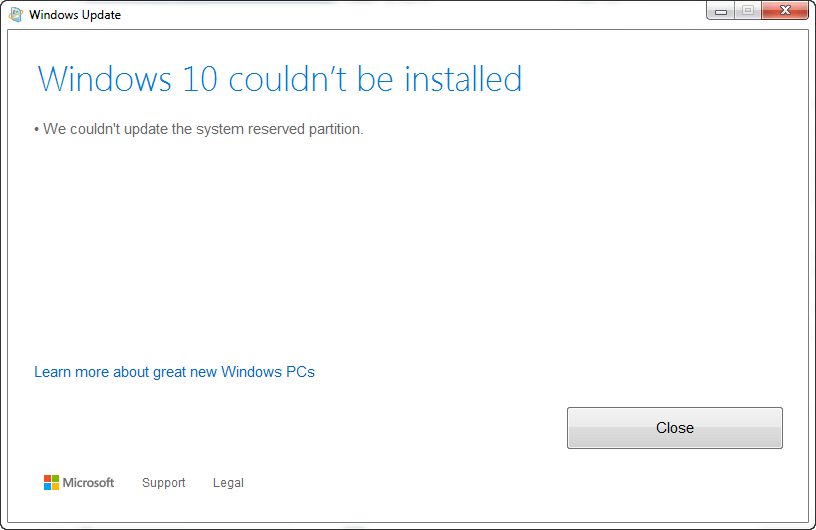
When this happens, the setupact.log in the Panther directory may contain the following entries:
Info       CFreeSystemPartitionDiskSpaceChecker: checked InsufficientSystemPartitionDiskSpace, found HardBlock.Not enough space on partition [\\?\GLOBALROOT\Device\HarddiskVolume1\] Required: 15 MB. Available: 9 MB.
Info       ConX::Compatibility::FreeSystemPartitionDiskSpaceCheckerImpl::SaveToPersistableData: Save data - FreeSystemPartitionDiskSpaceCheckerImpl = no
Info       ConX::Compatibility::CCompatibilityHost::SerializeData: Provider wsc:setup: is serializing 28 bytes of data.
Info       [0x090008] PANTHR CBlackboard::Open: C:\$WINDOWS.~BT\Sources\Panther\CompatScanCache.dat succeeded.
Info       [0x090009] PANTHR CBlackboard::Close: c:\$windows.~bt\sources\panther\compatscancache.dat.
Info       ConX::Compatibility::CCompatibilityController::ReportData: Type: [0], ID: [2], ReportOption: [2]
Info       ConX::Compatibility::CCompatibilityHost::SetScanResult: Provider wsc:setup: reports HardBlock

Info       MOUPG  InitializeRoutine: MOSETUP_ACTION_IMAGE_EXIT
Info       MOUPG  ImageExit: Initializing SetupResult: [0xc1900201]
Info       MOUPG  ImageExit: Initializing Extended:    [0x20008]
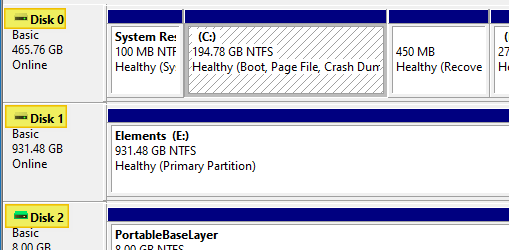
This happens if the System Reserved Partition (SRP) or the EFI partition is full. The EFI or the System Reserve Partition partition on your hard drive that stores boot information for Windows.
According to Microsoft, to upgrade your device, you’ll need to free up 15MB of space on the SRP using the appropriate method below. And then try the upgrade again. If you’re updating Windows 10, you need to free up 13MB.Read more

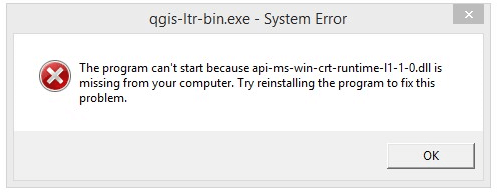
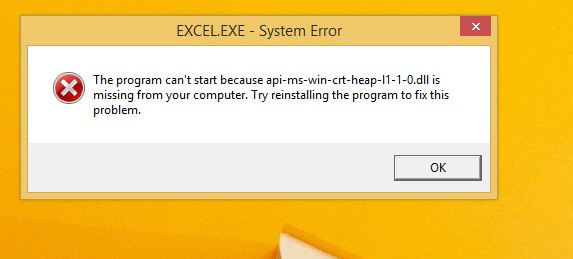
 Uninstalling and reinstalling the respective program can help in cases where the software vendor has packaged the runtime library within the installer.