Error 0x80070141 Transferring Photos from iPhone to Computer

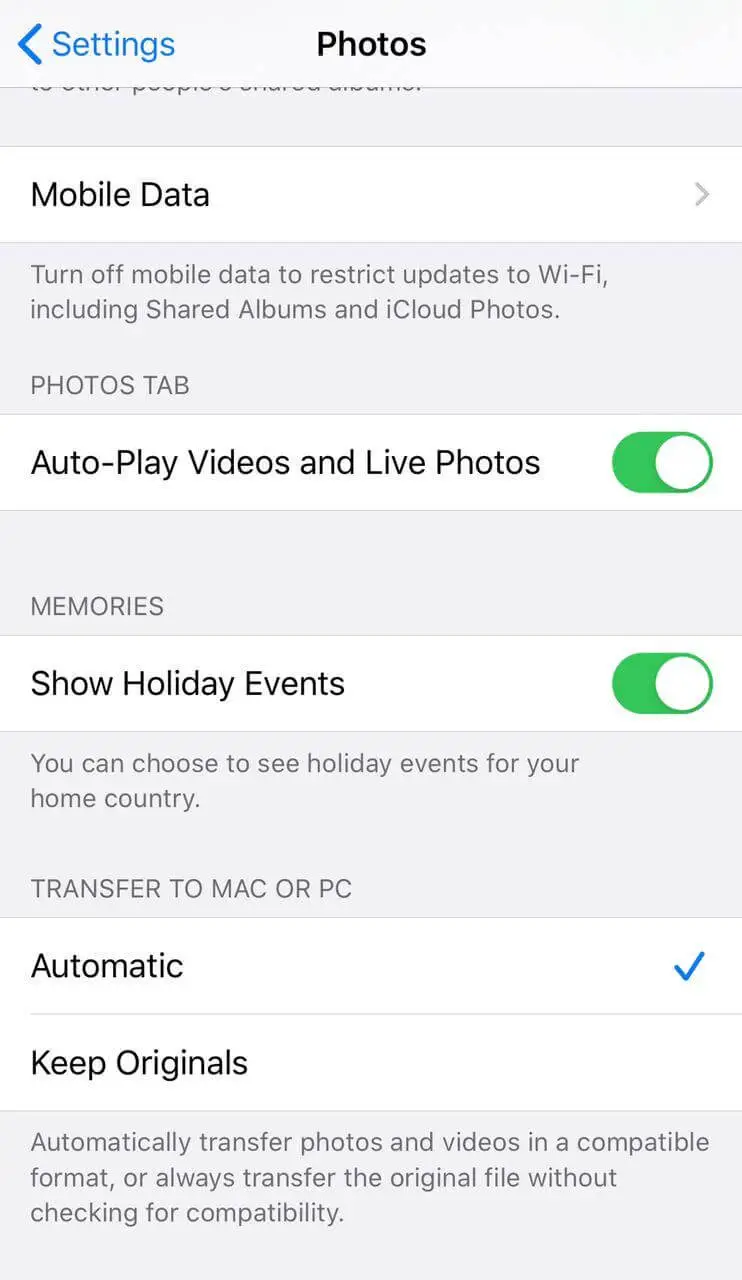
iphone media transfer automatic vs keep originals

When you transfer the photos from your iPhone or iPad to a PC or Mac, you may receive the error 0x80070141 - The device is unreachable. The error may occur regardless of whether you transfer the photos via the Import Photos wizard or when copying them manually from the DCIM folder via File Explorer.

In some cases, you receive the following error:

Something went wrong. Your files might not have been imported. Try again.

The error code 0x80070141 - The device is unreachable can usually be fixed by changing the USB port (to a USB 2.0 port, preferably). And if that doesn’t work the USB cable may need to be changed. However, for iPhone or iPad users, there is a simple media export setting that prevents the error from occurring.
Read more

Error 0x426-0x0 “Something went wrong” starting Office Apps

office something went wrong 0x426 - uninstaller scrubber

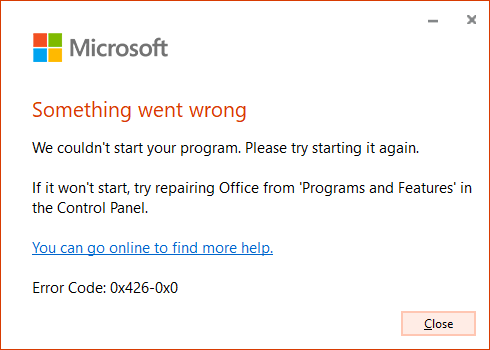
When you open an Office application like Word, Excel, PowerPoint, Outlook, etc., the following error may appear, and the apps don’t open:

Something went wrong

We couldn't start your program. Please try starting it again.

If it won't start, try repairing Office from 'Programs and Features' in the Control Panel.

You can go online to find more help.

Error code: 0x426-0x0

office something went wrong 0x426 - uninstaller scrubberRead more

[Fix] Windows Live Mail Error 0x800C013E in Windows 10

windows live mail 0x800C013E in windows 10 2004

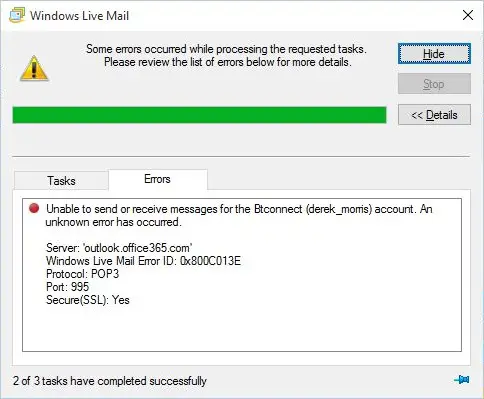
After installing the Windows 10 Feature Update 2004  (Build 19041.xx), you may be unable to send or receive emails using Windows Live Mail Version 2012. The error message may look like the following:

Unable to send or receive messages for the [name] account. An unknown error has occurred.

Server: 'mail.server.com'
Windows Live Mail Error ID: 0x800C013E
Protocol: POP3
Port: 110
Secure(SSL): No

Server: imap.googlemail.com
Username: 
Protocol: IMAP
Port: 993
Secure(SSL): 1
Code: 800c013e

Server: imap-mail.outlook.com
Username: [name]@hotmail.co.uk
Protocol: IMAP
Port: 993
Secure(SSL): 1
Code: 800c013e

windows live mail 0x800C013E in windows 10 2004

Also, when you preview an email in Windows Live Mail, you may see the following error message(s):

Message could not be displayed

Windows Live Mail encountered an unexpected problem while displaying this message. Check your computer for low memory or low disk space and try again.
Could not write this message to disk

Read more

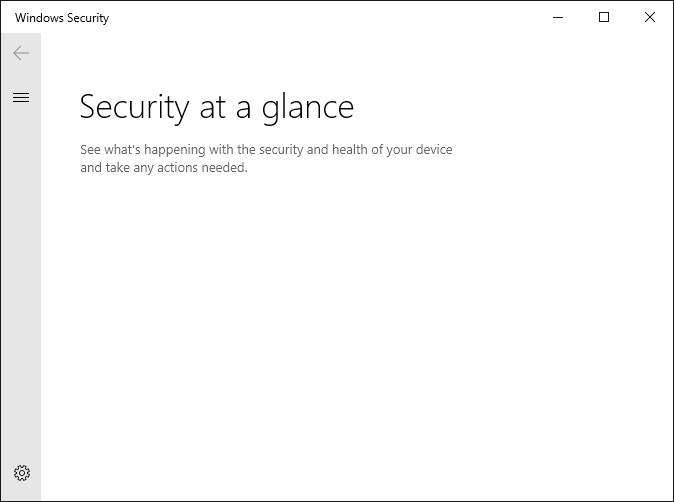
Windows Defender Service Missing; Security at a glance page is Empty

windows defender service missing - security at a glance is empty

In the aftermath of malware infection, when you open the Services MMC on a Windows 10 or 11 computer, you may find that the Windows Defender (“Microsoft Defender Antivirus Service”) service is missing from the Services MMC. The Windows Security settings “Security at a glance” page may show up empty as in the following screenshot. … Read more

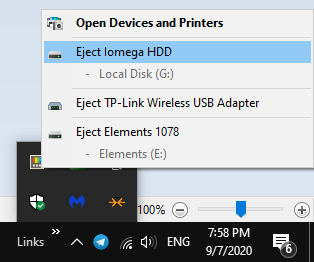
Problem Ejecting USB Mass Storage Device Currently In Use

problem ejecting usb device

USB devices, including external USB hard drives, are meant to be hot-pluggable — you can plug or unplug them when Windows is running. However, some processes may have a lock on the files in your external hard disk and won’t release them that easily. This prevents you from ejecting the drive typically using the Safely remove hardware icon.

problem ejecting usb device

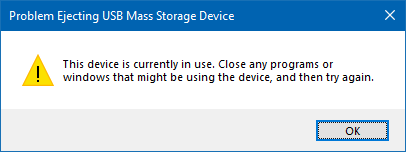
You may get the following error when ejecting a USB drive from the computer:

Problem Ejecting USB Mass Storage Device

This device is currently in use. Close any programs or windows that might be using the device, and then try again.

problem ejecting usb deviceRead more

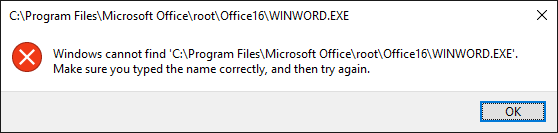
[Fix] Windows cannot find Winword.exe or Excel.exe — Can’t open Any Program

avast avg debugger cannot open office apps

When you open Office programs such as Word, Excel, PowerPoint, Outlook, etc, nothing may happen (except for the screen flash) if you double-click the program shortcut. If you open the Office program’s folder and double-click the executable (e.g., winword.exe, excel.exe, powerpnt.exe, outlook.exe) directly, the following error(s) occur: Windows cannot find ‘C:\Program Files\Microsoft Office\root\Office16\WINWORD.EXE’. Make sure … Read more

Can’t Print Adobe PDF Documents from Browser in Windows 10 2004

pdf print problem windows 10 2004 browser

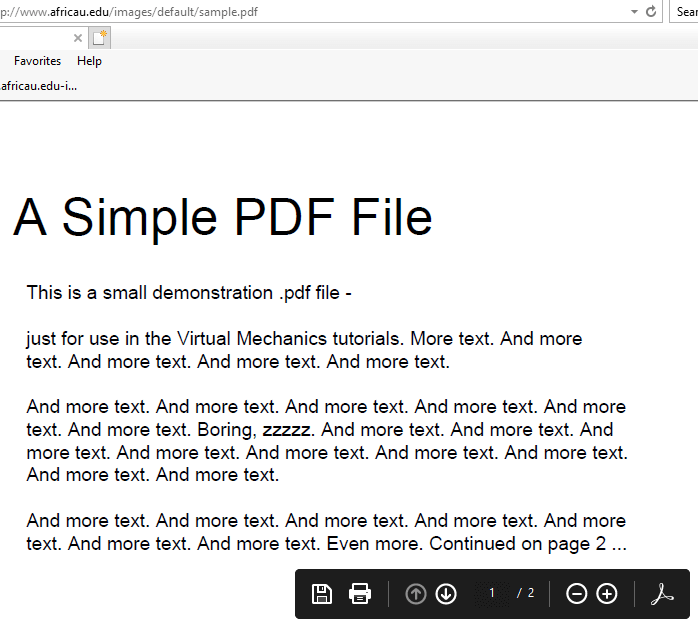
Adobe Acrobat reader adds the web browser plugin using which you can view PDFs in a web browser. After installing the Windows 10 2004 update, you may be unable to print PDF files from the web browser/frame, especially when using Internet Explorer. The print dialog box doesn’t open and nothing happens if you issue the Print command from the browser.

pdf print problem windows 10 2004 browser

However, you can save the PDF file locally and open/print using Adobe Acrobat Reader without any issues.

This seems to be a bug in Windows 10 2004. Until Microsoft or Adobe issues a fix for this issue, you may disable Protected Mode in Adobe Reader as a workaround.Read more

[Fix] Script Error C:\Windows\system32 Maintenance.vbs at Startup

installwinsat maintenance.vbs error

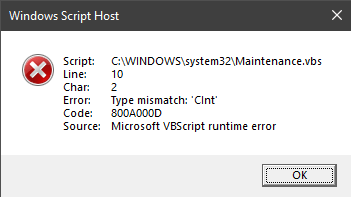
Whenever you start your computer, the following error may popup:

Windows Script Host
Script: C:\WINDOWS\system32\Maintenance.vbs
Line: 10
Char: 2
Error: Type mismatch ‘CInt’
Code: 800A000D
Source: Microsoft VBScript runtime error

installwinsat maintenance.vbs error

However, you may find no reference to this file in MSConfig or the Task Manager Startup tab. You may be wondering how to prevent this error message dialog from appearing at startup.Read more

[Fix] Youtube-dl Error MSVCR100.dll not found in Windows

youtube-dl error msvcr100.dll 32-bit syswow64

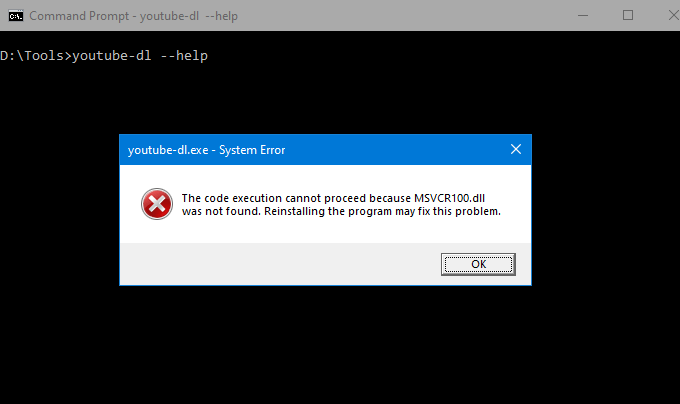
Youtube-dl is a command-line program to download videos from YouTube or other sites. When you run the software on some computers, you may receive the following error:

youtube-dl.exe – System Error

The code execution cannot proceed because MSVCR100.dll was not found. Reinstalling the program may fix this problem.

youtube-dl error msvcr100.dll 32-bit syswow64

Let’s see how to fix the msvcr100.dll missing error.Read more

[Fix] A problem occurred while creating the recovery drive

problem occurred creating recovery drive usb in windows 10

Earlier, we saw how to fix the Some required files are missing error when attempting to create a USB Recovery Drive in Windows 10. The steps involved copying the Windows Recovery Environment image Winre.wim from the Windows 10 source (DVD/ISO) and also fixing the recovery partition.

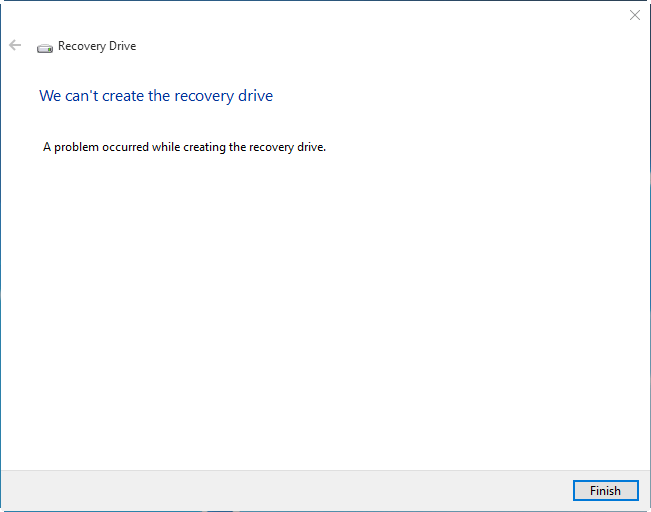
The following is a different error that appears when creating a Recovery Drive.

We can’t create the recovery drive

A problem occurred while creating the recovery drive.

problem occurred creating recovery drive usb in windows 10

There seem to be many different causes for this error, but the most prominent reason is the failure of Volume Shadow Copy Service (VSS) to generate a snapshot. For most users, the above error happens only if you enable the option Back up system files to the recovery drive.Read more