[Windows Setup] Setup.exe Immediately Crashes and Reboots Windows

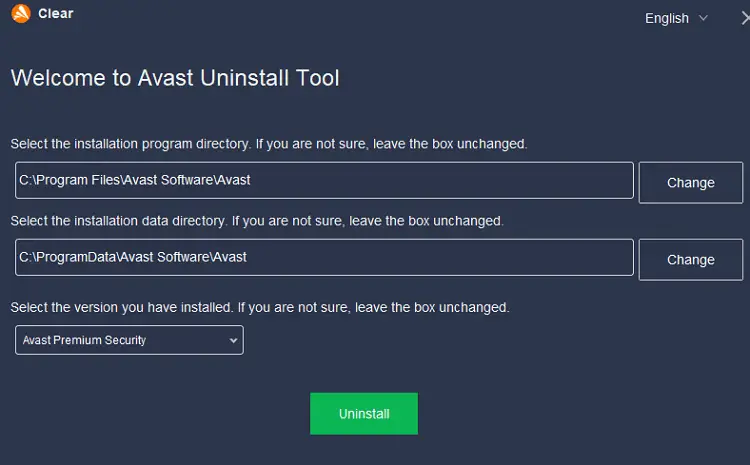
avastclear uninstall tool

When you run Setup from the Windows 10 or 11 ISO, the system may immediately crash and reboot. The user may not realize the reboot was due to a kernel-mode crash.

For instance, running the Windows 11 22H2 setup from the ISO may crash the system and restart the PC immediately. The Installation Assistant or Media Creation Tool may crash/reboot the device after the download phase.Read more

Other Troubleshooters: This file does not have an app associated with it

other troubleshooters - error file association

When you open a troubleshooter from the Settings window in Windows 11, the following error may appear:

ms-contact-support://settings/SettingsPageTroubleshootAudio

This file does not have an app associated with it for performing this action. Please install an app or, if one is already installed, create an association in the Default Apps Settings page.

Read more

How to Install Windows Sandbox in Windows 10 and 11

install Windows Sandbox via OptionalFeatures.exe

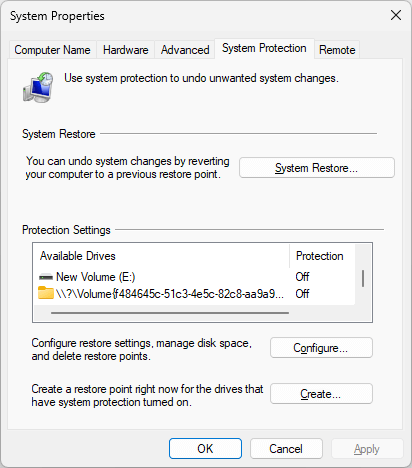
This article explains how to uninstall and reinstall Windows Sandbox in Windows 10 and 11.

Windows Sandbox provides a lightweight desktop environment to safely run applications in isolation. Software installed inside the Windows Sandbox environment remains “sandboxed” and runs separately from the host machine.Read more

How to Install XPS Viewer in Windows 10 and 11

install xps viewer windows 10/11 using DISM CAB file

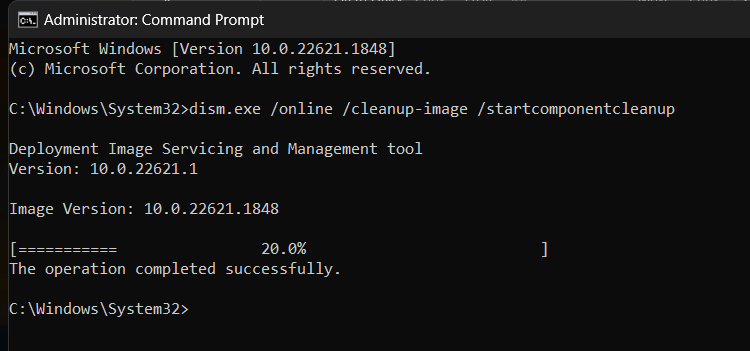
The XPS Viewer Feature on Demand (FOD) component allows you to read, copy, print, sign, and set permissions for XPS documents. This article explains installing the XPS Viewer in Windows 10 and 11. Installing the “XPS Document Writer” via the classic Windows Features dialog (i.e., OptionalFeatures.exe) doesn’t install the XPS Viewer. They’re two different components. How … Read more