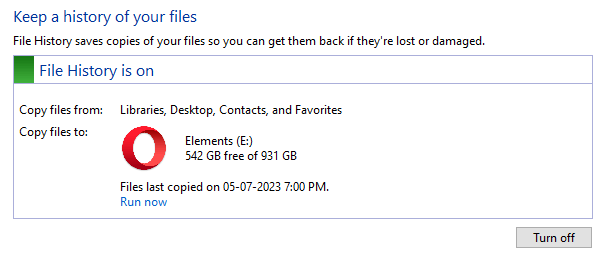
File History automatically backs up files in your libraries, contacts, favorites, and on your desktop. You can also find different versions of your files from a specific point in time. You can add and remove custom folder locations from the backup. The customizations are stored in the two XML files, Config1.xml and Config2.xml, in the File History folder.Read more
file history
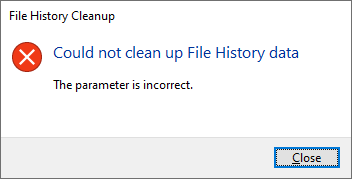
How to Cleanup Older File History Backups in Windows 10/11
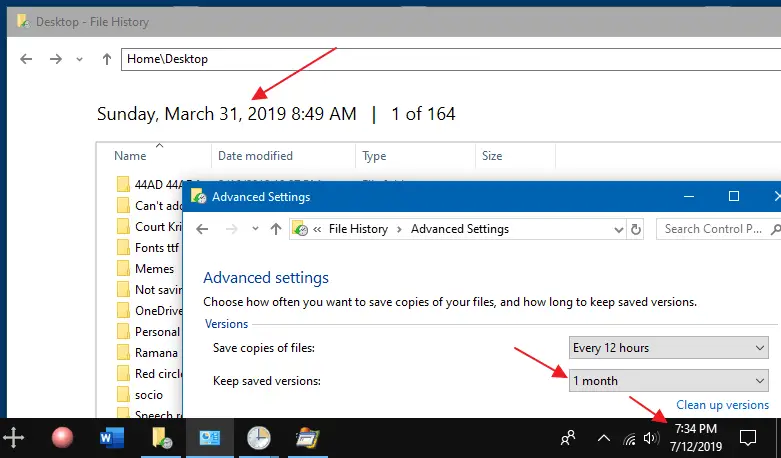
File History does point in time backups of your files so that you can revert to the exact copy or version of your files when you need them. In addition, file History allows you to configure how long the backups are retained. However, it doesn’t seem to automatically clear the older versions of the files.