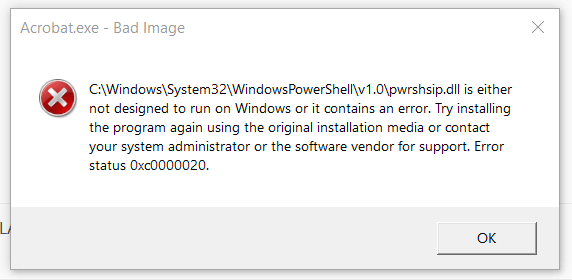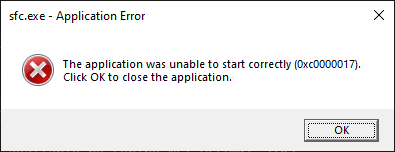
When you run the System File Checker (Sfc.exe) or DISM, the error code 0xc0000017 may appear. The following is the full error message:Read more
Windows
You’re browsing the “Windows” parent category, which lists articles on every Windows Operating System.
Change the sort order for files and folders whose names contain numerals
This article was previously published under Q319827 at Microsoft Support site. © Microsoft.
Original Title: The sort order for files and folders whose names contain numerals is different in Windows Vista, Windows XP, and Windows Server 2003 than it is in Windows 2000.
Information in this article also applies to Windows 10 and 11.Read more
How to Bulk Reset Exclusions in Windows Defender
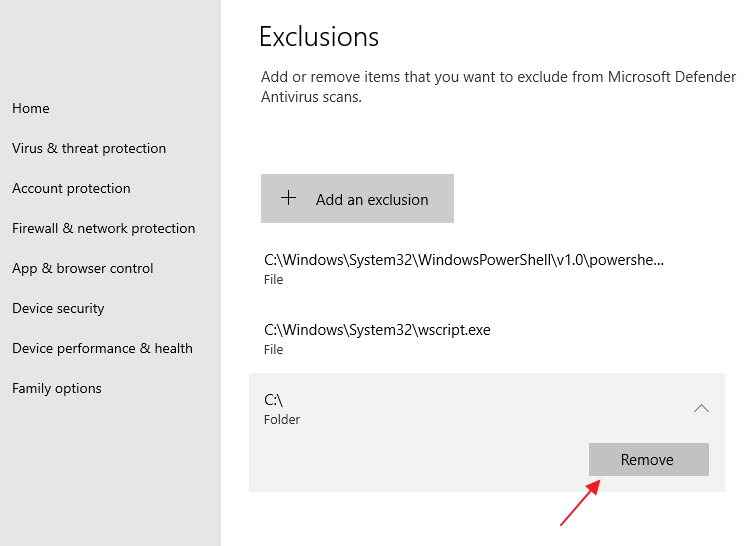
In the aftermath of a malware attack, you often end up with unwanted exclusion entries in Microsoft Defender Antivirus. Exclusions may exist for a folder, file, file type, or process. These exclusions can be cleared by opening the Virus and Threat Protection page in Windows Security.Read more
How to Install a Feature On Demand (FOD) Package Offline
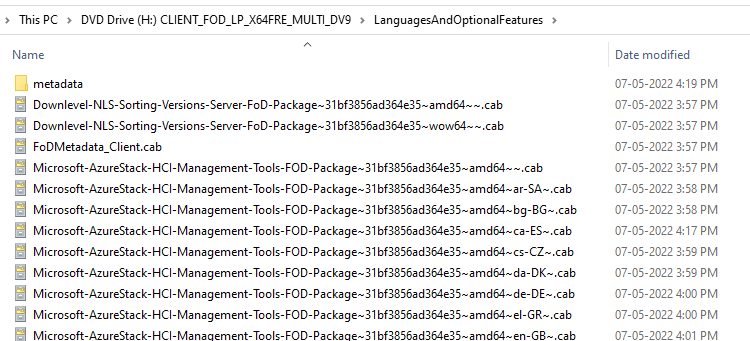
Features on Demand (FODs) are Windows features that can be added anytime. Standard features include language resources like handwriting recognition or other features like the .NET Framework (.NetFx3). When Windows 10, 11, or Windows Server needs a new feature, it can request the feature package from Windows Update.Read more
Sound Scheme “Windows Default” has Yellow Exclamation Mark
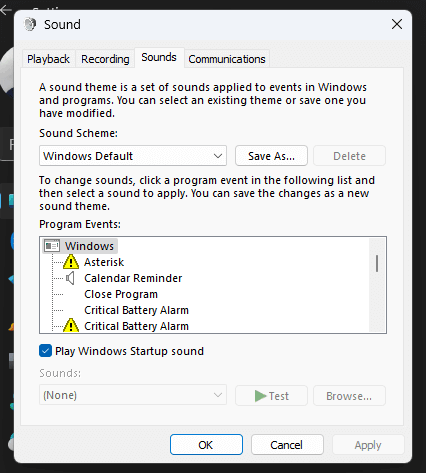
When you open the Sounds dialog (mmsys.cpl) and switch to the “Windows Default” sound scheme, some program events may show up with a yellow exclamation mark — actually, a yellow triangle with a black exclamation mark.Read more
[Fix] F8 Legacy Boot does not work
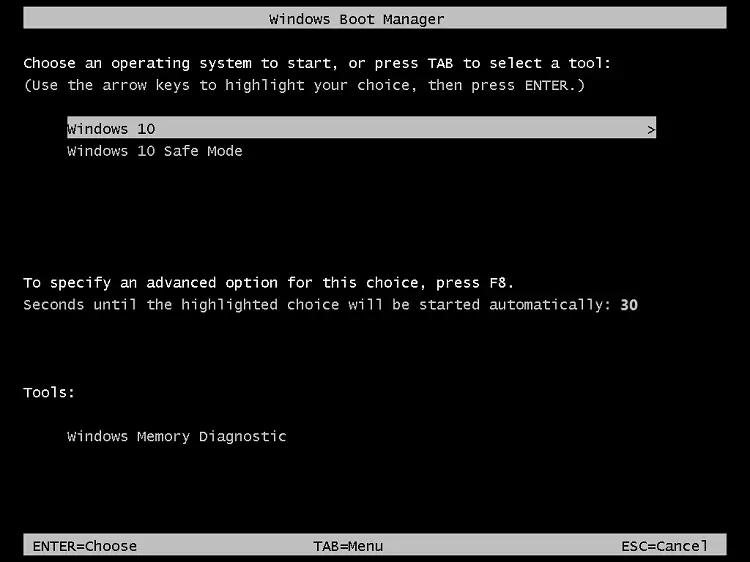
The “bootmenupolicy” setting in the Boot Configuration Database (BCD) defines the type of boot menu (Standard vs. Legacy) the system will use. For Windows 11, 10, Windows 8.1, Windows 8, and Windows RT, the default is Standard. For Windows Server 2012 R2, Windows Server 2012, the default is Legacy. When Legacy is selected, the Advanced options menu (F8) is available.Read more
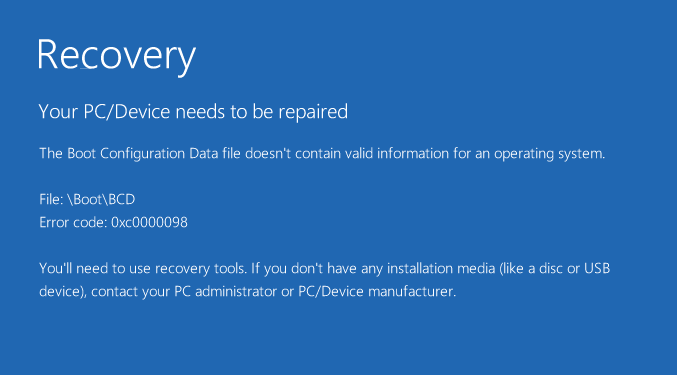
[Fix] EFI System Partition Appears in Explorer
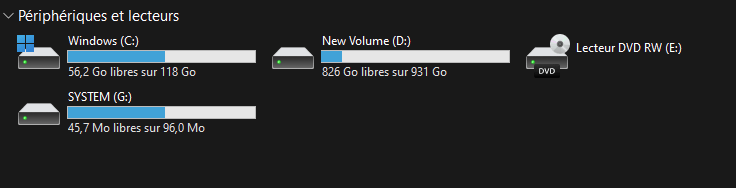
The EFI system partition, which contains your boot files and boot configuration database, is hidden by default. However, on some systems, the EFI partition may show up with a drive letter in File Explorer.
Microsoft Common Language Runtime Native Compiler 100% CPU Usage
When you open Task Manager, you may see that the module “Microsoft common language runtime native compiler” may use 100% of the CPU and hamper the device’s performance.
If the task is ended manually, it starts up automatically after about 10-20 minutes. You may wonder what causes this issue and how to fix this.Read more