Add a Device/Printer/Scanner Flashes a Window; Settings Page Crashes

add printer scanner - error - flashes and closes

When you open Devices and Printers in Control Panel and click on the “Add a Device” or “Add a Printer” button, a new dialog flashes on the screen and closes. Also, the Control Panel applet crashes immediately.

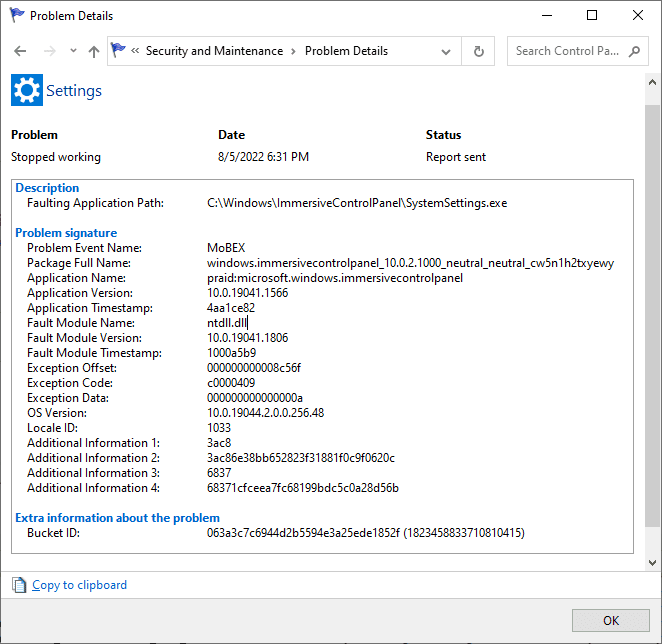
The same happens when you open the modern Settings page and click “Add a printer or scanner.” The Settings UI crashes, and the following entry is written to the Windows Event log:Read more

Microsoft Store Error 0x8D050003; Reset-AppxPackage Error 0x80070422

error-8d050003 microsoft store

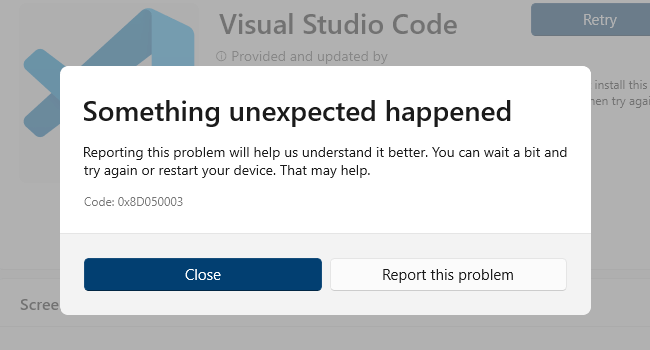
When you download apps from Microsoft Store, the error 0x8D050003 may pop up. Something unexpected happened Code 0x8D050003 Also, when you repair or reset an app via PowerShell using Reset-AppxPackage or Repair-AppxPackage commands, you may get the following errors: Reset-AppxPackage : Package could not be registered. error 0x80070422: Cannot register the request because the following … Read more

Internet Shortcuts Open Print Dialog; Web Document Tab Missing

print option is default in .url right-click menu

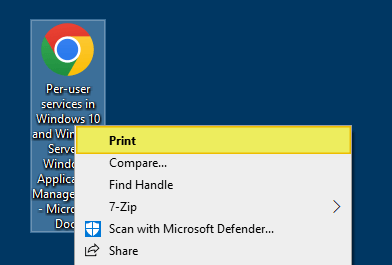
When you right-click an internet shortcut (.URL file), the “Print” command is the default (shown in bold letters) action. As a result, double-clicking on internet shortcuts will open the Print dialog.

And, the Web document tab may be missing in the property sheet for Internet Shortcut (.URL) files.

Additionally, the shortcut icon overlay for .url files may be missing. That’s another indication that file association settings for .URL are incorrect.

Another symptom is that the .URL files show up with a generic white icon instead of the browser icon.

Resetting the default browser or changing the default browser (e.g., from Chrome to Firefox/others or vice versa) using Default Apps or Default Programs does not fix the issue.Read more

Register Thunderbird Portable with Default Apps or Default Programs

thunderbird icon

Mozilla® Thunderbird is a freeware email client that has lots of features, including quick message search, customizable views, support for IMAP/POP, RSS support, etc. Mozilla Thunderbird®, Portable Edition is the popular Mozilla Thunderbird email client bundled with a PortableApps.com Launcher as a portable app.

PortableApps.com is a popular portable software solution allowing you to take your favorite software with you. A fully open source and free platform, it works from any synced cloud folder (DropBox, Google Drive, Box, etc), from your local PC on an internal or external drive, or on any portable storage device (USB flash drive, memory card, portable hard drive, etc) moved between PCs.

The portable version of Mozilla Thunderbird lets you store your email and address book on a removable drive so that you can take the data with you wherever you go.

In this article, we’ll see how to add or remove Mozilla Thunderbird, Portable Edition to Default Apps/Default Programs in Windows.

Read more
Disable “Filtering Platform Connection” (Event ID 5156, 5158) Security Logging

windows filtering platform event id 5156

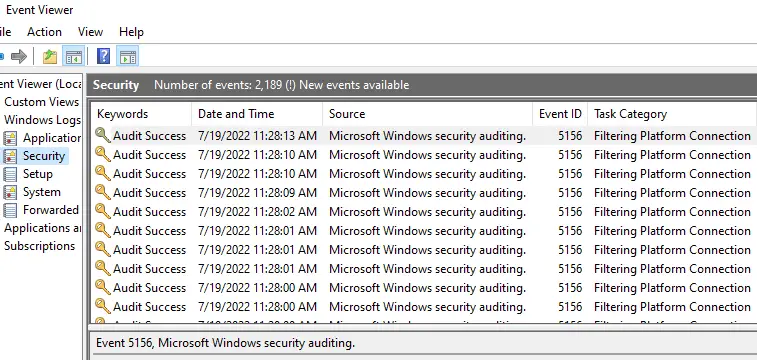
When you open the Security Event log, the log may contain many “Filtering Platform Connection” events. The event ID of these entries maybe 5156 or 5158. The security log may record close to 100 events per minute, containing the event ID 5156 or 5158. This causes the security event log to become full very quickly. … Read more

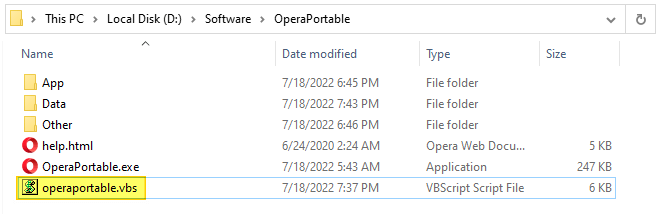
Register Opera Portable with Default Apps or Default Programs in Windows

add opera portable to default apps - vbscript

Opera, Portable Edition is the popular Opera web browser bundled with a PortableApps.com Launcher as a portable app. It’s packaged in a portable browser version that you can always have at hand on a USB drive. The advantage of using the portable app is that you can take your bookmarks, browsing history, extensions, and saved passwords with you.

This article covers a VBScript that can register Opera Portable Edition with Default Apps or Default Programs in Windows Vista through Windows 10/11.

Read more

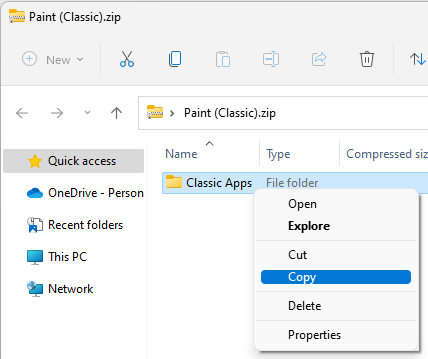
How to Get Windows 10 Classic Paint in Windows 11

get back classic paint windows 11

Windows 11 has got the redesigned and modern (UWP) Paint app that has an updated UI that matches the new visual design of Windows 11. The modern Paint app’s new design includes rounded corners, Mica, and more. It has a new toolbar with updated icon designs, a rounded color palette, and a new set of drop-down menus for tools such as brushes, stroke size, and flip/rotate controls.Read more

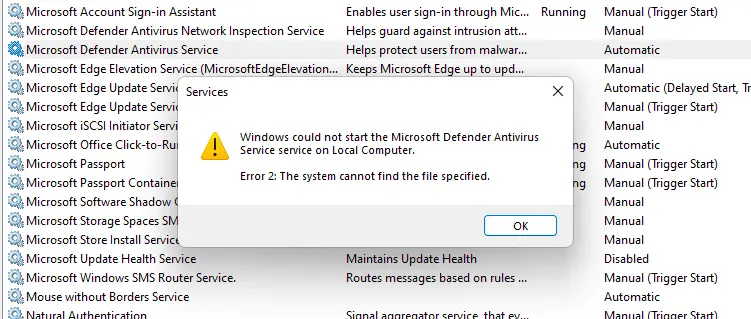
Microsoft Defender Service Error 2 “Cannot Find the File Specified”

defender service error 2

In the aftermath of a malware attack and subsequent removal using specialized programs, you may notice that the Microsoft Defender Antivirus service fails to start on your Windows 10 or 11 computer. One of the common errors users encounter is “Error 2” (0x80070002), which denotes that a file is missing.Read more

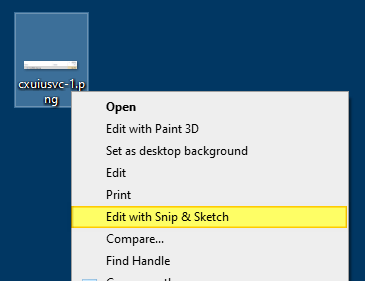
How to Add “Edit with Snip & Sketch” Option to Right-Click Menu

Add "Edit with Snip & Sketch" to the right-click menu.

The Snip & Sketch app in Windows 10/11 lets you annotate screenshots, photos, and other images with your pen, touch, or mouse and save, paste or share them with other apps. The Snip & Sketch app doesn’t allow the pasting of images from the Windows clipboard to the app’s canvas area. This is a significant limitation in the Snip & Sketch app.Read more