Why there are Two “Microsoft Edge” Entries in Default Apps

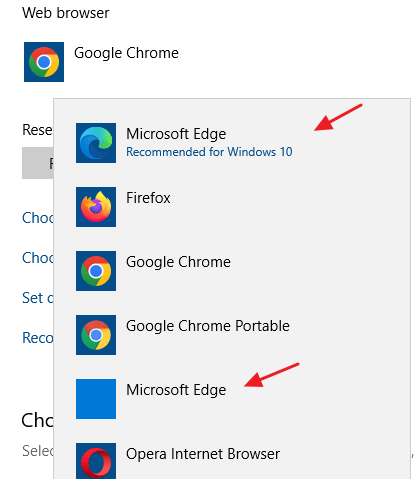
two microsoft edge default apps

Though the legacy Microsoft Edge has been entirely replaced by Edge Chromium, even on Windows 10 21H2 computers, you may see two “Microsoft Edge” entries in Default Apps. The first one in the above image is the New Microsoft Edge (Edge Chromium), and the second one showing a blank icon is the legacy Microsoft Edge. … Read more

Get the Old (Windows 10) Photos App on Windows 11

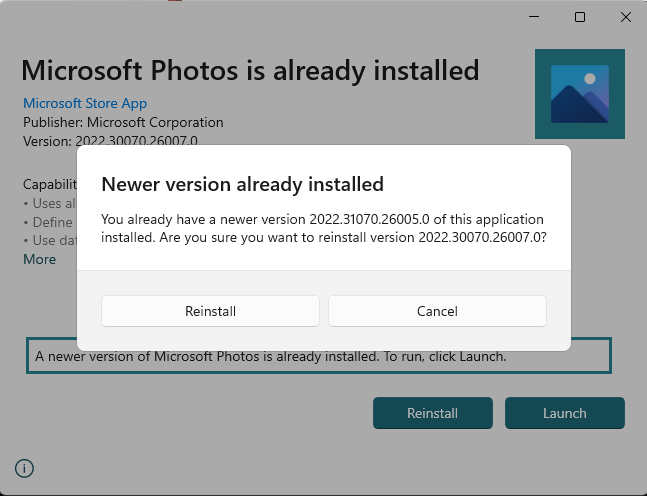
install windows 10 photos on windows 11

The Photos app has been redesigned to align with the new visual design of Windows 11. Some features include rounded corners, Mica material, and updated typography styling. However, many users still prefer the Windows 10 version of Photos.

The Windows 11 Photos app doesn’t have the Spot Fixing and Red Eye tools. If you’re wondering how to get back the missing features in Windows 11, this post is for you.Read more

OneDrive Setup: “A newer version of OneDrive is installed” Error

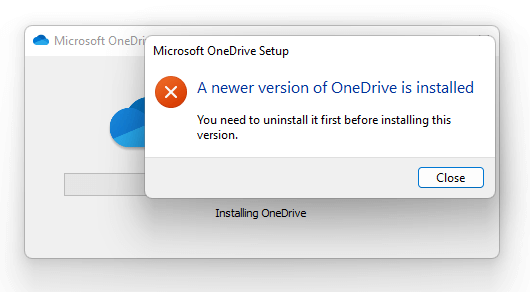
onedrivesetup new version installed

When you try to install OneDrive using the OneDrive Setup file (onedrivesetup.exe) downloaded from Microsoft, the following error may occur: Microsoft OneDrive Setup A newer version of OneDrive is installed You need to uninstall it first before installing this version. This error may occur even though you uninstalled OneDrive via Apps and Features in the … Read more

Can’t Access Documents, Pictures, Music After Uninstalling DropBox

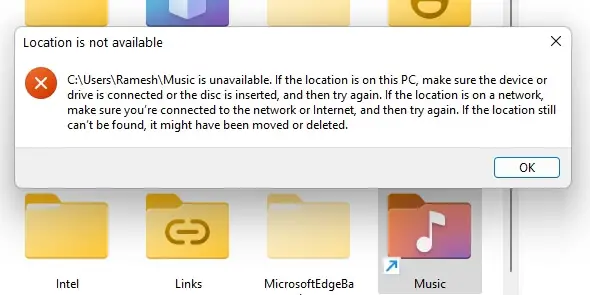
shell folder location unavailable - dropbox

When you access a user shell folder such as Pictures, Documents, or Music after uninstalling a cloud sync software, the following error may occur: Location is not available C:\Users\Ramesh\Music is unavailable. If the location is on this PC, make sure the device or drive is connected or the disc is inserted, and then try again. … Read more

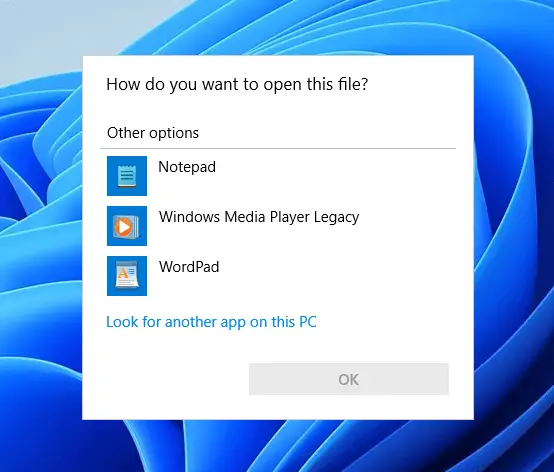
Images Open in “Print Pictures” Instead of the Photos App

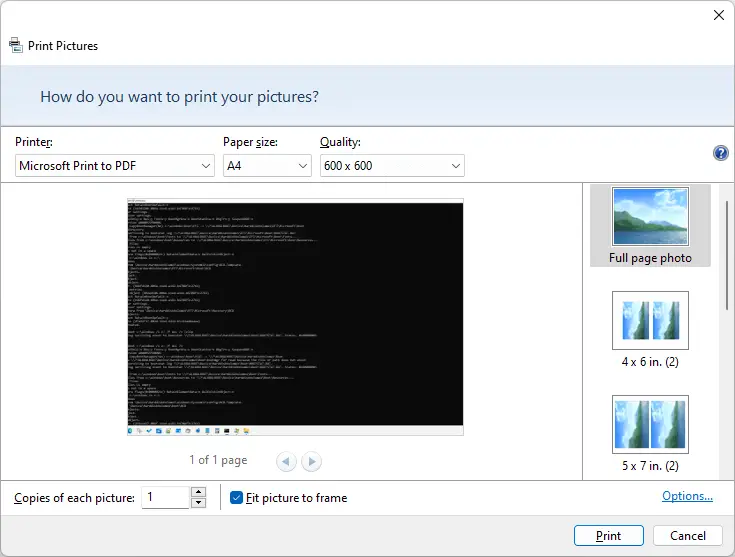
Print Pictures dialog opens when double-clicking photos

When you double-click an image file (e.g., JPG/PNG/BMP) in Windows 11, the image file opens in the “Print Pictures” app/dialog instead of the Photos app. This happens if the “Print” command is somehow registered as the default double-click action for image files in Windows 11. Reinstalling the Photos app doesn’t resolve the issue. Cause The … Read more

Fix: Internet Explorer is Missing from Windows Features

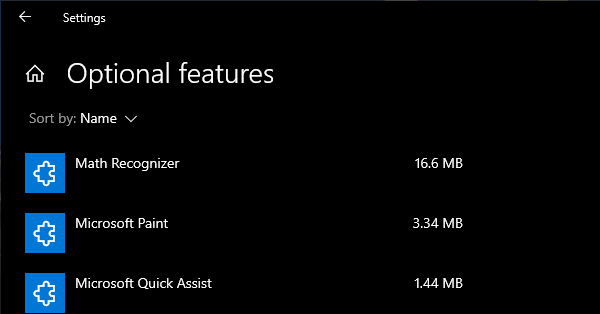
internet explorer missing in optional windows features

Internet Explorer is a legacy component in Windows that can be installed or uninstalled via Windows Features (Optional Features) dialog box. On some systems, Internet Explorer may be completely missing in the Windows Features classic dialog as well as the “Manage Optional Features” modern Settings page on your Windows 10 or 11 device.

As a result, you’re unable to install Internet Explorer on your Windows 10/11 computer. Although officially retired by Microsoft, Internet Explorer is still needed by users who have installed legacy software (e.g., security camera app) that needs IE to work.

Also, when this happens, none of the following DISM commands may help restore IE:

dism /online /Add-Capability /CapabilityName:Browser.InternetExplorer~~~~0.0.11.0
dism /online /Enable-Feature /FeatureName:Internet-Explorer-Optional-amd64

The DISM commands may throw the following error(s):

Error: 0x800f080c

Feature name Internet-Explorer-Optional-amd64 is unknown.
A Windows feature name was not recognized.
Use the /Get-Features option to find the name of the feature in the image and try the command again.
Error 1168

Element not found

As Internet Explorer is missing, attempting to load a web page in IE Mode in Microsoft Edge causes the following error:

Internet Explorer can't be found. You need to re-install or re-enable Internet Explorer

Microsoft Edge’s IE mode requires Internet Explorer to be installed.

Let’s see how to add Internet Explorer to the Windows Features dialog and install it.

Read more