
When you start PowerShell or Command Prompt, the error code 0xc0000142 may appear. Any console tool, such as sfc.exe or dism.exe may throw the same error.Read more
Windows
You’re browsing the “Windows” parent category, which lists articles on every Windows Operating System.
[Fix] Location Settings Grayed out- Managed by Organization
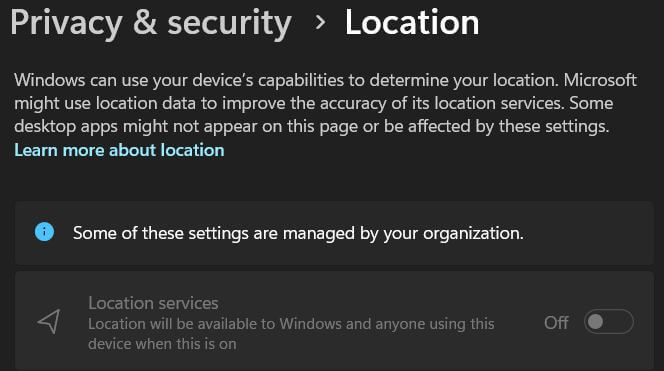
When you open Settings → Privacy → Location, the location settings may be grayed out. You may also see the following message at the top of the page. Some of these settings are managed by your organization. Cause This is caused by some policies that are in effect. Resolution 1) Disconnect from School or Work … Read more
Can Snipping Tool automatically save screenshots in Windows 10?
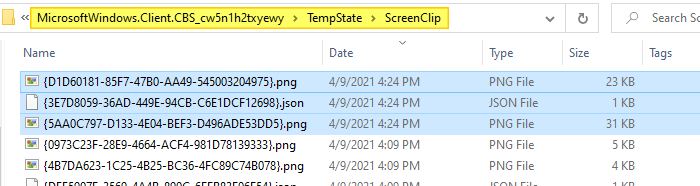
On Windows 10, after taking a screenshot using the Win + Shift + S keyboard sequence, you need to click on the notification to open the snip in the Snipping Tool and then save it manually. You wonder if an option exists to auto-save Win + Shift + S screenshots in Windows 10.Read more
Send To Mail Recipient missing or does not work
Some users mentioned that the “Mail Recipient” option went missing from the “Send to” menu after installing Mozilla Thunderbird. This article tells you how to fix the “Mail Recipient” feature.
Note: The Send to → Mail Recipient features require installing a classic mail client like Office Outlook or Mozilla Thunderbird.Read more
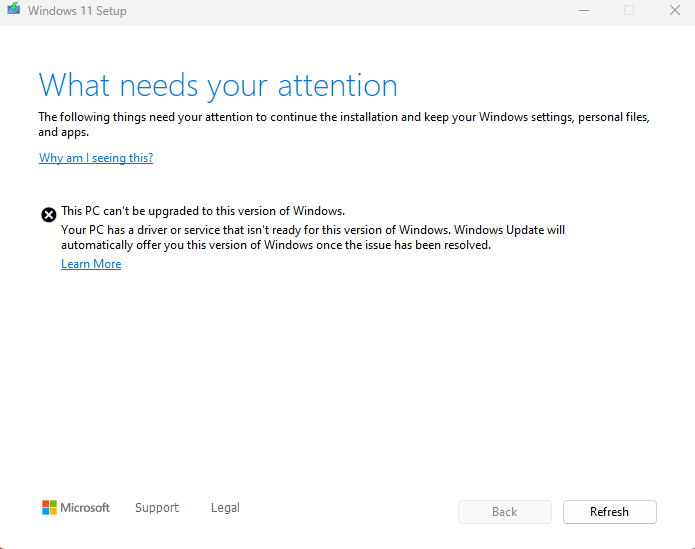

24H2 Bug: Ellipsis Menu shows upwards

Windows 11 24H2 has a bug wherein the menu shows upwards, thus hidden from the viewport when the window is in a maximized state. This occurs when you click on the ellipsis icon (the button with three dots). It’s supposed to show the dropdown menu instead of upwards. This bug hasn’t been fixed at least until build 26100.3037.Read more
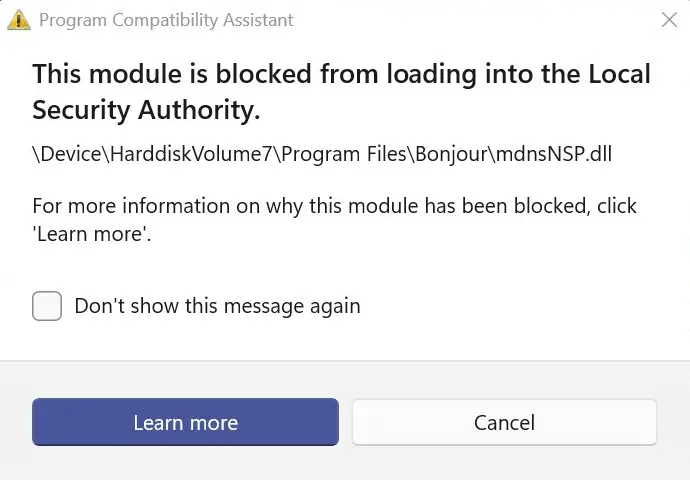
Disk Management Reports Incorrect Volume Size

When you open Disk Management, the volume size (i.e., capacity) may be misreported in the top pane. The bottom pane, which shows the graphical view, may report the capacity correctly for each volume.Read more