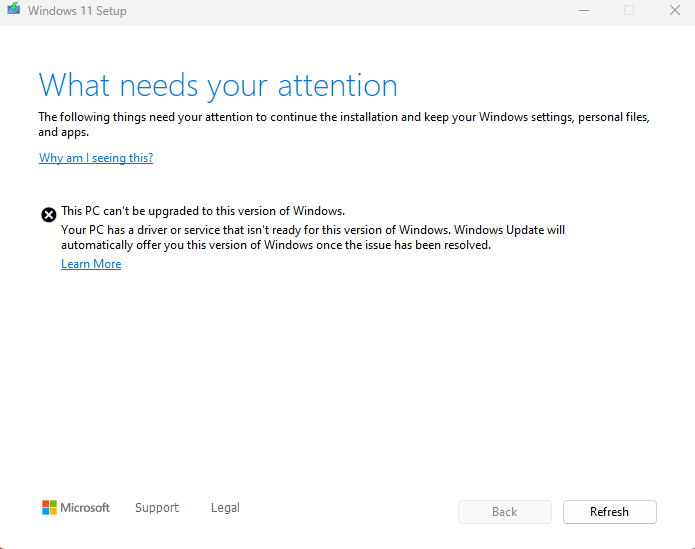
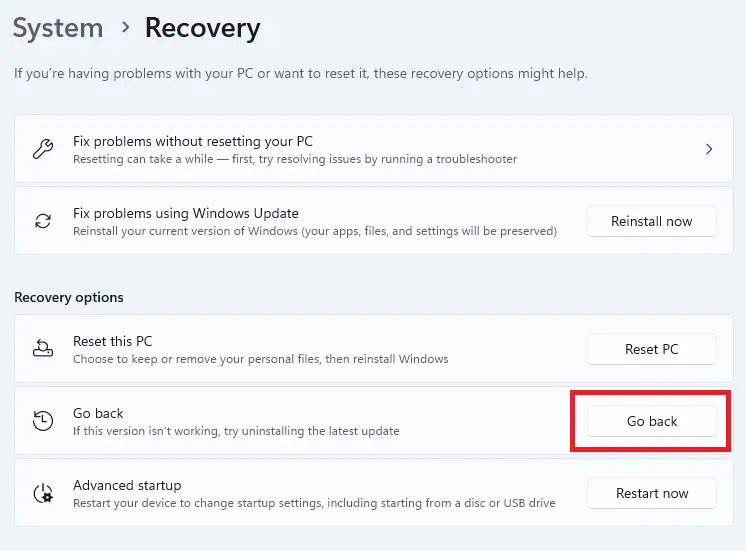
Windows 11 24H2 has a bug wherein the menu shows upwards, thus hidden from the viewport when the window is in a maximized state. This occurs when you click on the ellipsis icon (the button with three dots). It’s supposed to show the dropdown menu instead of upwards. This bug hasn’t been fixed at least until build 26100.3037.Read more
24h2
How to Block the Windows 11 (24H2) Feature Update
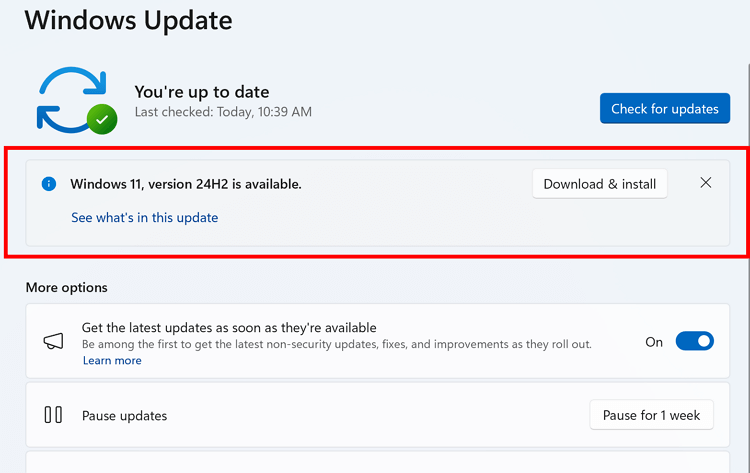
If you’re using Windows 10 or an earlier version of Windows 11, such as 23H2, you can block the Windows 11 24H2 Feature update from being offered or installed automatically via Windows Update.
Windows 10 22H2 is supported till October 2025, and Windows 11 23H2 till November 2025. Until then, you can defer the latest feature update (24H2) if you don’t need it now.
To block the 24H2 update, you can use the “ProductVersion”, “TargetReleaseVersion”, and “TargetReleaseVersionInfo” registry values or the equivalent Group Policy setting.Read more
How to Clean Install Windows 11 (24H2) using USB Setup Disk
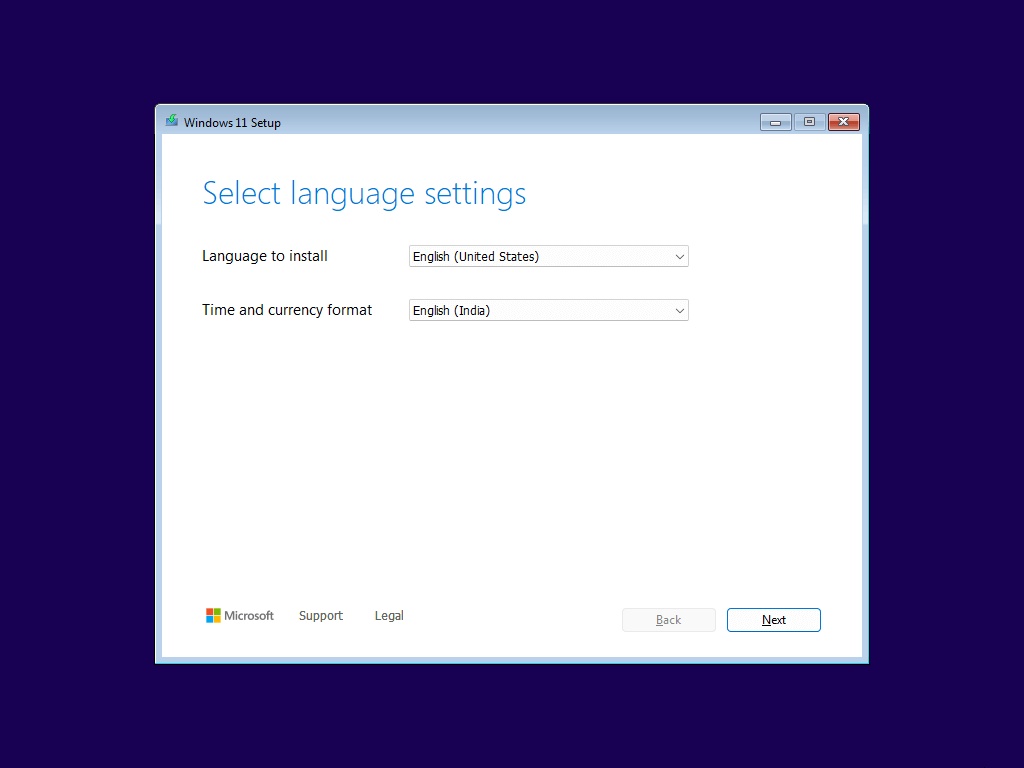
Here’s the Windows 11 clean installation walkthrough. The screenshots below are from the Windows 11 24H2 setup.
Before proceeding, please do the preliminary tasks mentioned below:
- Use the PC Health Check app to determine if your PC is compatible with Windows 11. See How to use the PC Health Check app.
- If your PC meets the Windows 11 system requirements, create a Windows 11 USB setup disk using the Media Creation Tool from another computer. For more information, see How to Download Windows 11 ISO Using Media Creation Tool.