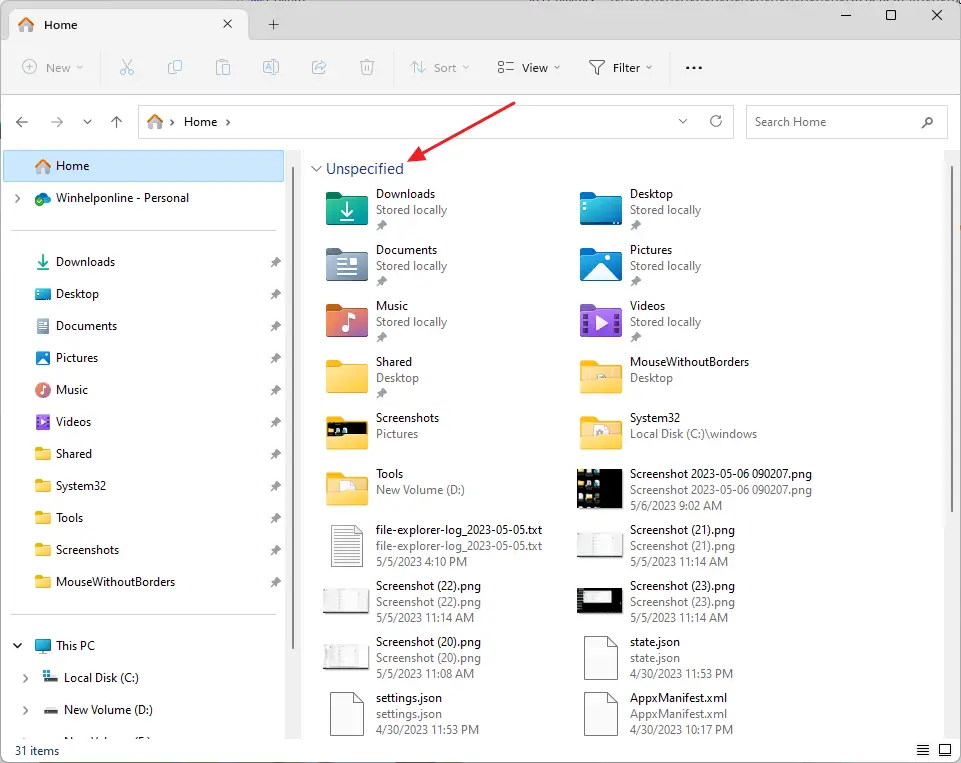
By default, the Frequent Folders and Recent Files are grouped separately in the Quick Access (now known as “Home”) folder. Occasionally, on some systems, the Quick access view may appear incorrectly (e.g., the Frequent Folders and Recent Files items get mixed up and show under a single category) due to folder views corruption.Read more
Windows 11
How to Restore Missing Recycle Bin Desktop icon

If you had inadvertently removed the Recycle bin icon from the desktop, this post tells you how to restore the icon back on the desktop. This post has a REG file that contains the default settings for the Windows 10/11 Recycle Bin namespace icon. Running this file will restore the Recycle Bin if it goes missing from the Desktop. Read more
“Show recently used files in Quick Access” Disables Automatically in Windows 10/11

If the “Show recently used files in Quick Access” option in Windows 10/11 is automatically unchecked in Folder Options, this is caused by a Personalize setting.Read more
How to Completely Remove Old Printers in Windows 10 or 11
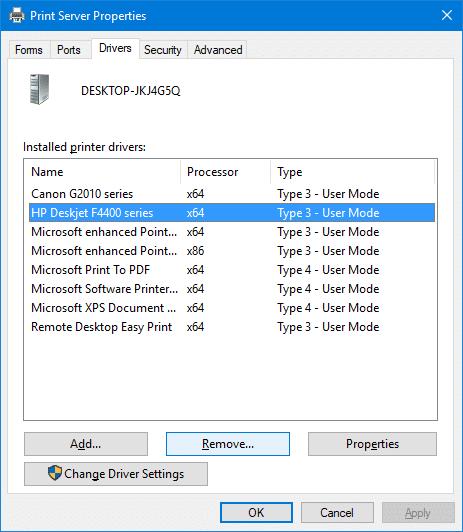
When you try to add a new printer by clicking the Add a printer or scanner in the Printer & Scanners page, old printers you added earlier but no longer use may be listed.
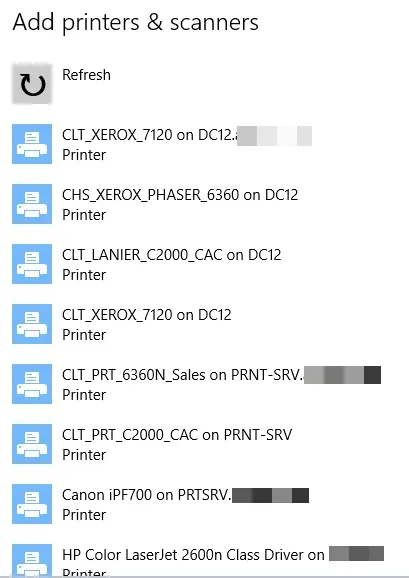
This post tells you how to completely remove old, uninstalled, or obsolete printers from the Add a Printer and Printers & Scanners pages. In addition, the leftover printer drivers, driver packages, and registry entries need to be removed.Read more
Windows 10/11 User Shell Folders Restore Default Paths
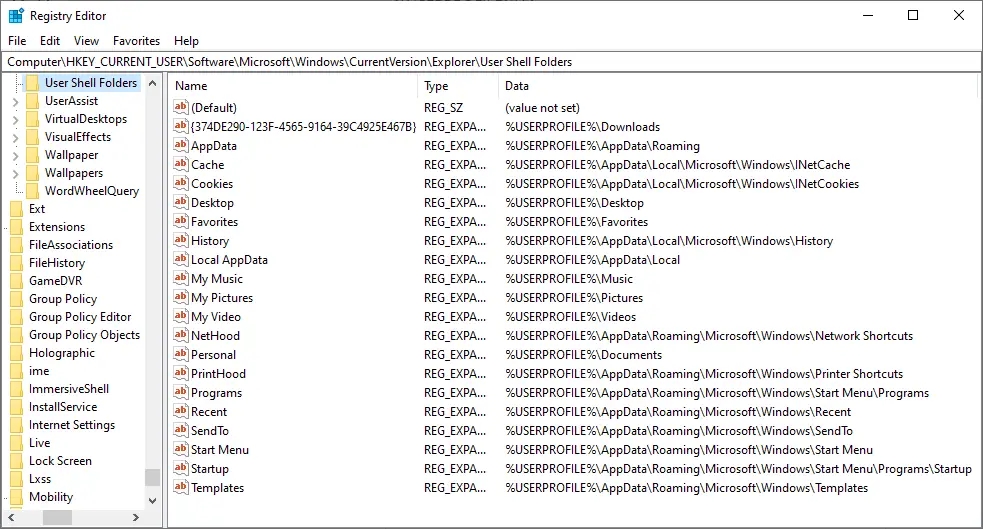
This post provides you with the list of User Shell Folders in Windows 10/11 and their default paths. If you’ve moved a shell folder earlier, you can restore it to the default location via the folder properties Location tab in most cases.
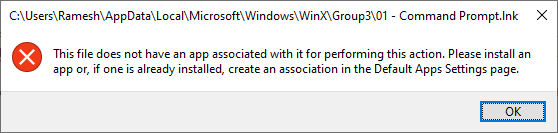
However, there are situations where the Location tab option can’t be used — i.e. when two special folders such as Music and Videos become merged and point to the same location. In that case, clicking Restore Default in the folder properties Location tab causes an error.
In such cases, resetting the respective shell folder path(s) in the registry is the only possible solution. This article provides the .reg files needed to revert to the default shell folder paths quickly and also includes the list of shell folders and their default path for your reference. This article applies to Windows 10 and Windows 11.
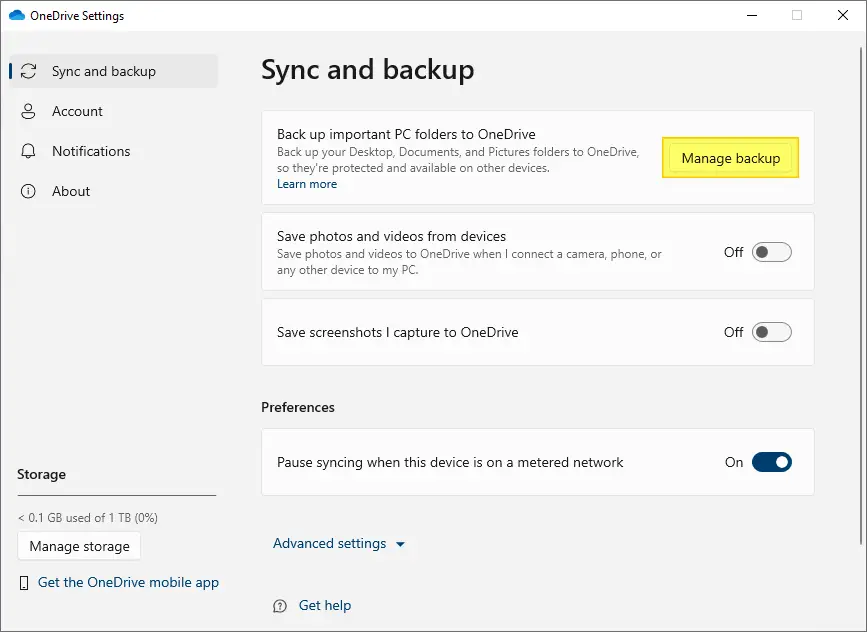
NOTE: Before proceeding, please stop OneDrive sync/backup option for the corresponding shell folder — e.g., Documents, Desktop, Pictures Folders.
How to Delete Windows.old folder [Previous versions of Windows]
Windows Operating System upgrades and version updates would leave plenty of files behind in the system drive. This is because Windows keeps the files from the previous versions of Windows in a separate folder in case the user wants to roll back the major update (or OS upgrade).Read more
How to Find Your Windows 10/11 Build Number, Version, Edition and Bitness
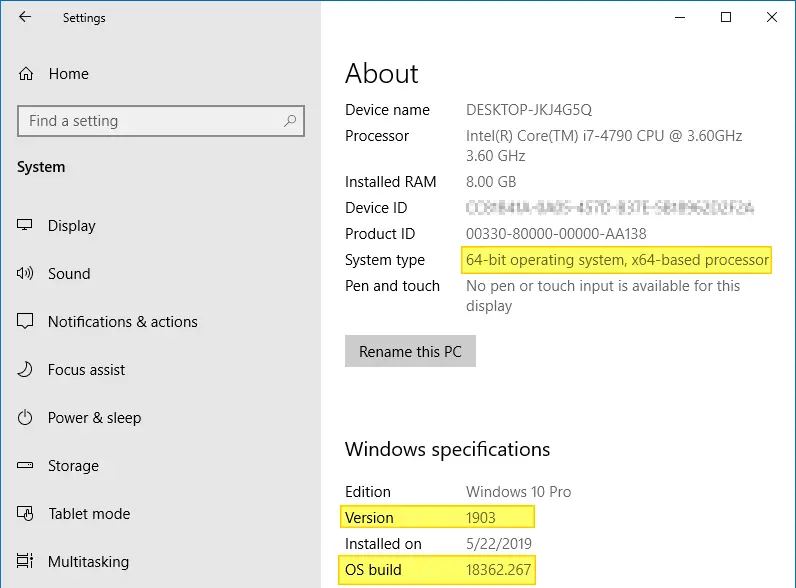
The Build Number, Version, “Bit”ness (32-bit or 64-bit) of your Windows installation can be determined using many ways, and here are some of the methods listed. Screenshots are from a Windows 10 PC, but most of the information applies to all versions of Windows, including Windows 11.Read more