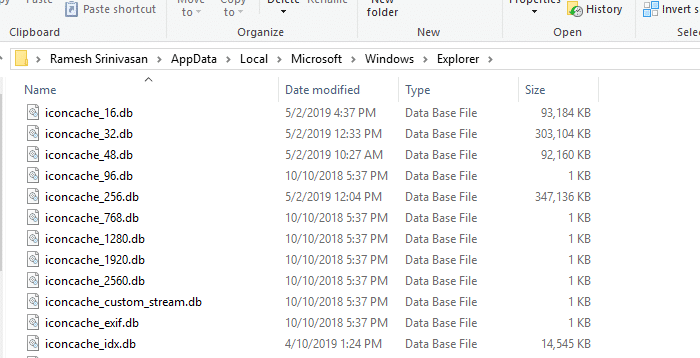
When the user right-clicks on a file, clicks “Open with”, and selects the option Choose another app in the Open with dialog or menu, nothing may happen. Or the Explorer shell crashes and restarts when accessing the Open With menu.
Windows 11
How to Regain Lost Admin Rights in Windows 10 or 11

Summary: This article tells you how to restore your user account’s lost administrator rights and privileges in Windows 10 and 11.
If your user account has lost admin rights, you may also have inadvertently set yourself a “Standard User” via Account Settings or incorrectly configured the Local Security Policy or user account group membership. In some cases, malware could be the root cause.Read more
How to Install Media Feature Pack and Windows Media Player
After buying a brand-new Windows 10 or 11 computer, double-clicking a video file opens it in Films & TV (or Movies & TV), and the Windows Media Player shortcut is nowhere to be found. This makes one wonder if Windows Media Player has been removed in Windows 10 and 11. The good news is that the classic Windows Media Player program is included in Windows 10 and Windows 11.Read more
How to Set User Environment Variable Using Setx
You probably know how to add or remove environment variables using GUI in Windows. It can be done by launching sysdm.cpl → Advanced → Environment Variables. Alternatively, one can run the following command in the Run dialog to launch the Environment Variables dialog directly: rundll32 sysdm.cpl,EditEnvironmentVariables (To set per-system environment variables, the above command needs … Read more
How to Add Google Drive to Explorer Navigation Pane
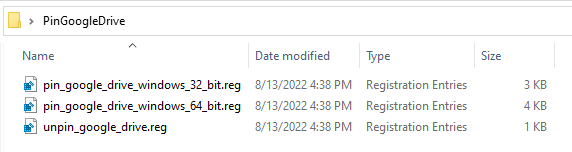
When you install the Google Drive Sync client, the Google Drive folder is pinned to the Quick Access area, but it isn’t shown as a separate category.Read more
How to Completely Uninstall and Reinstall the Photos App
If the Photos app does not start or causes an error and the reset and repair method hasn’t helped, you can completely uninstall and reinstall the app using PowerShell. Here are the steps for Windows 10 and 11.Read more
Restore Missing “Pin to Taskbar” Option in Windows 10/11
Summary: “Pin to Taskbar” option is missing when you right-click on a .exe file or its shortcut on a Windows 10 or Windows 11 computer. The issue occurs due to the Taskbar policies applied on the computer using the local group policy editor or the registry. For example, TaskbarNoPinnedList Policy is one such policy that hides the “Pin to Taskbar” context menu option.Read more
Folders Refresh Automatically If Desktop Slideshow and Accent Color are Enabled
If you’re noticing a problem where folder contents automatically refresh at specific intervals in Windows 10/11, this is due to the combination of the two settings, Desktop Background Slideshow (or Windows Spotlight) and “Automatically pick an accent color”.
When both options are enabled, the Windows Shell sends the refresh message to all the windows every time the wallpaper changes. This causes folders to refresh the views. The automatic folder refresh would be annoying, especially if you’re scrolling through a folder containing too many files, and after a refresh, the scroll bar moves right back to the top.Read more
Restore Missing “Mount” and “Burn Disk Image” Right-Click Options [ISO/IMG]
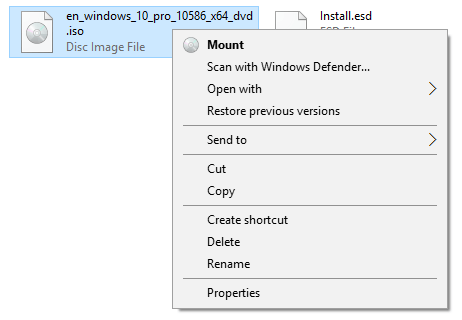
If the Mount and Burn disk image options are missing when you right-click an .ISO or .IMG file, it’s caused by wrong file association settings. Here is how to restore the missing “Burn disk image” and “Mount” commands back in the right-click menu in Windows 10 and 11.Read more