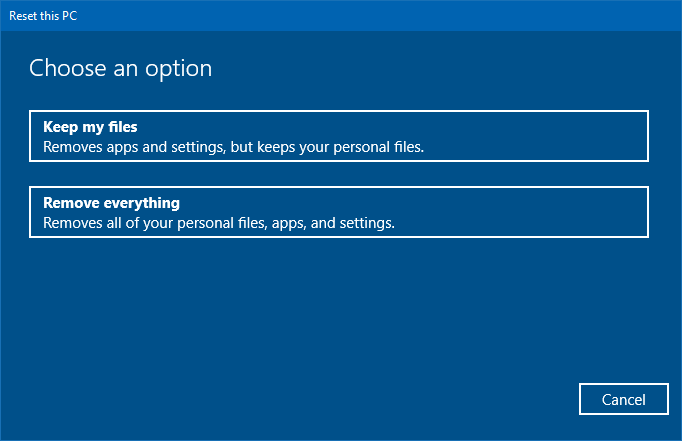
Windows 10 and 11 have multiple recovery options to revert or roll back to an old configuration. The built-in recovery options include System Restore, driver rollback, in-place upgrade (a.k.a repair install), Reset This PC, Recovery disk, and Go back to the previous version of Windows.
Read more
Windows 10
This category contains posts about Microsoft’s latest Operating System – Windows 10.Windows 10’s always been interesting, as every new major update will usually include additional features.
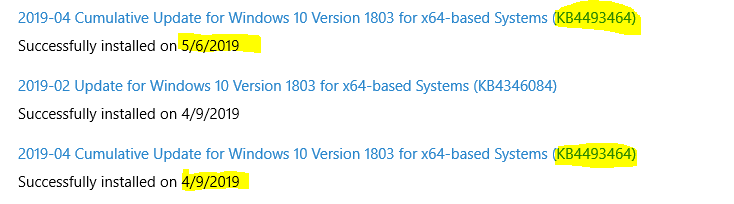
Why does a Windows 10 Cumulative Update Install Twice?
You may have installed the latest Windows 10 Cumulative Update via Windows Update or by downloading the .msu package via MU Catalog. After some days, Windows Update may offer you the same update, download, and install it again. You may be wondering why does Windows 10 offer the same update twice.Read more
Trigger a Program Upon Connecting to a Specific Network in Windows
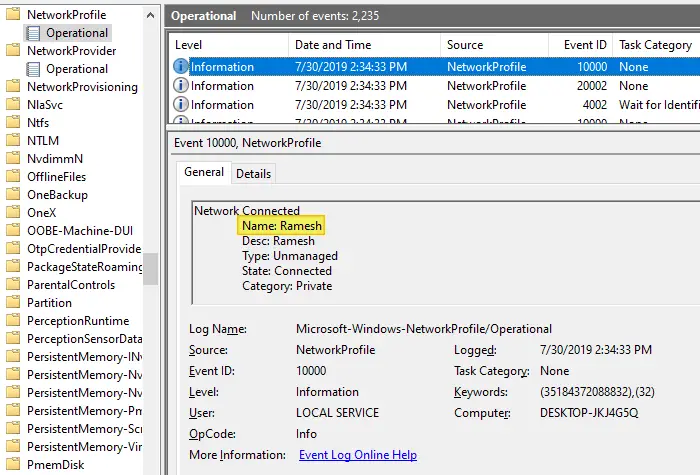
Depending upon the network you’re connected to, you may want to run certain tasks. For instance, when you’re connected to a specific network — e.g., home network — you may want to assign a different printer as the default, using command-line or script. This is especially needed in Windows 10 where the “location-aware printing” feature has been removed.
Or, you may need to run a backup task, or set the default save location in your Office apps to local documents instead of OneDrive when connected to a home network. Some users would want to turn on their VPN software upon connecting to a particular network.
Bypass SmartScreen even if its Enabled through Group Policy
When you download a file you downloaded from the internet, Windows adds the zone identifier or Mark of the Web as NTFS stream to the file. So, when you run the file, Windows SmartScreen checks if there is a zone identifier alternate data stream attached to the file. If the ZoneId=3 data ADS is present, Windows identifies that the file was downloaded from the internet, and the SmartScreen does a reputation check when you run the file.Read more
How to Auto Shutdown after Installing Updates in Windows 10
On patch Tuesdays, you’ll see a bunch of updates such as Adobe Flash Player Security Update, Servicing Stack update, and/or the Cumulative Update showing up in the queue when you open Windows Update settings page. For Asian countries, the updates arrive at night or late night.
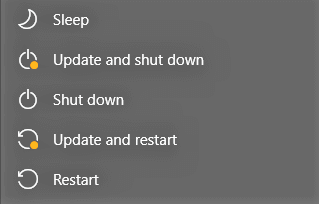
Installing a Feature Update or Cumulative Update always requires a restart. Once done, you then have to shut down the device manually if you don’t prefer leaving the computer in sleep or hibernation mode overnight. This means your sleep schedule gets delayed as you’ll have to be awake until the Cumulative Update is fully downloaded and installed.
You may be wondering how to automatically shut down your Windows 10 computer after the updates are installed.Read more
Restore “Import pictures and videos” AutoPlay Option in Windows 10/11
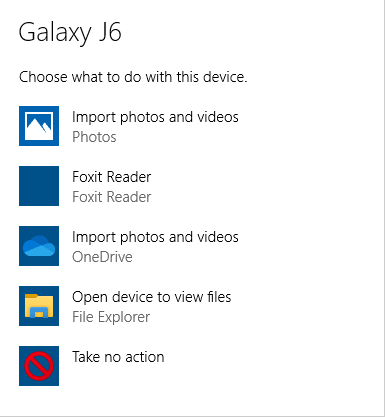
Windows 10 has the Import photos and videos option in the AutoPlay dialog which helps you import photos and videos from your phone, SD card, camera, etc. The option uses the built-in Photos app to import photos and media from the device into your Pictures folder.

However, many users would like to have the classic “Import pictures and videos” import wizard (powered by the Windows Photo Viewer) instead.Read more
Latest Cumulative Update Direct Download for Windows 10
This post contains the most recent Windows 10 Latest Cumulative Update’s (LCU) direct download .msu/.cab links generated via the Microsoft Update Catalog.Read more