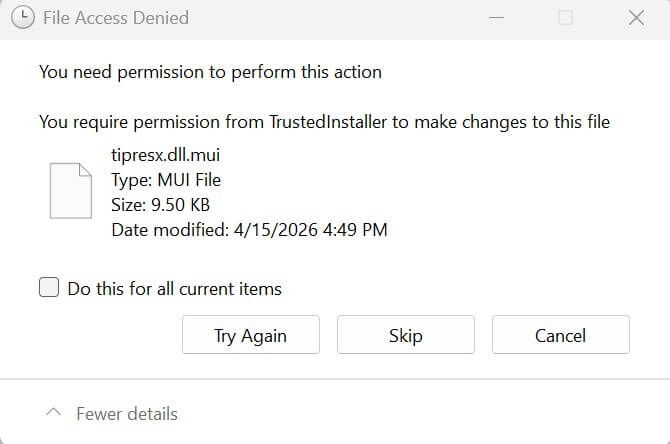
The Windows Setup procedure or the Media Creation Tool may fail to clear the temporary setup files in some cases. As a result, gigabytes of disk space will be occupied by those folders. When you manually delete the temporary setup folder $WINDOWS.~BT, you may receive an Access Denied error.Read more
Windows
You’re browsing the “Windows” parent category, which lists articles on every Windows Operating System.
How to Find Which Installed Apps Require .NET Framework
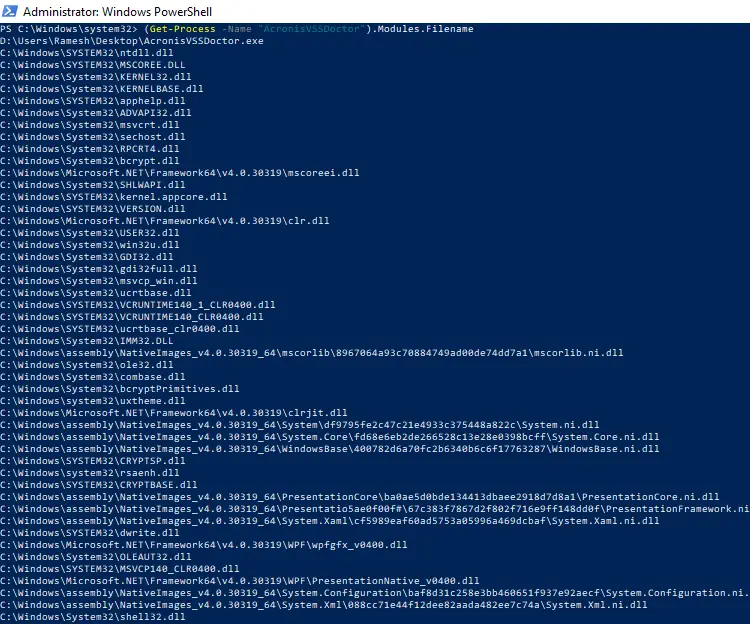
This app tells you how to determine which apps on your computer require .NET Framework to work correctly. This can be determined on a per-app basis.Read more
Recover Registry Hives from a System Restore Point or Shadow Copy
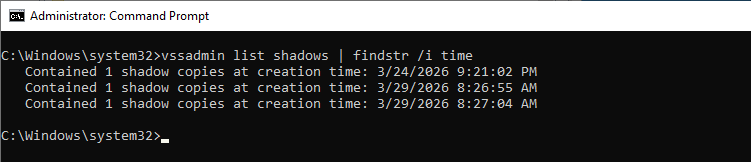
This article explains how to restore registry hives or files from shadow copies. This can be helpful if the current registry hives are damaged and cannot be loaded.
Shadow copy, or Volume Shadow Copy Service (VSS), is a Windows feature that creates snapshots or backup copies of files and volumes, even while they are in use. When you create a System Restore Point, it also creates a shadow copy because System Restore is based on VSS.Read more
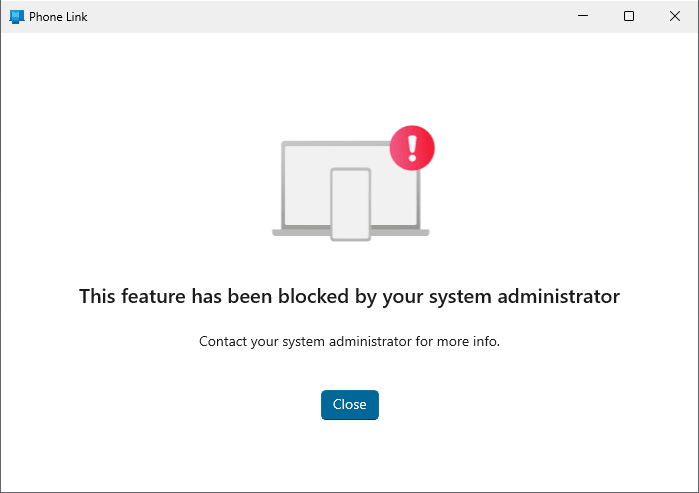
How To List All Store Apps that Use a Specific Runtime
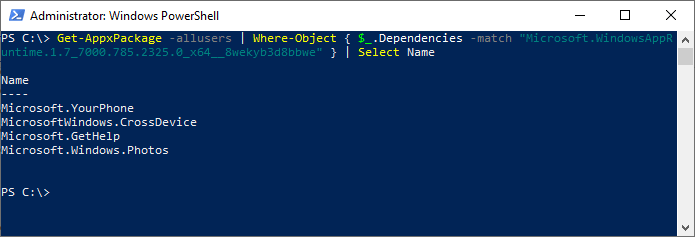
Most Store apps require a runtime package to work correctly. For example, the Microsoft Store app requires the Microsoft.UI.Xaml.2.8 and Microsoft.VCLibs.140 runtimes. This post tells you how to list all Store apps that use a particular runtime.
Read more
How to Clear Windows Update History

This post explains how to clear the Windows Update history on Windows 10 and 11.
The Windows Update client keeps track of installed and failed updates. The updates include Feature updates, monthly Cumulative Updates (Quality Updates), driver updates, Microsoft Defender Antivirus definitions, Windows Security Platform updates, and other non-security updates. There is no GUI option to clear the update history.