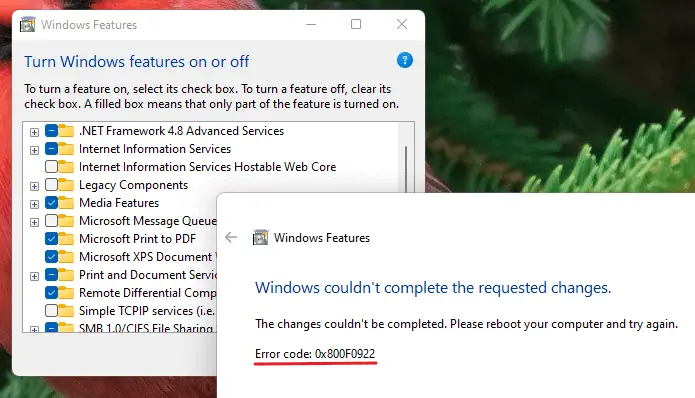
When you run the DISM utility in Windows to clean up the component store or repair Windows system files, error 2 (0x80070002 – ERROR_FILE_NOT_FOUND) may appear:Read more
DISM Error 2 While Attempting to Start the Servicing Process
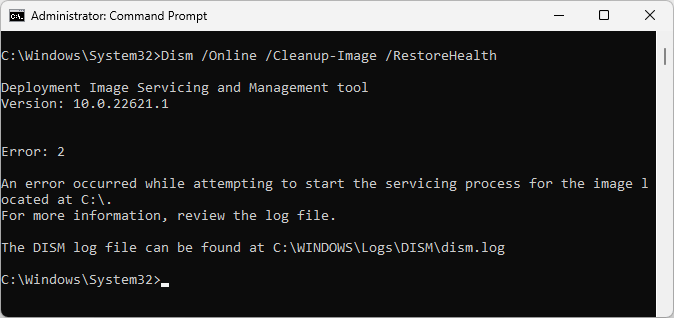
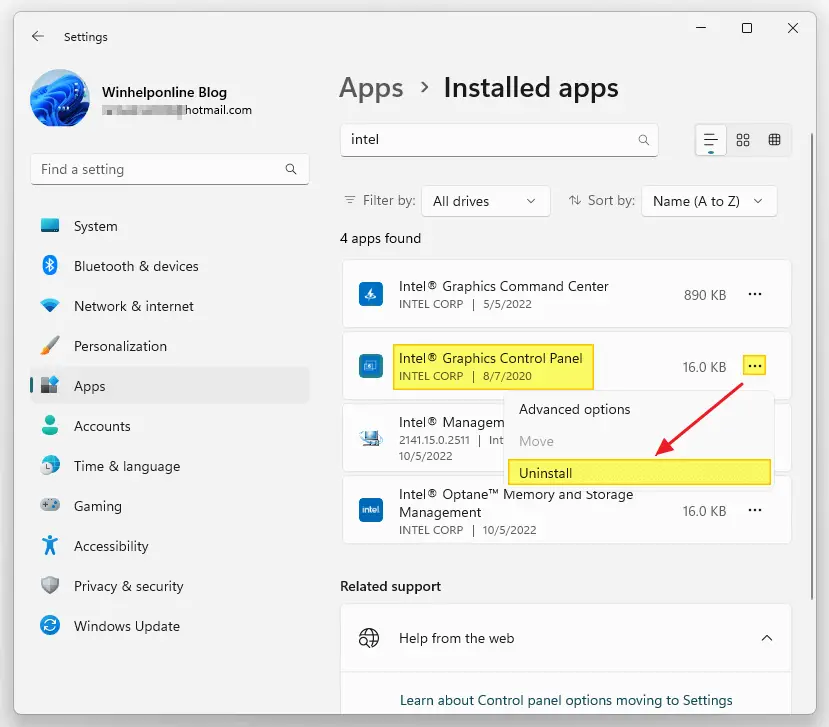
Windows comes with many built-in drivers for various hardware. When you connect a device to your computer, Windows will automatically install drivers from the driver store. If a suitable driver is unavailable in the store, you can use the vendor-supplied device driver or let Windows download the device driver automatically from the Microsoft Update servers.Read more
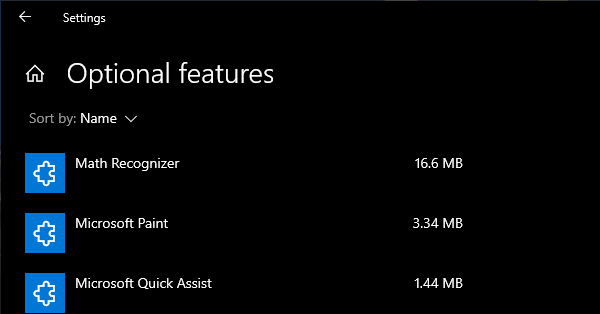
Internet Explorer is a legacy component in Windows that can be installed or uninstalled via Windows Features (Optional Features) dialog box. On some systems, Internet Explorer may be completely missing in the Windows Features classic dialog as well as the “Manage Optional Features” modern Settings page on your Windows 10 or 11 device.
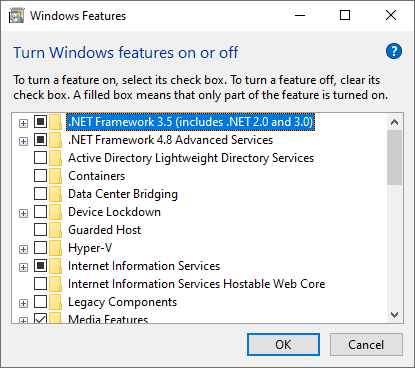
As a result, you’re unable to install Internet Explorer on your Windows 10/11 computer. Although officially retired by Microsoft, Internet Explorer is still needed by users who have installed legacy software (e.g., security camera app) that needs IE to work.
Also, when this happens, none of the following DISM commands may help restore IE:
dism /online /Add-Capability /CapabilityName:Browser.InternetExplorer~~~~0.0.11.0
dism /online /Enable-Feature /FeatureName:Internet-Explorer-Optional-amd64
The DISM commands may throw the following error(s):
Error: 0x800f080c

Feature name Internet-Explorer-Optional-amd64 is unknown.
A Windows feature name was not recognized.
Use the /Get-Features option to find the name of the feature in the image and try the command again.
Error 1168

Element not found
As Internet Explorer is missing, attempting to load a web page in IE Mode in Microsoft Edge causes the following error:
Internet Explorer can't be found. You need to re-install or re-enable Internet Explorer
Microsoft Edge’s IE mode requires Internet Explorer to be installed.
Let’s see how to add Internet Explorer to the Windows Features dialog and install it.
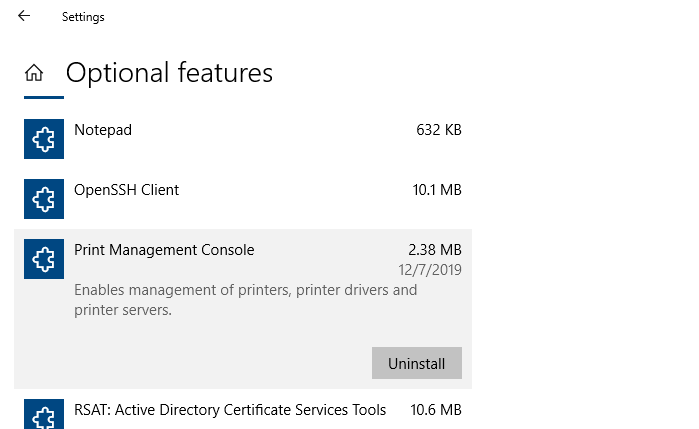
After installing a Windows 10 Feature update (v2004 or higher) or Windows 11, you may observe that the Print Management MMC console is missing from the system. Print Management is a Microsoft Management Console (MMC) snap-in that lets you install, view, and manage all printers on your local computer or the network. You can add or delete printer driver packages, manage the print queue, and do much more.
This issue can occur in Windows 10/11 Professional or Enterprise edition. Note that the Print Management console is not available on Home editions of Windows. If you’re using Windows Home Edition, this article doesn’t apply to you.
The Print Management shortcut may be missing in the Administrative Tools folder. And, when you attempt to run printmanagement.msc directly, you’ll see the following error:
Windows cannot find 'printmanagement.msc'. Make sure you typed the name correctly, and then try again.
Also, copying the file printmanagement.msc file from another Windows 10 computer and running it would cause the error “couldn’t load the snap-in” since the supporting files are missing from the computer.
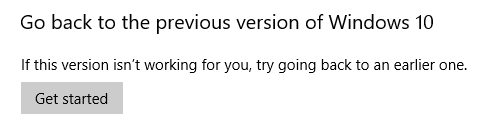
After you upgrade to Windows 10 or install a Windows 10 Feature update, you’ll be able to go back to your previous version of Windows within a limited time of 10 days. This can be done by opening Settings → Update & Security → Recovery → Go back to the previous version of Windows 10. … Read more
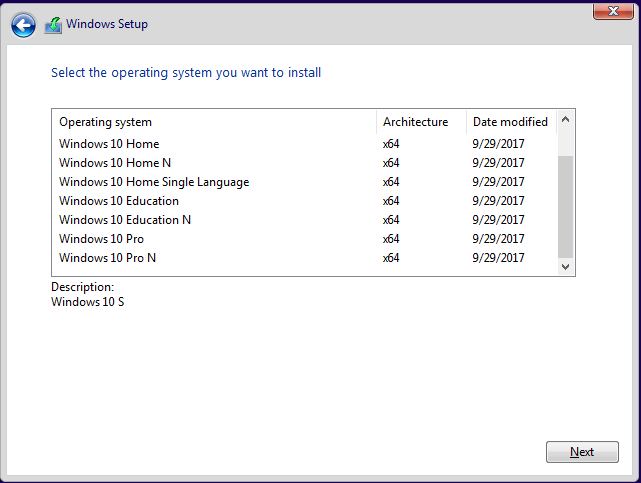
There are situations where you need a specific Windows system file from the install.wim image present in a Windows 10/11 setup disk or ISO. In the case of missing system files, the DISM & SFC procedure will automatically restore them. Alternatively, you can restore missing Windows system files (of any version) from the WinBindex.Read more
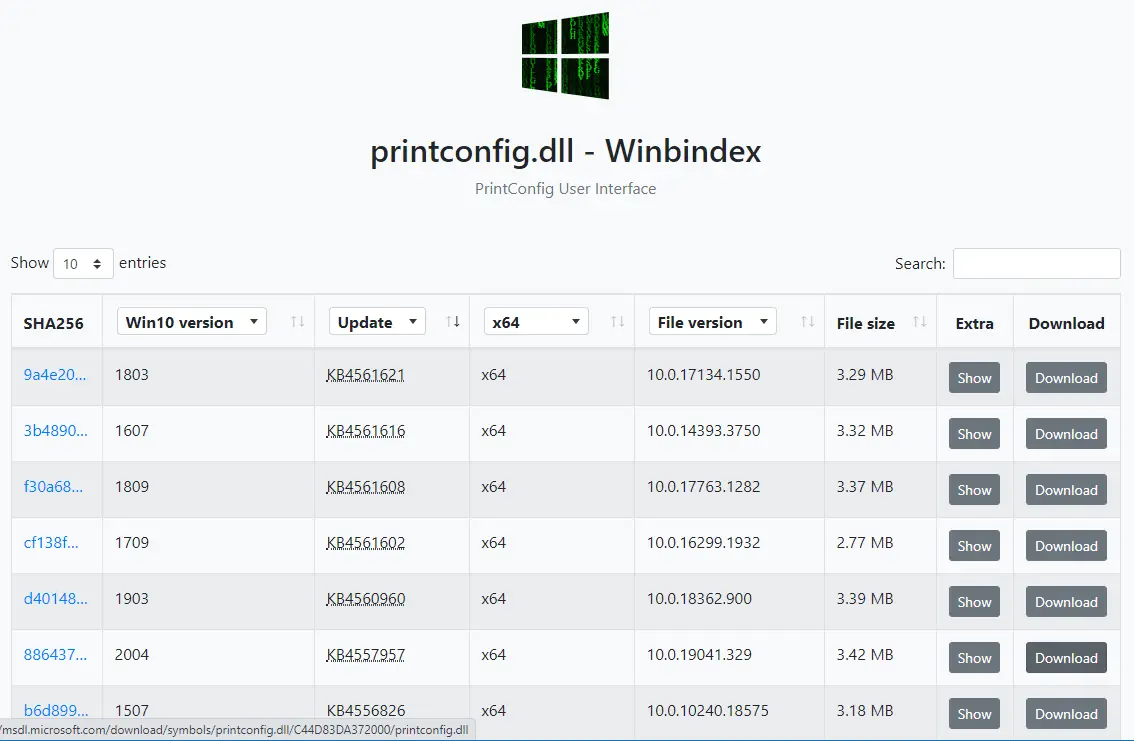
If a Windows system file is missing, the first thing that comes to our mind is the System File Checker (Sfc.exe). The sfc.exe /scannow command-line restores missing or corrupted system files by fetching a good copy from the WinSxS folder. If that fails, you usually run the DISM .. RestoreHealth command-line to fix the WinSxS repository. In some cases, DISM requires a slipstreamed Windows setup disk from which the install.wim file is used.
Here is another way to download any version of a Windows system file (.exe, .dll, or .sys) directly from Microsoft’s server.Read more