How to Fix Pwrshsip.dll “Bad Image” Error

pwrshsip.dll bad image error

When you run a program, especially an Adobe app, the following error may occur:

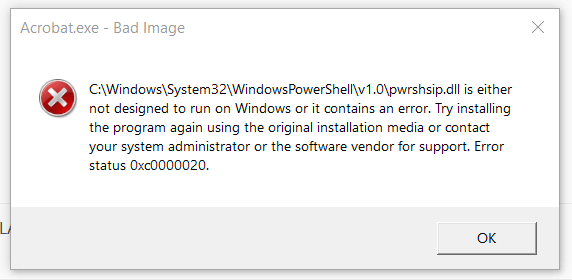
[program.exe] - Bad Image

C:\Windows\System32\WindowsPowerShell\v1.0\pwrshsip.dll is either not designed to run on Windows or it contains an error. Try installing the program again using the original installation media or contact your system administrator or the software vendor for support. Error status 0xc000012f.
Read more

[SFC] You must be an administrator running a console session

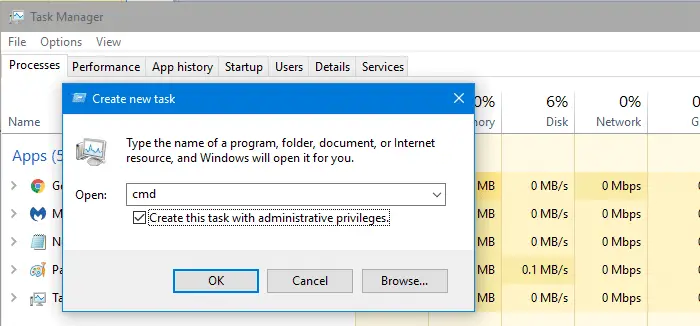
task manager -run command prompt elevated - create new task

When you try to run Sfc.exe /scannow on Command Prompt to repair the system files, the following error message may appear:

You must be an administrator running a console session in order to
use the sfc utility.

This may happen even though you right-click Command Prompt from the Start menu search results, and click Run as administrator.Read more

How to Install Windows Sandbox in Windows 10 and 11

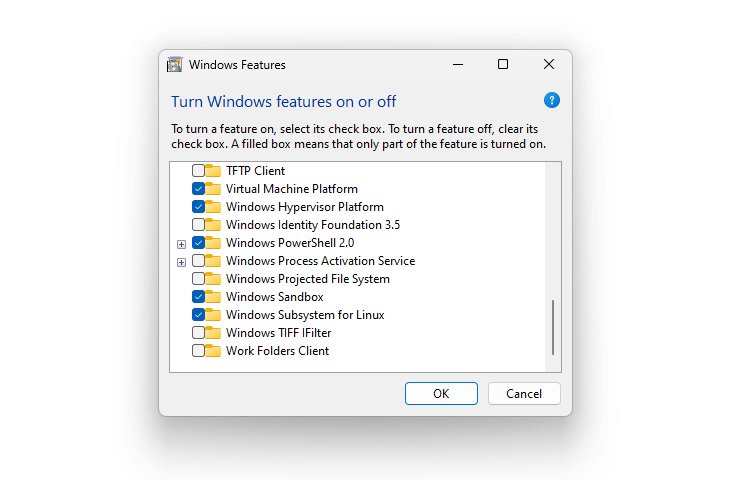
install Windows Sandbox via OptionalFeatures.exe

This article explains how to uninstall and reinstall Windows Sandbox in Windows 10 and 11.

Windows Sandbox provides a lightweight desktop environment to safely run applications in isolation. Software installed inside the Windows Sandbox environment remains “sandboxed” and runs separately from the host machine.Read more

How to Install XPS Viewer in Windows 10 and 11

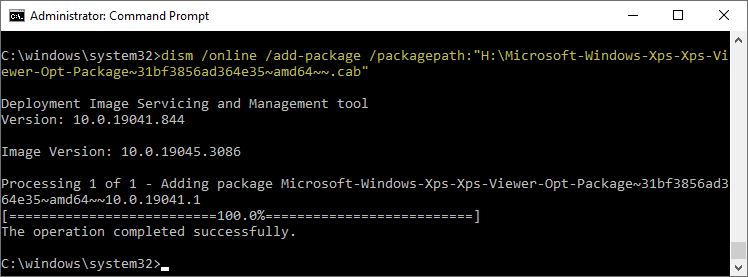
install xps viewer windows 10/11 using DISM CAB file

The XPS Viewer Feature on Demand (FOD) component allows you to read, copy, print, sign, and set permissions for XPS documents. This article explains installing the XPS Viewer in Windows 10 and 11. Installing the “XPS Document Writer” via the classic Windows Features dialog (i.e., OptionalFeatures.exe) doesn’t install the XPS Viewer. They’re two different components. How … Read more

Reset WinHTTP Proxy Settings in Windows 10 or 11

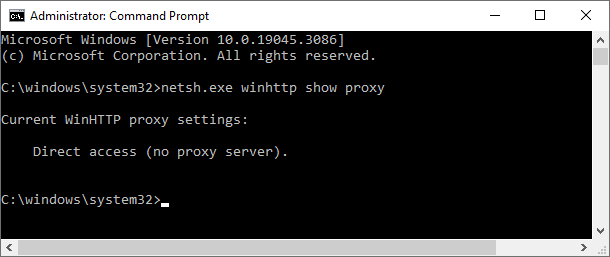
netsh view winhttp proxy

Sometimes, you may have to reset the WinHTTP proxy, firewall or network settings to fix connectivity issues when using Windows Update, Microsoft Store, or other apps. WinHTTP provides the HTTP client APIs, which are used by desktop applications and Windows services.

This article tells you how to disable or reset the WinHTTP and WinINET proxy settings using Netsh.exe and Internet Options, respectively.Read more

How to Set the Default Terminal Application in Windows 11

set default terminal settings

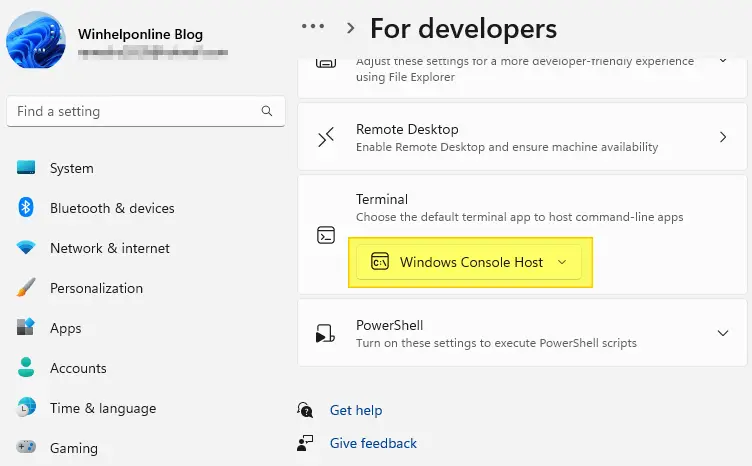
The Windows Terminal becomes the default terminal. This means, all command line applications, such as Command Prompt and PowerShell, will open in Windows Terminal automatically. This article tells you how to change the default terminal to Windows Console Host or revert to Windows Terminal as the default host. Set the default Terminal app in Windows … Read more

How to Export Windows Event Logs from Event Viewer

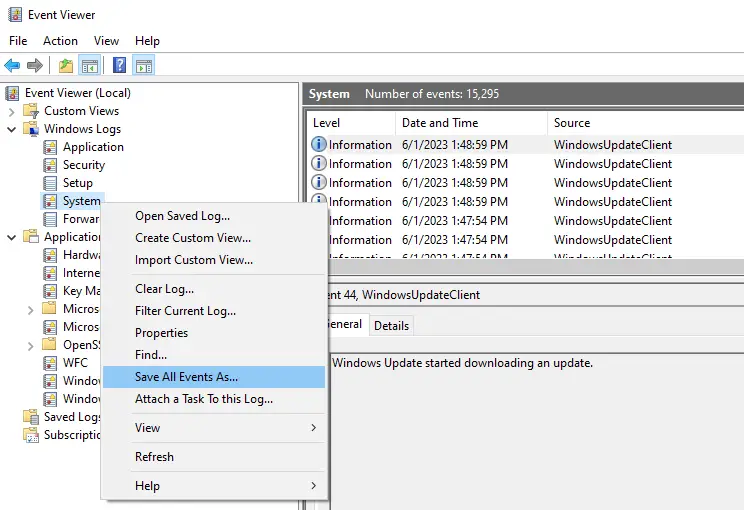
export event logs evtx

The Windows Event logs provide very valuable information for diagnosing problems on the computer. Event logs store records of significant events on behalf of the system and applications running on the system.

This article tells you how to export the event logs to a file using the Event Viewer or the wevtutil console tool. The exported .evtx log can be sent to a support technician for diagnosis.Read more