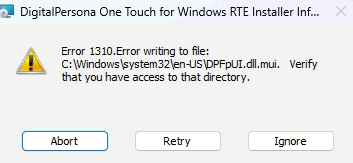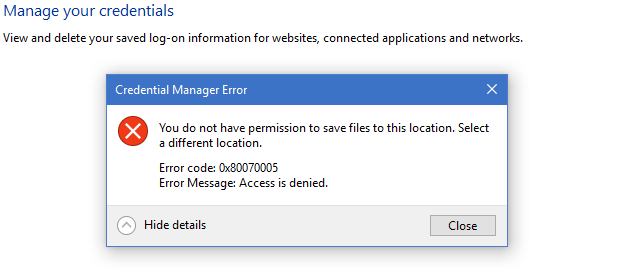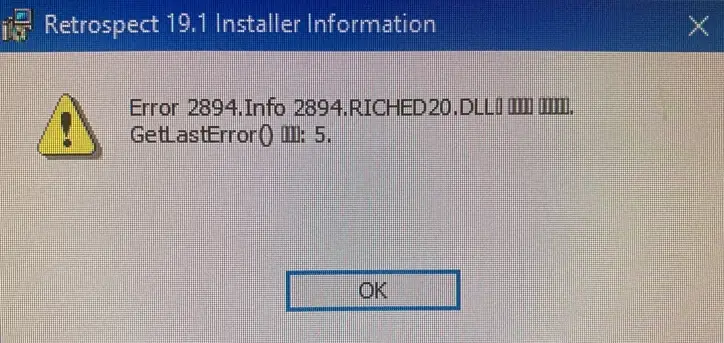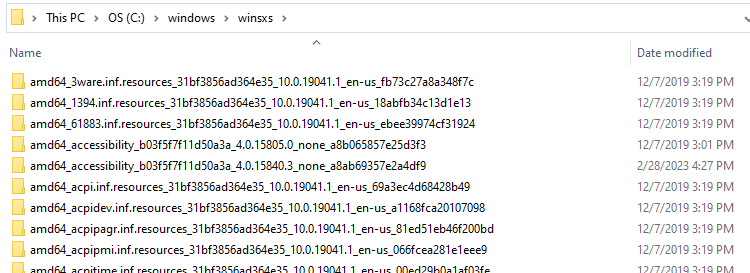
The Component Store or the WinSxS folder, located under the Windows folder, is used to support the functions needed to customize and update Windows.
command prompt
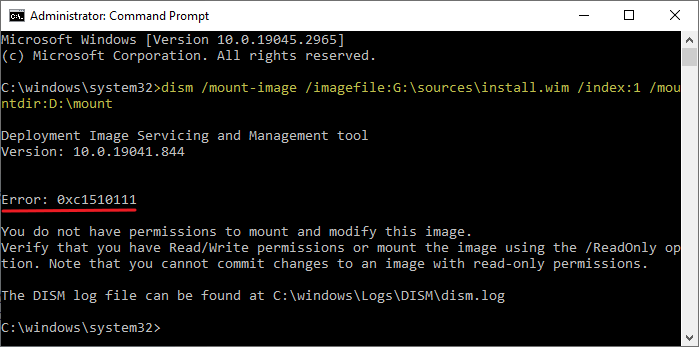
How to Extract DLLs from the DirectX (June 2010) Runtimes Setup
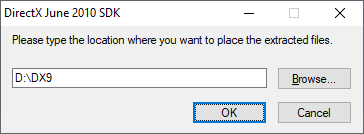
The Microsoft DirectX® End-User Runtime installs a number of runtime libraries from the legacy DirectX SDK for some games that use D3DX9, D3DX10, D3DX11, XAudio 2.7, XInput 1.3, XACT, and/or Managed DirectX 1.1. Note that this package does not modify the DirectX Runtime installed on your Windows OS in any way.Read more
User Profile Folder Missing Under C:\Users
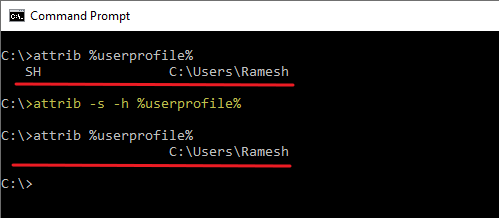
The profile folder for each user account on your computer is stored under C:\Users. On some systems, the user profile folder may not appear when you open the “C:\Users” folder in File Explorer.Read more
[Fix] JPG Metadata not displayed in File Explorer
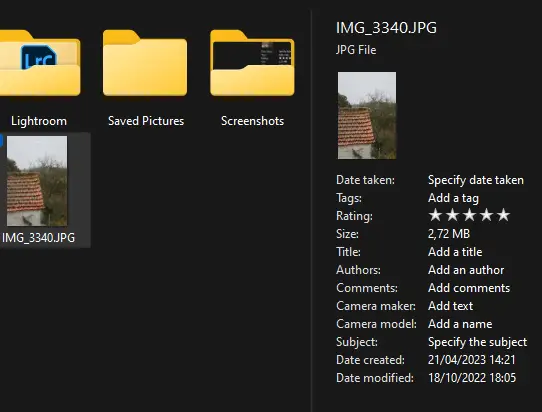
File Explorer shows the EXIF information (e.g., the Camera model, Dimensions, etc.,) in the Details pane. However, on some systems, the metadata may appear completely empty.Read more