The built-in Microsoft System Information (Msinfo32.exe) tool in Windows gathers information about your computer. It displays a comprehensive view of your hardware, system components, and software environment, which you can use to diagnose computer issues.Read more
Fix: Can’t Download Samsung Notes from Microsoft Store
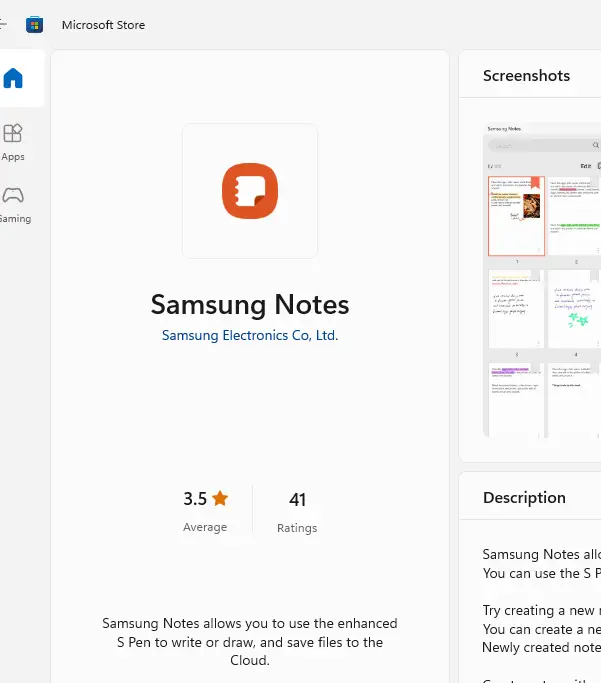
When you search for “Samsung Notes” in the Microsoft Store app, the app is available in the listing, but the Get/Download button may be missing. Solution Method 1: Install Samsung Notes using Winget Open an admin Command Prompt window and run: winget install “Samsung Notes” or winget install 9NBLGGH43VHV This downloads and installs Samsung Notes … Read more
How to Add the Folders Group to This PC in Windows 11
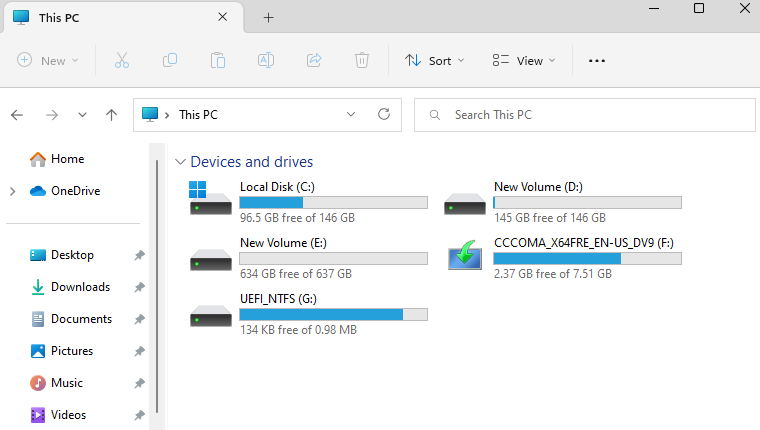
The October 18, 2022 KB5019509 update for Windows 11 introduces tab support in Explorer. However, the update also removes the “Folders” group in This PC. As you see in the above screenshot, only the “Devices and drives” section is available. In the earlier builds, the Folders group contained the links to your special folders. This … Read more
Preview Pane is Blank for Every File Type Except Images
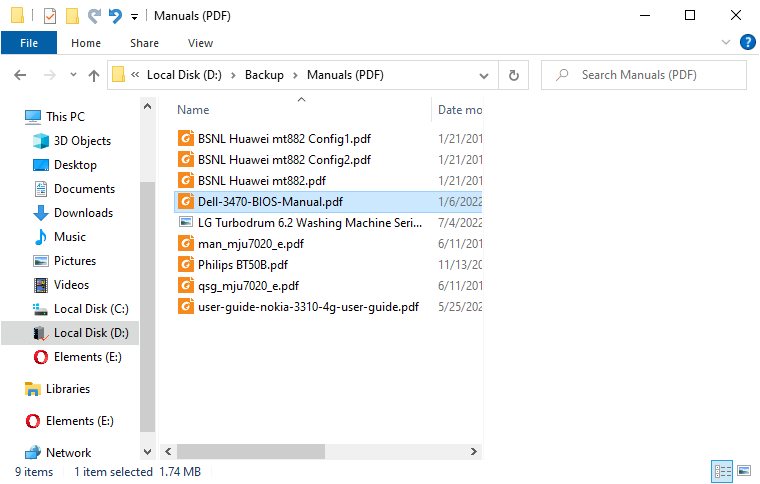
We’ve seen the “No preview available” situations before, caused by the incorrect or missing preview handler registration for a file type. Here is a similar problem: the preview pane is empty, showing just the white space for all file types except images.Read more
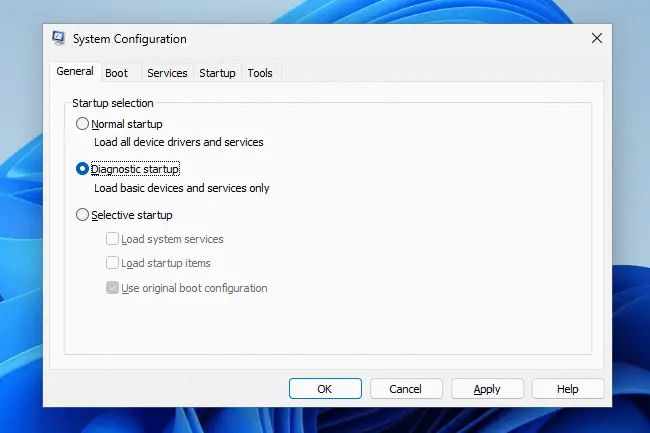
Restore the Old Task Manager in Windows 11
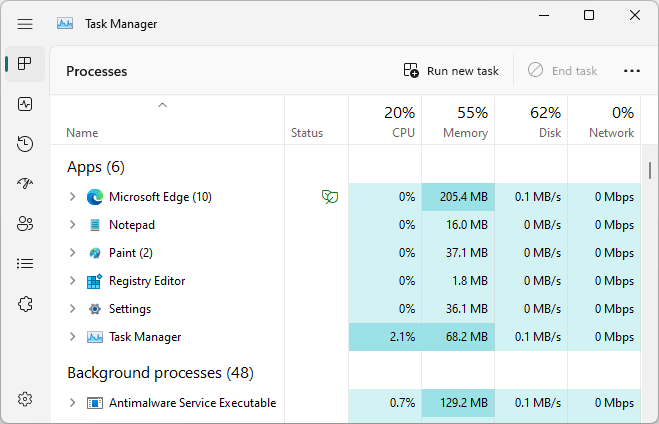
Windows 11 version 22H2 (and above) comes with a redesigned Task Manager. The new Task Manager has additional features, such as a new command bar, UI matching the system-wide theme, Efficiency mode to limit the resource usage of a process, etc.Read more
Get the Install Date/Time of Store Apps in Windows 10
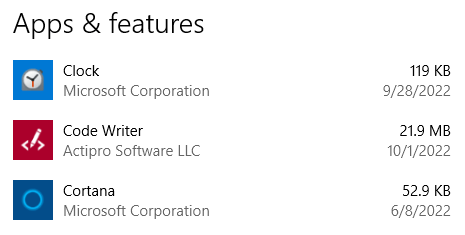
The Apps & Features page in Windows 10 shows you the installation date (without the time) for each UWP app. In Windows 10, this information is stored in the registry.
Unfortunately, PowerShell’s Get-AppxPackage cmdlet doesn’t display the installation timestamp data. But you can get the list of app packages and the corresponding install date and time using a script discussed in this post.Read more
How to Completely Uninstall a Driver in Windows 11/10
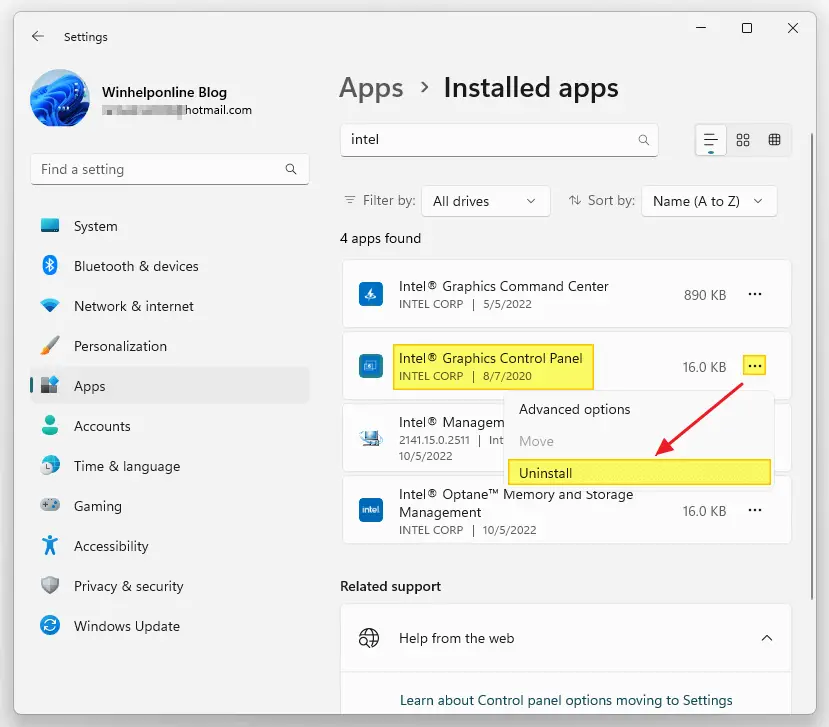
Windows comes with many built-in drivers for various hardware. When you connect a device to your computer, Windows will automatically install drivers from the driver store. If a suitable driver is unavailable in the store, you can use the vendor-supplied device driver or let Windows download the device driver automatically from the Microsoft Update servers.Read more