Find the Current Lock Screen Spotlight Wallpaper File Name in Windows 10/11

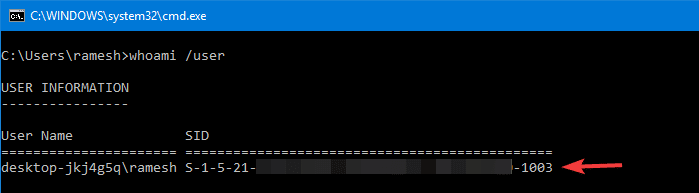
find account sid using whoami user command

Windows 10/11 Spotlight wallpaper images that appear on the lock screen are stored deep inside the Local Application Data folder, under the Assets folder, as we’ve seen in the article, How to Backup Windows Spotlight Images.

We’ll see how to find the file name of the currently displayed Lock Screen (Windows Spotlight) image so that you don’t have to preview 50+ files in your Assets folder to locate a single wallpaper file.Read more
Download Windows Updates (.msu) from Catalog Using PowerShell or Browser

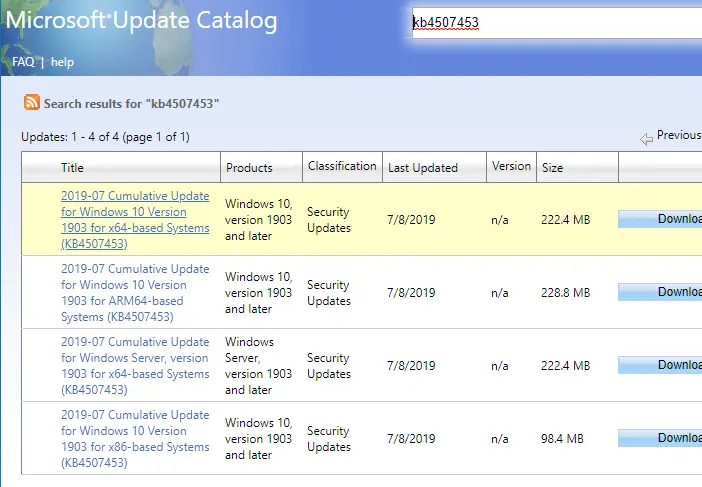
download updates from microsoft update catalog

It’s no longer necessary to use Internet Explorer for downloading Windows Updates (.msu update packages for offline install or distribution) from the Microsoft Update catalog. The Microsoft Update catalog now supports any browser, as Microsoft has revamped the site and eliminated the ActiveX Control.

This article tells you how to download updates from the Microsoft Update catalog using your web browser or PowerShell.Read more

Automatically Take a Screenshot and Open it in Editor

Using the WinKey and PrintScreen keystroke is probably the fastest way to take a screenshot (and automatically save it to a file) of the entire screen in Windows 8 and Windows 10. When using this method, the screenshot image contains your entire screen, including the Taskbar and everything. And in most cases, you may have to crop the image before sending or sharing it with someone, so that only the relevant portion is shown.

This article tells you how to take a screenshot of your entire screen and open the saved image in the editor — both operations in a single click.Read more