Trigger a Program Upon Connecting to a Specific Network in Windows

trigger launch program when connecting to a specific network connection

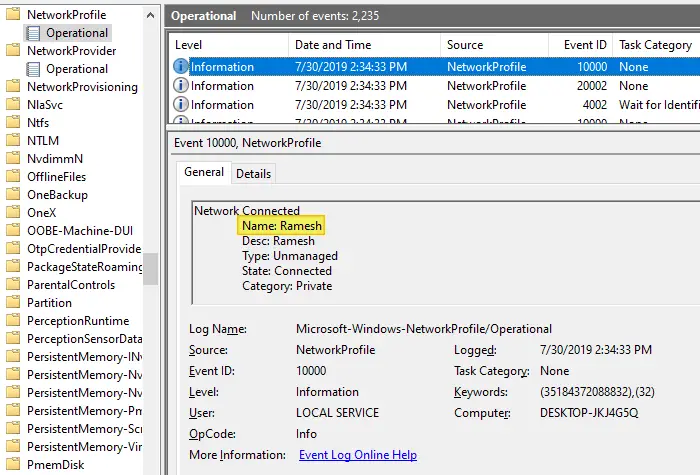
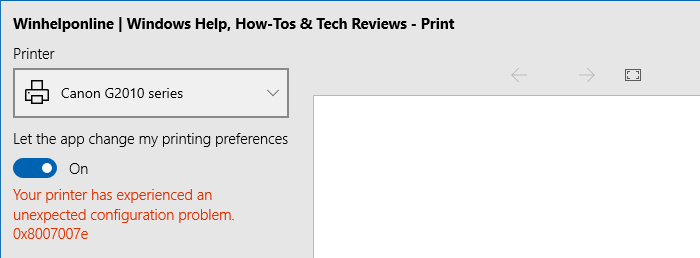
Depending upon the network you’re connected to, you may want to run certain tasks. For instance, when you’re connected to a specific network — e.g., home network — you may want to assign a different printer as the default, using command-line or script. This is especially needed in Windows 10 where the “location-aware printing” feature has been removed.

Or, you may need to run a backup task, or set the default save location in your Office apps to local documents instead of OneDrive when connected to a home network. Some users would want to turn on their VPN software upon connecting to a particular network.

Read more

[Fix] Cannot Delete WindowsApps folder on Non-System Drives

cannot delete windowsapps folder

If you have changed the default app save location to an external hard drive or secondary drive, Windows will create three folders, namely, WpSystem, WindowsApps, and WUDownloadCache on the target drive.

You may later change your mind and revert the default save location to C:. But you may be unable to delete the leftover WindowsApps folder on your secondary drive due to tight NTFS permissions assigned to the folder. The other two folders, WpSystem and WUDownloadCache can be deleted easily.

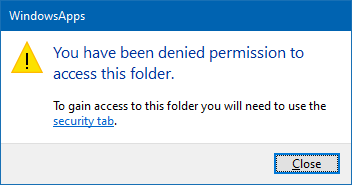
When you access the WindowsApps folder on your secondary drive, you may see the following message:
cannot delete windowsapps folder

You have been denied permission to access this folder.

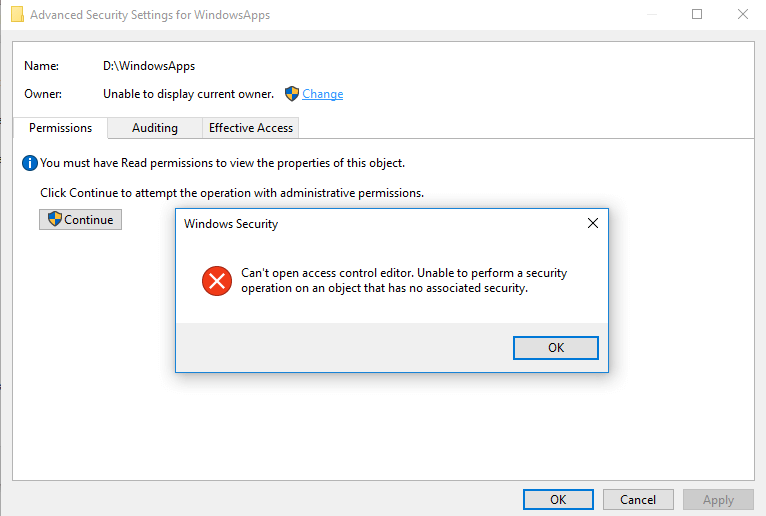
And the Advanced Security Settings dialog shows the error:

Can't open access control editor. Unable to perform a security operation on an object that has no associated security.
cannot delete windowsapps folder

This article explains how to properly delete the leftover WindowsApps folder on your secondary or external hard disk drive(s).Read more
Bypass SmartScreen even if its Enabled through Group Policy

When you download a file you downloaded from the internet, Windows adds the zone identifier or Mark of the Web as NTFS stream to the file. So, when you run the file, Windows SmartScreen checks if there is a zone identifier alternate data stream attached to the file. If the ZoneId=3 data ADS is present, Windows identifies that the file was downloaded from the internet, and the SmartScreen does a reputation check when you run the file.Read more

How to Auto Shutdown after Installing Updates in Windows 10

install updates and shut down windows 10

On patch Tuesdays, you’ll see a bunch of updates such as Adobe Flash Player Security Update, Servicing Stack update, and/or the Cumulative Update showing up in the queue when you open Windows Update settings page. For Asian countries, the updates arrive at night or late night.

Installing a Feature Update or Cumulative Update always requires a restart. Once done, you then have to shut down the device manually if you don’t prefer leaving the computer in sleep or hibernation mode overnight. This means your sleep schedule gets delayed as you’ll have to be awake until the Cumulative Update is fully downloaded and installed.

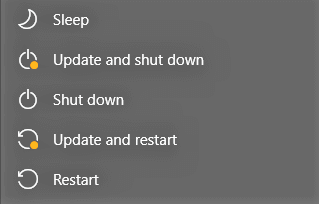
You may be wondering how to automatically shut down your Windows 10 computer after the updates are installed.Read more

Restore “Import pictures and videos” AutoPlay Option in Windows 10/11

import pictures and videos autoplay windows 10

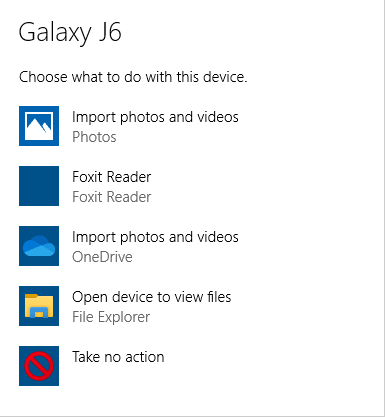
Windows 10 has the Import photos and videos option in the AutoPlay dialog which helps you import photos and videos from your phone, SD card, camera, etc. The option uses the built-in Photos app to import photos and media from the device into your Pictures folder.

import pictures and videos autoplay windows 10

However, many users would like to have the classic “Import pictures and videos” import wizard (powered by the Windows Photo Viewer) instead.Read more