When you open Power Options (powercfg.cpl) in the Control Panel, the power plans may be grayed out, and the following message appears in that applet:
Some settings are managed by your system administrator.
This category contains posts about Microsoft’s latest Operating System – Windows 10.Windows 10’s always been interesting, as every new major update will usually include additional features.
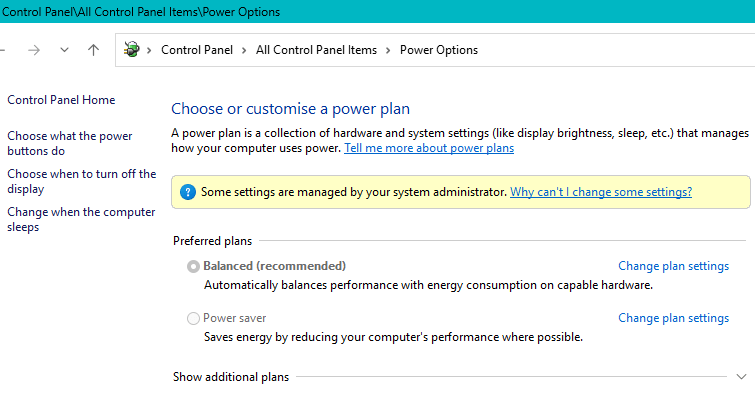
When you open Power Options (powercfg.cpl) in the Control Panel, the power plans may be grayed out, and the following message appears in that applet:
Some settings are managed by your system administrator.
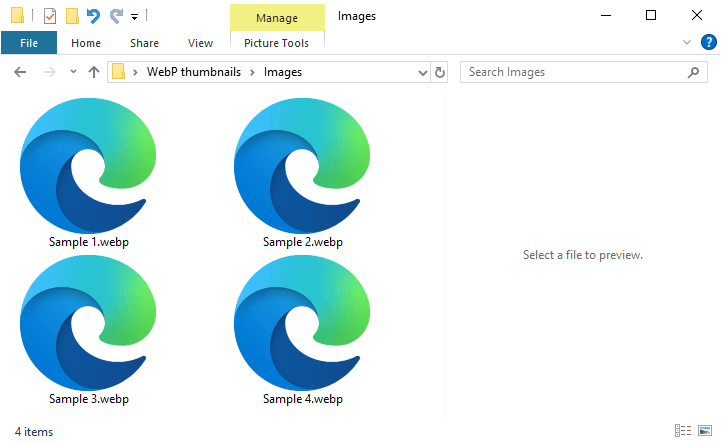
WebP is a modern image format developed by Google that provides superior lossy and lossless compression for web images. When you open a folder containing WebP images, you may notice that none of them have thumbnails.Read more
Almost every classic Windows app creates files in the TEMP folders. Incorrect permissions for the user or system TEMP folders can cause errors when installing or running programs.
User temp folder: C:\Users\%username%\AppData\Local\Temp
System Temp folder: C:\Windows\TEMP
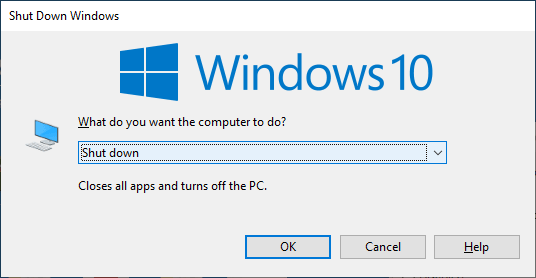
When you open the classic Shutdown dialog (Alt+F4) or click on the Start menu power button, the default option is “Shut Down”. This post explains how to change the default option in the classic Shutdown Dialog (the Alt + F4 dialog) as well as the Start menu Power button action.
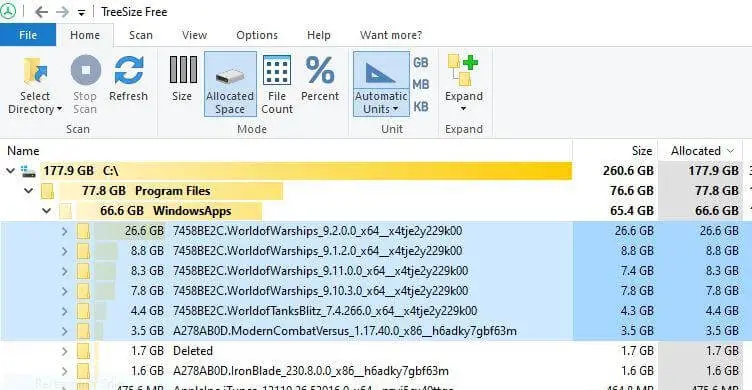
When you install World of Warships (WoW) via the Microsoft Store, it often occupies significant space within the protected C:\Program Files\WindowsApps folder. The game can require 60–90 GB of storage after installation, and sometimes even more during updates.
In some cases, the older versions are not removed during the WoW update, and each versioned folder may occupy 60 GB or more space.

If you uninstall the app, the package folders still remain under WindowsApps. You’re wondering how to properly delete the WoW subfolders in the WindowsApps folder.Read more

When you open the Windows directory, an unknown 10 GB file named “D” with the system and hidden attributes appears. Deleting the file causes the error “The process cannot access the file because it is being used by another process.”
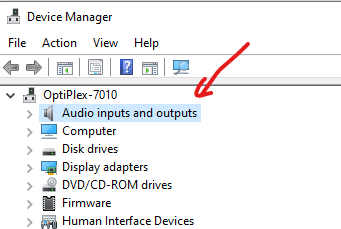
If “Add legacy hardware” and other options are missing from the Action menu in Device Manager, it is likely because the Device Manager’s tree view is not focused.