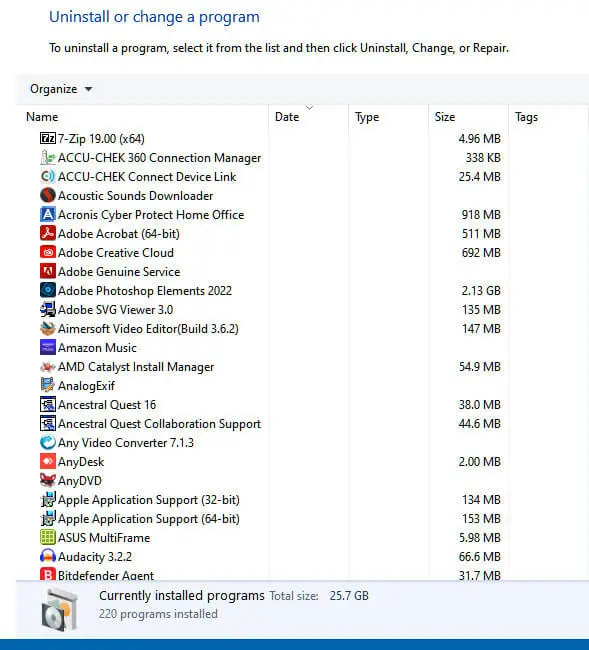
When you open the classic Programs and Features (appwiz.cpl) window, in the uninstall screen, it may only show the name of the program and the size. The Date and Type columns may be empty.Read more
Windows 10
This category contains posts about Microsoft’s latest Operating System – Windows 10.Windows 10’s always been interesting, as every new major update will usually include additional features.
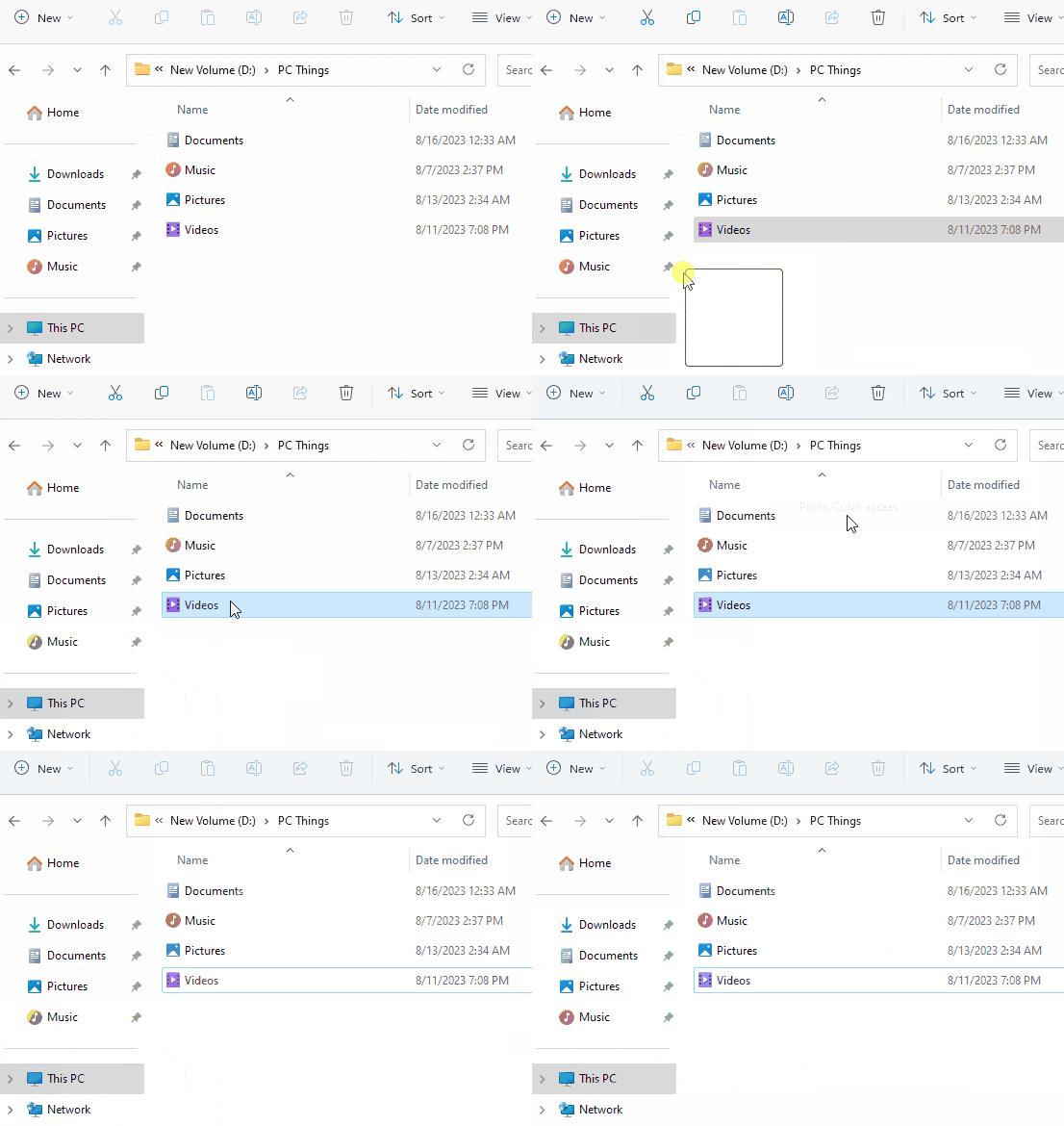
Nothing Happens when you click “Pin to Quick access”
When you right-click on a shell folder like Desktop, Documents, Pictures, Music, or Videos and click “Pin to Quick access”, nothing may happen. Also, the item is not pinned when you drag the shell folder and drop it in the Quick Access (Home) area.Read more
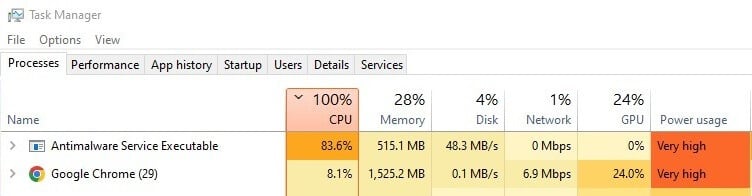
[Fix] Windows Defender 100% CPU Usage During Full Scan
When you run a full scan using Microsoft Defender Antivirus, about 30 seconds to 1 minute into the scan, the CPU usage spikes and uses up all the remaining CPU. Its CPU usage remains at 100% throughout the full scan. The CPU fan becomes loud. Due to this issue, systems with heating issues may abruptly … Read more
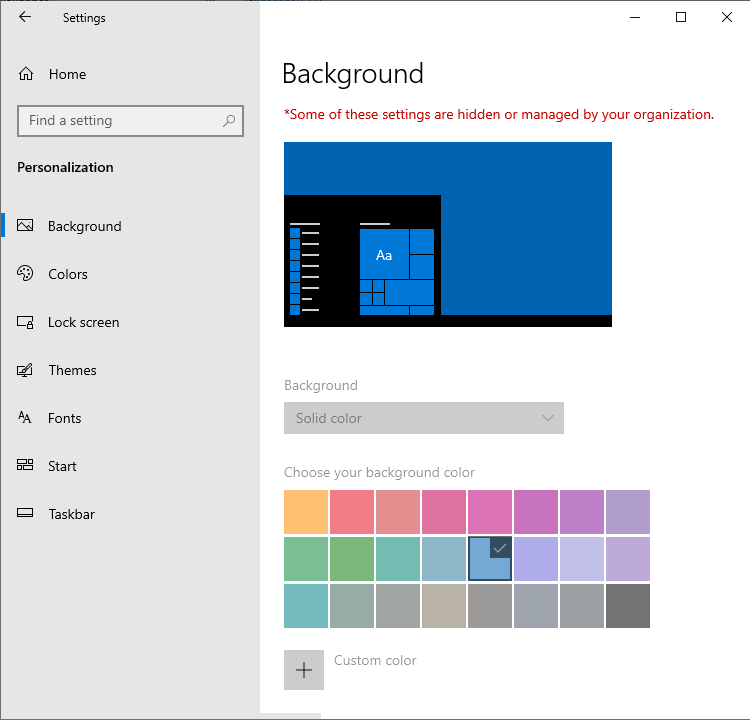
Desktop Background Option is greyed out in Personalize Settings
When you attempt to change my desktop wallpaper, the “Background” dropdown option may be greyed out in Settings → Personalize. The “choose your background color” option may also be grayed out. Also, on the top, it says the following: Some of these settings are hidden or managed by your organization. This happens even if your … Read more
Startup Apps Option Missing in Settings in Windows 10 or 11
When you open Settings and click “Apps”, the “Startup” option may be missing. The Startup option lets you manage apps that start automatically when you sign in. Despite this issue, the Task Manager’s Startup tab may show the startup entries correctly.Read more
Powercfg: The hiberfile type does not support hibernation
When you open the Power and sleep buttons and lid settings in Power Options, the Hibernate option may be missing from the dropdown. However, the “Fast Startup” option may be available. When you run Powercfg /AVAILABLESLEEPSTATES or Powercfg /A to report the sleep states available on the system, the output may contain the following line: … Read more