Track Process Creation and Exit Time Using Process Monitor

Summary: This post tells you how to track process creation and exit events using the Process Monitor utility.

My previous post, List Running Processes, helps you track down currently running processes. And the article Command Prompt Opens and Closes immediately tells you if a last run program window was a scheduled task or not.Read more

Take Screenshot in Windows 10 Using Different Ways

In any version of Windows, the PrintScreen key captures the screen to the clipboard, which can then be pasted in Paint or any image editor and saved to a file. However, Windows 8 and Windows 10 save you that additional step, making it very easy to capture your screen and saving to a file in a single keystroke. This article discusses various methods to take screenshots in Windows.Read more

How to Copy Files from Multiple Subfolders to a Single Folder?

move or copy files in multiple sub-folders

When importing photos from your camera or SD card via AutoPlay dialog using the Photos app, many sub-folders (month and year-wise) are created in the destination folder, which may not be what you wanted. Here is a step-by-step guide that explains how to move all files recursively from multiple subfolders to a single folder of your choice.

For example, here is how it gets imported when using the Photos app.
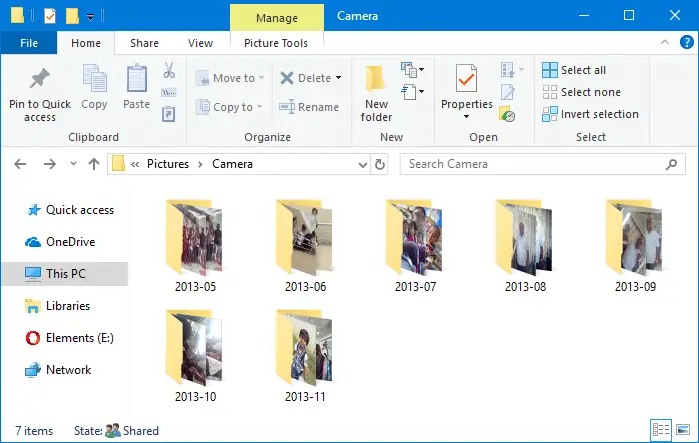
move or copy files in multiple sub-folders

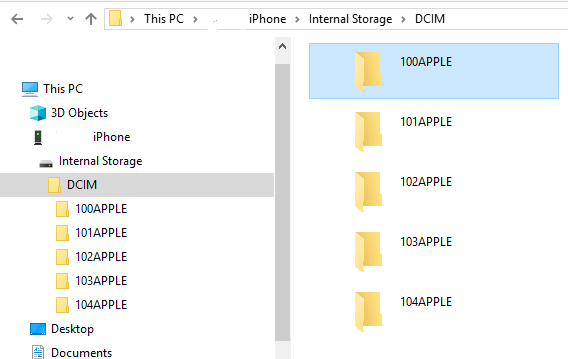
The mobile phones and cameras also may store your photos in many subfolders under the DCIM folder.

For instance, in Apple iPhone, your photos and videos are stored in the 100APPLE folder under DCIM. The 100APPLE folder contains IMG_0001.JPG to IMG_0999.JPG. If you have more images or videos, then they’re stored in 101APPLE , 102APPLE directory, and so forth. If you’re using iCloud to store photos and videos, you’ll also see the folders namely, 100CLOUD, 101CLOUD, and so on.
iphone dcim

Copying the files from each subfolder to a single folder on your hard disk manually can be a tiresome task, especially if you have a large number of folders. However, you don’t need to dig into every folder to do that, as there are several ways to quickly copy or move files from all the subfolders to a single folder — i.e., flatten a directory structure.Read more
How to Selectively Delete System Restore Points

The System Restore user interface doesn’t have an option to remove individual restore points. But, it’s possible to remove Restore Points selectively using the Vssadmin command-line, PowerShell, or by writing a program that makes use of the SRRemoveRestorePoint API in Windows Vista through Windows 10.

This article explains the two methods to delete individual restore points in Windows.

Read more

Copy URLs of All Open Tabs in Chrome, Firefox, Edge

Copy URL and Title of All Open Tabs in Chrome and Firefox

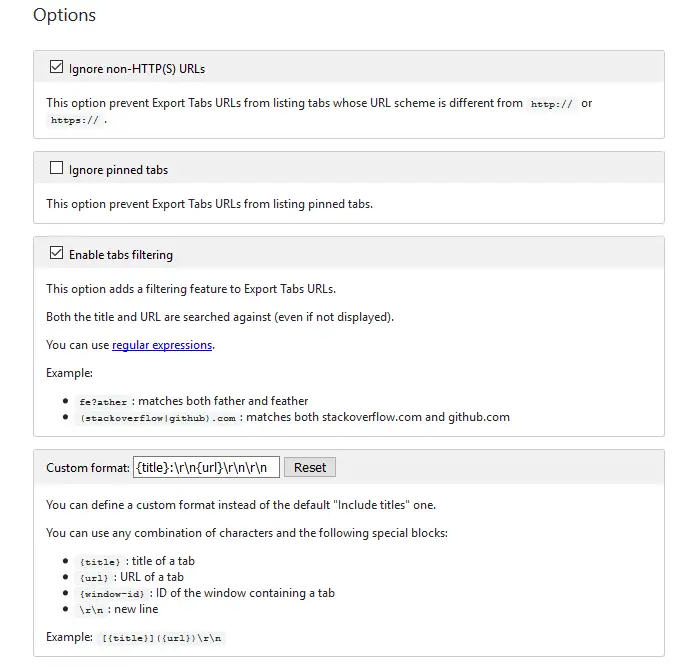
We saw one of the ways to Copy Title and URLs from all open tabs in Internet Explorer. For Google Chrome and Firefox, there are many add-ons or extensions for this purpose. This post features a couple of nice extensions that can copy the URLs for the current tab, current window, or all windows. Further, both these add-ons allow nice customization as to how the title and links are copied.Read more

Command Prompt Flashes and Closes Quickly at Startup or Random Intervals

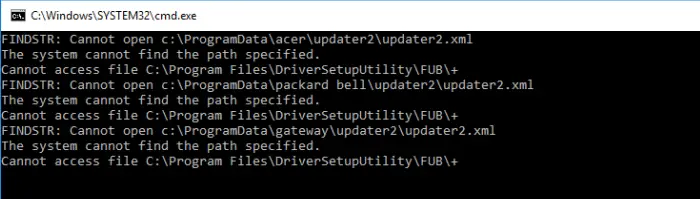
If the Command Prompt, PowerShell, or an unknown program window flashes during logon or at random intervals without you doing anything, there are many chances that it’s a Task Scheduler job. The windows popping up frequently can be a huge distraction when you’re working or playing a game on the computer.Read more

How to Completely Remove Old Printers in Windows 10 or 11

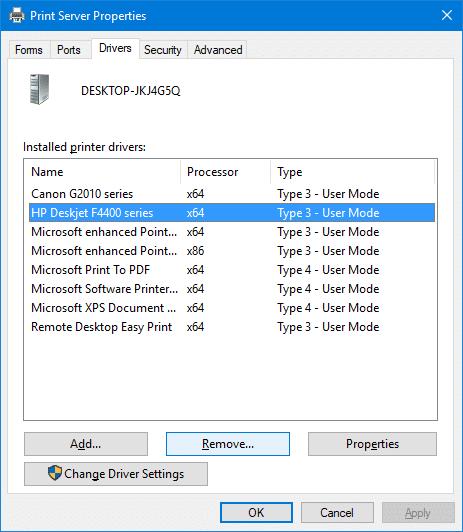
remove printer driver - print server

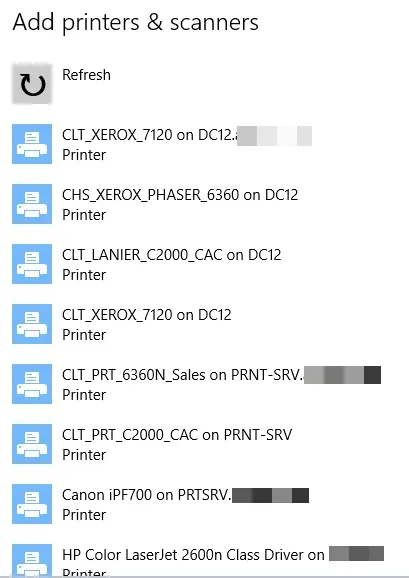
When you try to add a new printer by clicking the Add a printer or scanner in the Printer & Scanners page, old printers you added earlier but no longer use may be listed.

This post tells you how to completely remove old, uninstalled, or obsolete printers from the Add a Printer and Printers & Scanners pages. In addition, the leftover printer drivers, driver packages, and registry entries need to be removed.Read more