Cannot Boot into Windows after installing KB4100347 Intel CPU Update

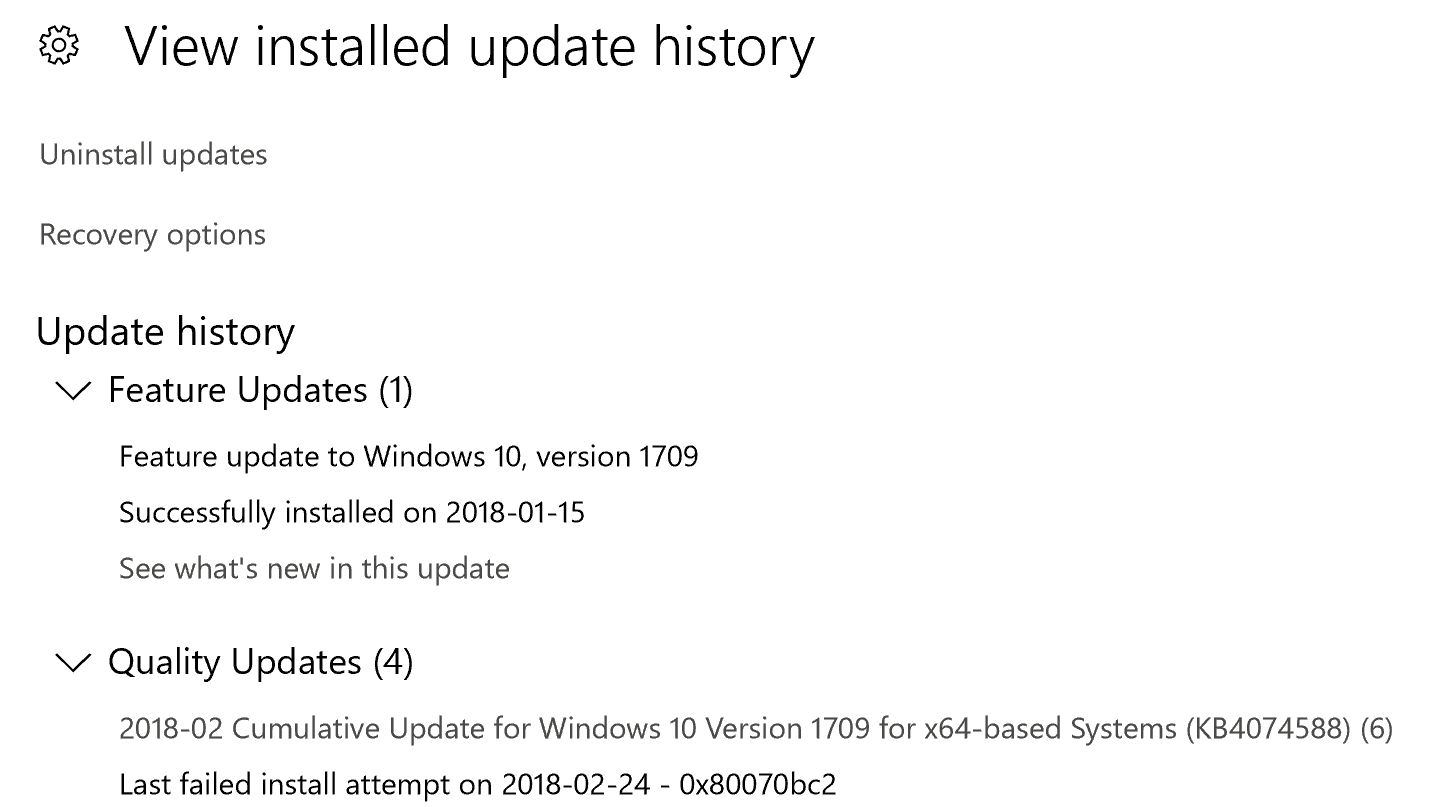
Intel recently announced that they have completed their validations and started to release microcode for recent CPU platforms related to Spectre Variant 2 (CVE 2017-5715 [“Branch Target Injection”]). The Windows Update KB4100347 includes microcode updates from Intel.

Right after installing the update KB4100347 via Windows Update channel or the Microsoft Update Catalog, many users faced a problem where the system became unbootable, especially Xeon workstations. Although not necessary, some users wiped their drive, formatted it and installed Windows 10 from scratch to come out of this problem.

But there is no need to clean install Windows 10. This post explains how to make your Windows 10 computer bootable again by undoing/uninstalling KB4100347 offline via Windows Recovery Environment.Read more

Taskbar Volume Control Icon does not Work in Windows 10/11

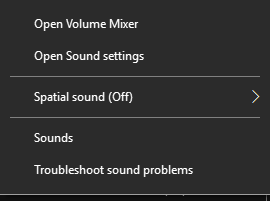
Sometimes, the Taskbar volume control icon in Windows may not respond to the mouse click. The slider doesn’t appear when you click on the speaker icon, and nothing happens when you right-click on it. The audio may still work in all applications, but only the controls don’t open. Due to this, users have to open sndvol.exe from the Run dialog to open the Volume Mixer and control the sounds.

This post explains how to fix the volume control (speaker) icon in Windows 10 and Windows 11.Read more

How to Trim or Crop Images in Windows 10 Using Photos App

The Windows 10 Photos app has some interesting features that makes it a useful image previewer & editor (although only basic editing features supported). All these days, you may have been using Microsoft Paint or some third-party editors to crop or trim images, such as IrfanView, GIMP, etc. The good news is that you can not only resize images but also can crop images, rotate, add filters and effects using the Photos app.

It’s always very convenient to have a single app to preview as well as to accomplish the basic image/video editing tasks. This post tells you how to trim or crop images using the Photos app in Windows 10.Read more

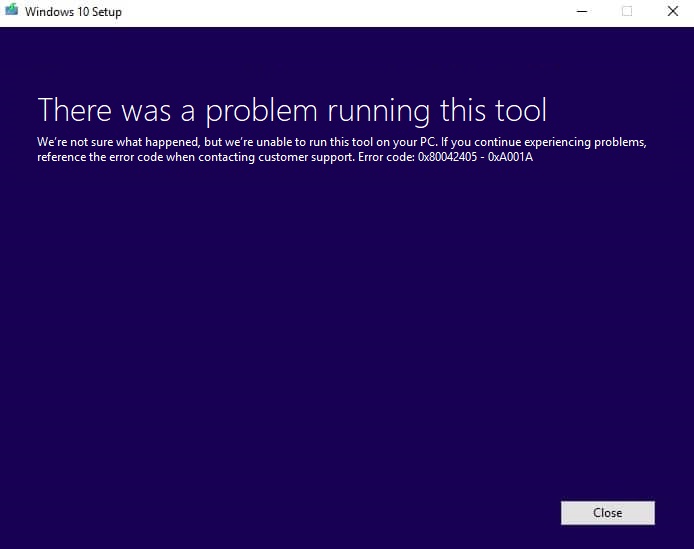
[Fix] Media Creation Tool Error 0x80004005 – 0xA001A

When you use the Media Creation Tool to create a bootable USB Windows 10 setup disk, error 0x80004005 – 0xA001A occurs during the process. Precisely, the error happens after the ISO download is complete, and during the ‘creating media’ stage when it nears 50%.  Here is the full error message: There was a problem running this … Read more

Fix: Network Computers Not Showing up in Windows 10 File Explorer

Network Computers Not Showing up in windows 10

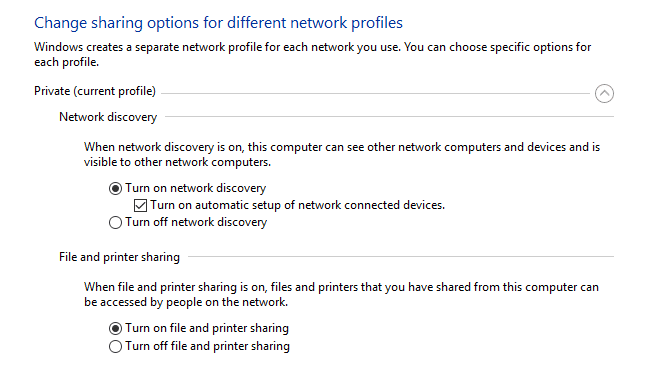
In Windows 10 Version 1803, the HomeGroup feature has been removed. We also saw how to share files and printers without HomeGroup in Windows 10. After updating to v1803, many users face a problem where the computers/devices in the home network are not seen when you open This PC -→ Network.

When you open This PC and click on Network in the left pane, none of your networked devices may show up. This article tells you how to fix network devices discovery problem in Windows 10.Read more

How to Resize Images Using Photos App in Windows 10

The Photos app, a modern (UWP) app which replaces the classic Windows Photo Viewer, as Microsoft wanted to make the UI seamless between Windows 10 Mobile and Windows 10 for computers platforms. When Windows 10 was released, many users had to manually add the Windows Photo Viewer classic app using a registry edit, as they didn’t find the Photos app appealing at that time.

The Photos app gets new features every now and then. For instance, Photos app can edit images, split videos or merge them together. And the newest feather in its cap is the ability to resize images (although only 3 preset options are provided). This post explains how to resize images using the Photos app in Windows 10.Read more

How to Share Files and Printers Without HomeGroup in Windows 10

The HomeGroup feature in Windows made it possible for novice users to share file and printer quickly. You could share pictures, music, videos, documents, and printers with other people in your home network. However, starting with this build (April 2018 – Version 1803), the HomeGroup service is no longer operational in Windows 10. So, what’s the alternate for HomeGroup?

This post explains how to share files and printers on your home network, without using the HomeGroup feature. The HomeGroup alternate file and printer sharing Instructions in this article apply to Windows 7 through Windows 10.Read more

What is Device Census and Why is It Using My Webcam?

When your anti-virus program shows the message “Device Census is using your webcam” or “Webcam Access Blocked” (referencing DeviceCensus.exe), you are be worried if some malware has infected your system. For example, Kaspersky Total Security, ESET or any other anti-virus program you’ve installed may warn you about some program trying to access your webcam.

kaspersky device census webcam warning

This post tells you what Device Census is and how to get rid of the message.Read more