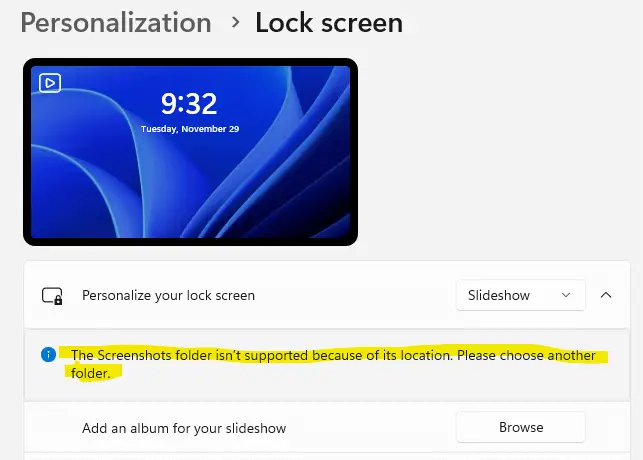
When you attempt to add a folder source for the lock screen slideshow by clicking on the Browse button and choosing the folder, the following message appears:Read more
Windows
You’re browsing the “Windows” parent category, which lists articles on every Windows Operating System.
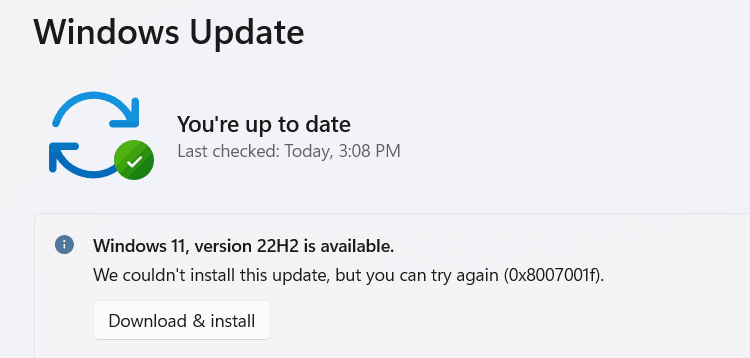
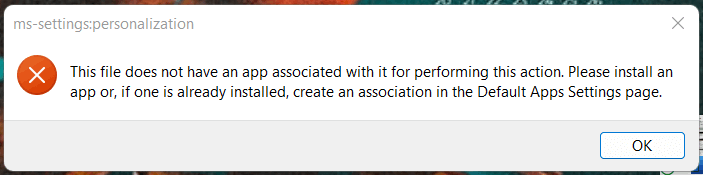
Fix: Can’t Print from Store Apps; Print Dialog Disappears
After reinstalling or resetting Windows 11, you may be unable to print from modern apps — e.g., Photos, Snipping Tool, Notepad, Windows Mail, etc.
When the Print button is clicked or Ctrl + P is used, the print dialogue box may appear on the screen briefly before disappearing suddenly. Performing the following steps may not resolve the issue.Read more
Microsoft Defender Antivirus is Snoozed; You’re using other antivirus providers
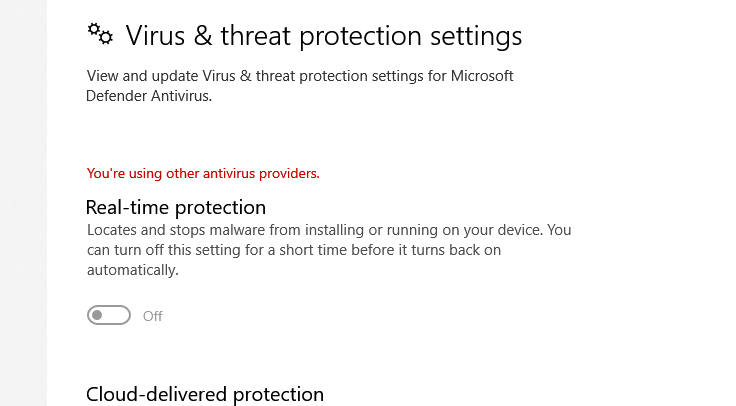
When you open Windows Security, the security dashboard may show the message “You’re using other antivirus providers.” even though you don’t have any third-party antivirus program installed. In some cases, the real-time protection option would be available. But it reverts to “off” status immediately after you try to turn it on. If you open the … Read more
Windows Security URL Shortcuts for Each Page (WindowsDefender://)
The Windows Security user interface has various options. Each of these pages can be opened directly using URL shortcuts, similar to the shell: commands we used to open special folders directly.Read more
Hotkey to Show/Hide Navigation Bar in File Explorer
The File Explorer in Windows 10 includes the keyboard shortcuts to enable or disable the Preview pane and the Details pane. However, there is no such shortcut available to toggle the navigation pane. So let’s see how to overcome this limitation using AutoHotKey.Read more
Generate a System Information Report using MSINFO32
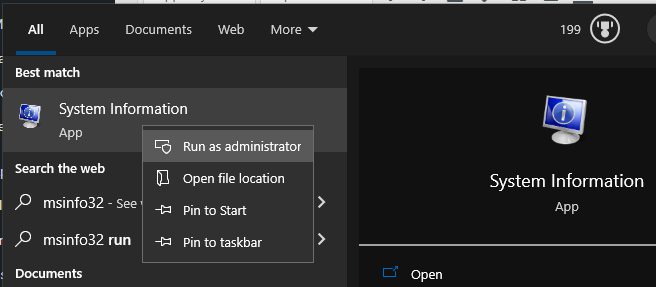
The built-in Microsoft System Information (Msinfo32.exe) tool in Windows gathers information about your computer. It displays a comprehensive view of your hardware, system components, and software environment, which you can use to diagnose computer issues.Read more