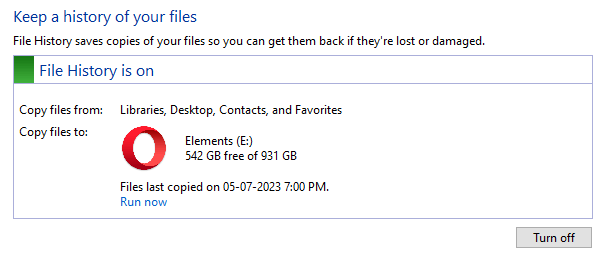
File History automatically backs up files in your libraries, contacts, favorites, and on your desktop. You can also find different versions of your files from a specific point in time. You can add and remove custom folder locations from the backup. The customizations are stored in the two XML files, Config1.xml and Config2.xml, in the File History folder.Read more
 Ramesh
Mystery Drive appears in System Properties Protection tab
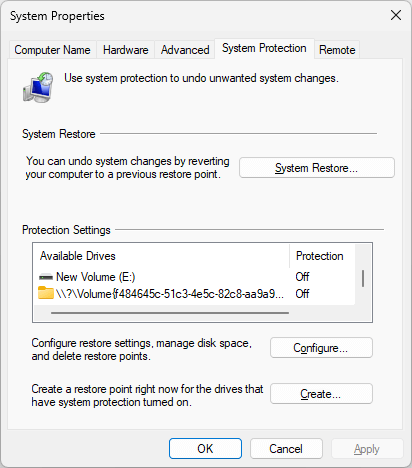
When you open System Properties and click the System Protection tab to create a restore point, you may notice a mystery drive appearing with the volume GUID string (e.g., \\?\Volume{a6810e9c-8234-4cd1…) instead of a drive letter.Read more
[Fix] DISM StartComponentCleanup Stops at 20%
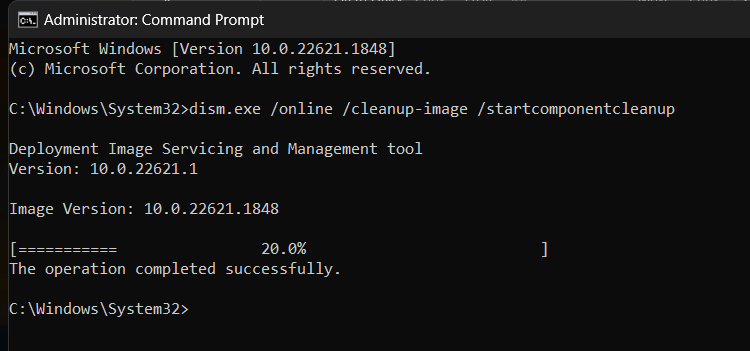
When you run a component store cleanup using DISM.exe’s /startcomponentcleanup parameter, the command doesn’t finish correctly. The output shows that the process has stopped at 20%, but the message says, “The operation completed successfully.”Read more
How to Find if a Disk Uses MBR or GPT
Knowing how your disks were set up (MBR vs. GPT) is essential for troubleshooting boot issues and Windows Update errors. Master Boot Record (MBR) disks use the standard BIOS partition table. GUID partition table (GPT) disks use the Unified Extensible Firmware Interface (UEFI).Read more
[Windows Setup] Setup.exe Immediately Crashes and Reboots Windows
When you run Setup from the Windows 10 or 11 ISO, the system may immediately crash and reboot. The user may not realize the reboot was due to a kernel-mode crash.
For instance, running the Windows 11 22H2 setup from the ISO may crash the system and restart the PC immediately. The Installation Assistant or Media Creation Tool may crash/reboot the device after the download phase.Read more
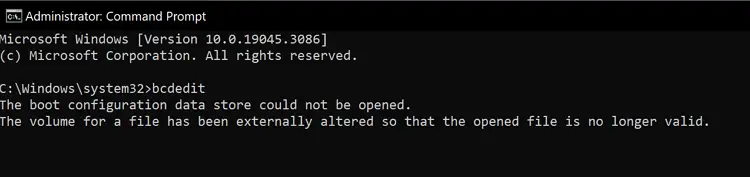
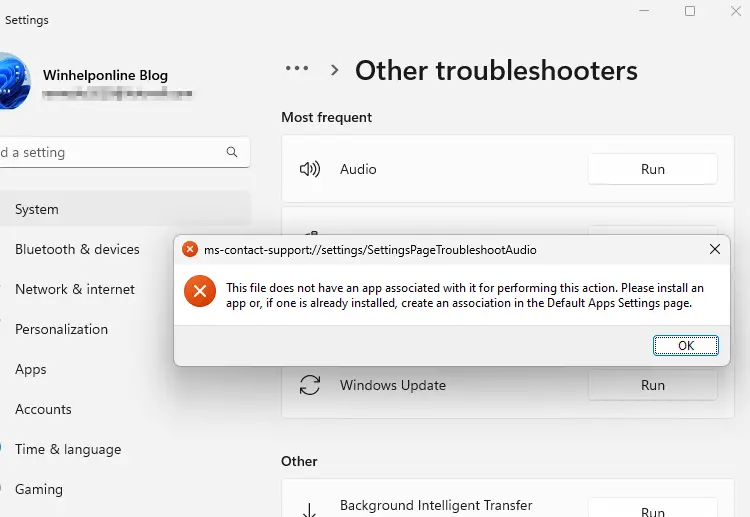
How to Install Windows Sandbox in Windows 10 and 11
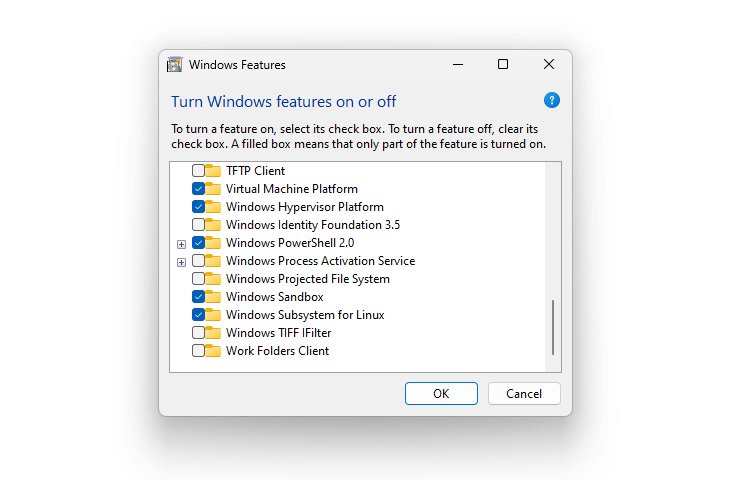
This article explains how to uninstall and reinstall Windows Sandbox in Windows 10 and 11.
Windows Sandbox provides a lightweight desktop environment to safely run applications in isolation. Software installed inside the Windows Sandbox environment remains “sandboxed” and runs separately from the host machine.Read more
How to access Windows Recovery Environment (WinRE)
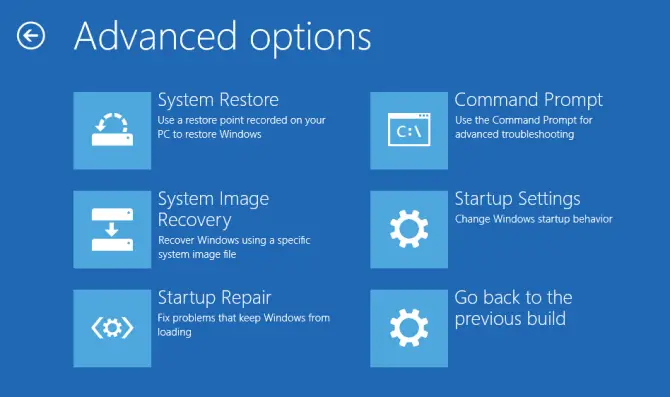
Windows Recovery Environment (WinRE) is a recovery environment based on Windows PE that contains troubleshooting and diagnostic tools to repair an unbootable operating system. By default, WinRE is preinstalled into Windows 10 and Windows 11.Read more
Task Manager Startup Entries Keep Getting Disabled
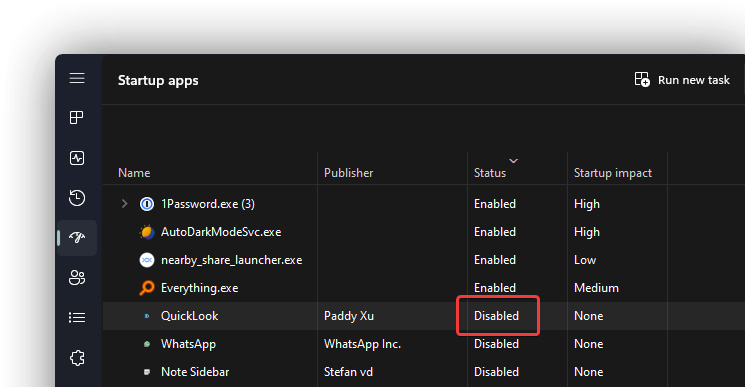
When you install a Store app, it may register its startup tab. But ITS Startup entry may get disabled automatically. If you re-enable the entry via the Task Manager Startup tab and restart, the startup entry reverts to “Disabled.”Read more