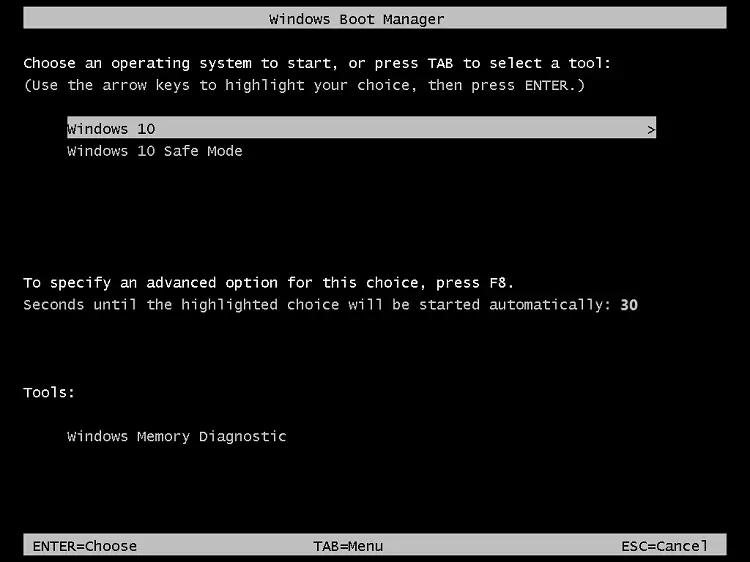
The “bootmenupolicy” setting in the Boot Configuration Database (BCD) defines the type of boot menu (Standard vs. Legacy) the system will use. For Windows 11, 10, Windows 8.1, Windows 8, and Windows RT, the default is Standard. For Windows Server 2012 R2, Windows Server 2012, the default is Legacy. When Legacy is selected, the Advanced options menu (F8) is available.Read more
 Ramesh
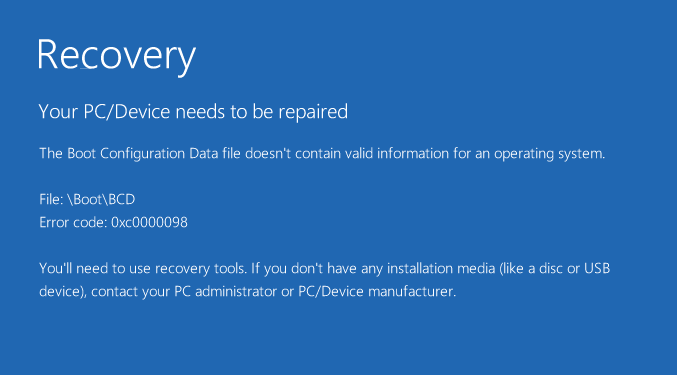
[Fix] EFI System Partition Appears in Explorer
The EFI system partition, which contains your boot files and boot configuration database, is hidden by default. However, on some systems, the EFI partition may show up with a drive letter in File Explorer.
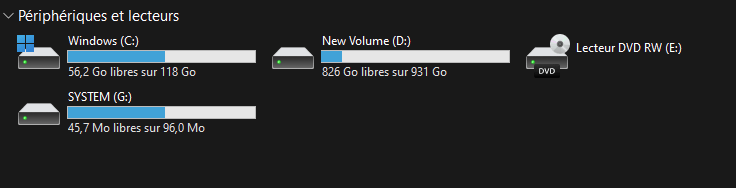
Microsoft Common Language Runtime Native Compiler 100% CPU Usage
When you open Task Manager, you may see that the module “Microsoft common language runtime native compiler” may use 100% of the CPU and hamper the device’s performance.
If the task is ended manually, it starts up automatically after about 10-20 minutes. You may wonder what causes this issue and how to fix this.Read more
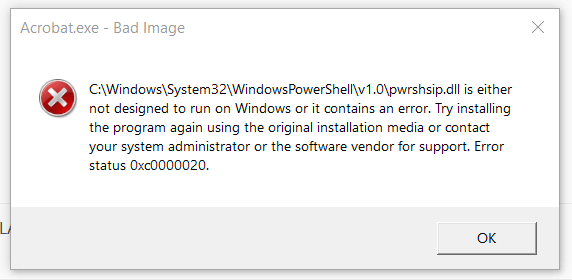
Shell Folder Icons Appear on the Desktop in Windows 11
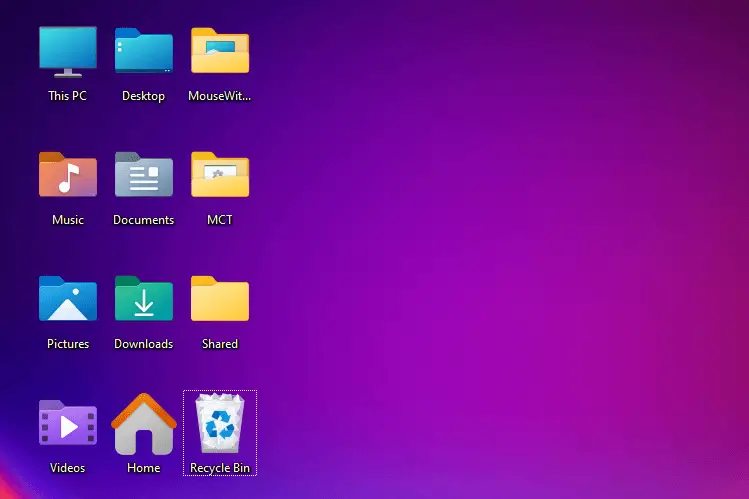
On some systems, the shell folders such as Music, Pictures, Desktop, Downloads, Videos, and Home icons appear on the desktop after installing Windows 11. These shell folders are not supposed to appear on the desktop by default.Read more
Msg.exe is missing in Windows 10/11?
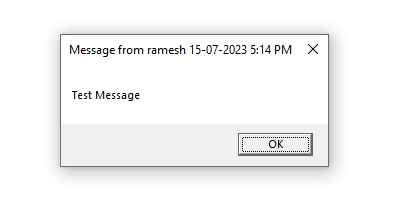
Msg.exe is a built-in console tool that can send a message to a user on the same network.
On Windows Home editions, you’ll see the following error when trying to run msg.exe:Read more