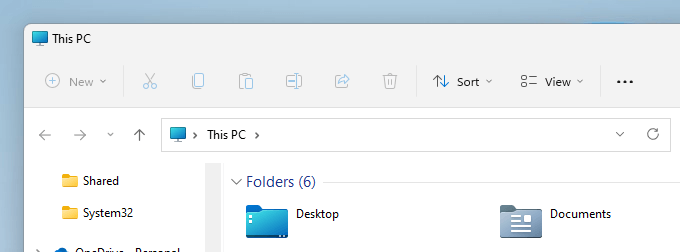
The File Explorer in Windows 11 has a new/modern ribbon interface with small icons (no caption text underneath). The new ribbon interface may look bland and uncomfortable for new users who have upgraded to Windows 11 from Windows 10 or earlier.Read more
registry
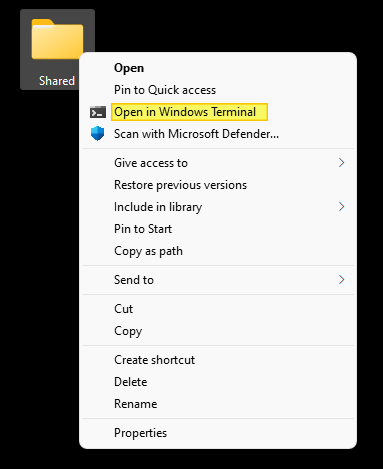
How to Remove “Open in Windows Terminal” Context Menu in Windows 11
In Windows 11, the Windows Terminal context menu item appears in the right-click menu for folders and the desktop.

Suppose you’re already using the “Open PowerShell window here” or “Open Command window here” option and don’t plan to launch Terminal via the right-click menu. In that case, you can remove the “Open in Windows Terminal” context menu entry to declutter the menu.Read more
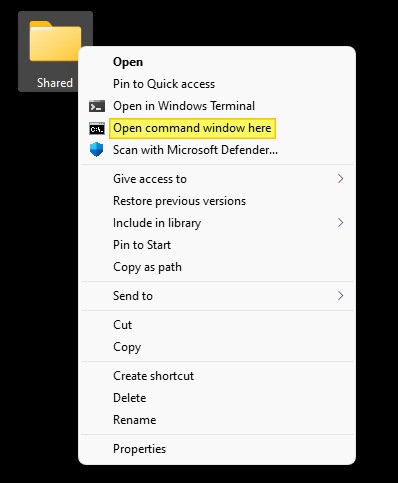
How to Add “Open command window here” in Windows 11
In Windows 11, the context menu “Open Command window here” doesn’t exist by default. Instead, you’ll see the “Open in Windows Terminal” and “Open PowerShell window here” (when you press Shift + right-click) options in the folder context menu.
This article tells you how to add “Open Command window here” (in Windows 11) to open a Command Prompt window in that directory path.Read more
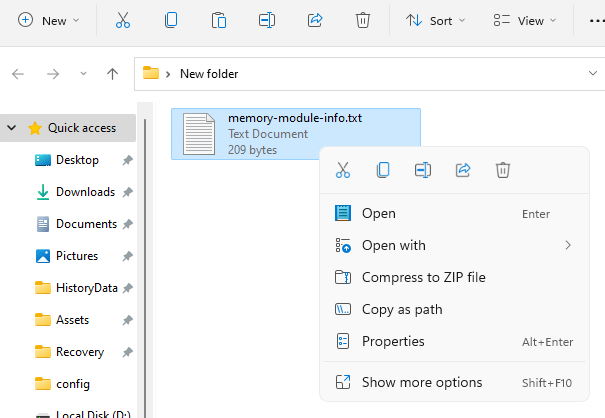
How to Get Back Classic (Full) Context Menu in Windows 11
In Windows 11, the context menu appears very quickly, but the menu doesn’t show all the entries by default. To access the menu entries that are not shown in the default listing, you need to click the “Show more options” option every time.Read more
How to Associate a Program with Files that have No Extension
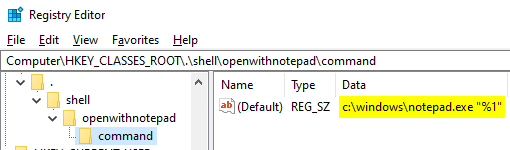
Shell extensions for file names with no file extension can be registered under the following:
[HKEY_CLASSES_ROOT\.]
How to Change the Default Character Encoding in Notepad
This post explains how to change the default character encoding in Notepad (e.g., UTF-8 to ANSI) on Windows 10.
ANSI has been the default encoding in Notepad in earlier versions of Windows 10. Since Windows 10 version 1903, the default Notepad encoding is UTF-8.
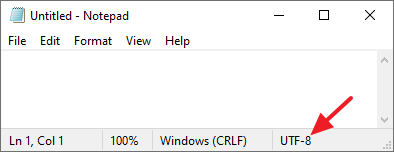
When you launch notepad.exe, the default encoding is shown in Notepad’s status bar in Windows 10 v1903 and higher.Read more
[Fix] Desktop Icons Spacing is Messed Up in Windows
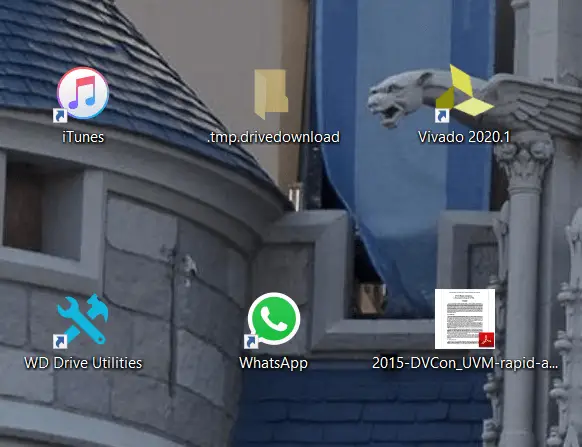
Occasionally, your desktop icons may be spaced out too far or very close to each other in Windows. The desktop icon spacing may sometimes be messed up after installing a video driver update. In some cases, the vertical spacing may be fine, but the horizontal spacing may be messed up (e.g., showing a rectangle) or … Read more
How to Restore Missing “Print Management” Console
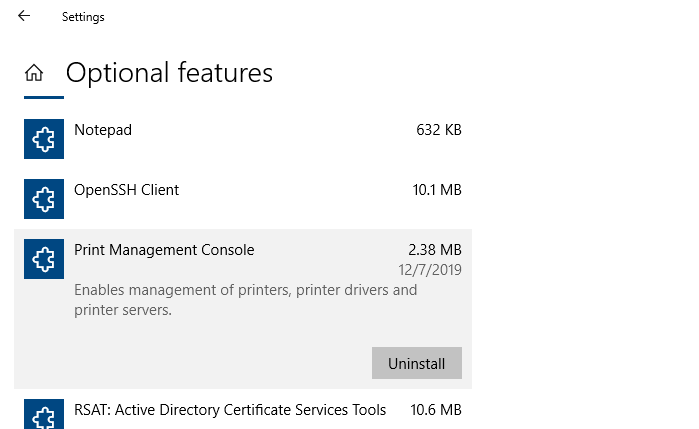
After installing a Windows 10 Feature update (v2004 or higher) or Windows 11, you may observe that the Print Management MMC console is missing from the system. Print Management is a Microsoft Management Console (MMC) snap-in that lets you install, view, and manage all printers on your local computer or the network. You can add or delete printer driver packages, manage the print queue, and do much more.
This issue can occur in Windows 10/11 Professional or Enterprise edition. Note that the Print Management console is not available on Home editions of Windows. If you’re using Windows Home Edition, this article doesn’t apply to you.
The Print Management shortcut may be missing in the Administrative Tools folder. And, when you attempt to run printmanagement.msc directly, you’ll see the following error:
Windows cannot find 'printmanagement.msc'. Make sure you typed the name correctly, and then try again.
Also, copying the file printmanagement.msc file from another Windows 10 computer and running it would cause the error “couldn’t load the snap-in” since the supporting files are missing from the computer.
How to Prevent Auto redirection from IE to Edge for unsupported sites
Since Windows 10 version 20H2, Internet Explorer redirects users to Microsoft Edge (Chromium) when they visit websites that don’t support Internet Explorer. Microsoft Edge Chromium version 84 and higher have this feature. Many modern websites have designs that are incompatible with Internet Explorer. When the Internet Explorer user visits an unsupported website (e.g., Facebook, Internet Archive, … Read more
How to Extend the 10-day Limit to Go back to previous version of Windows
After you upgrade to Windows 10 or install a Windows 10 Feature update, you’ll be able to go back to your previous version of Windows within a limited time of 10 days. This can be done by opening Settings → Update & Security → Recovery → Go back to the previous version of Windows 10. … Read more