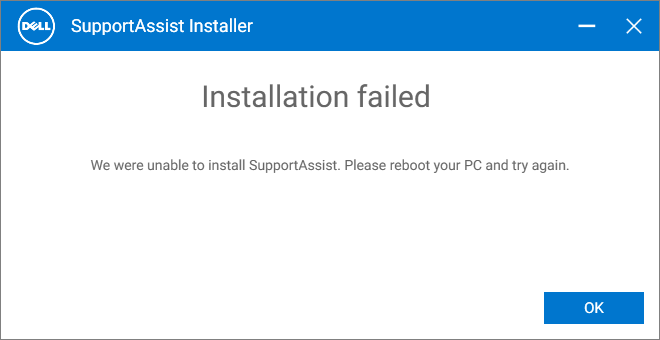
Dell SupportAssist is an OEM software that installs the latest device driver updates and does hardware diagnostic checks on your computer. The Dell SupportAssist installer may be glitchy on some computers, where the error “Installation failed” may occur when installing or updating Dell SupportAssist.Read more
Error Messages
Hiberfil.sys 0xc0000719: A fatal error occurred processing the restoration data
by Ramesh
When you start your computer, the following error may appear:
Your computer can't come out of hibernation.

A fatal error occurred processing the restoration data.

File:\hiberfil.sys

Error Code:0xc0000719
Roblox requires Microsoft Internet Explorer 6.0 or greater
by Ramesh
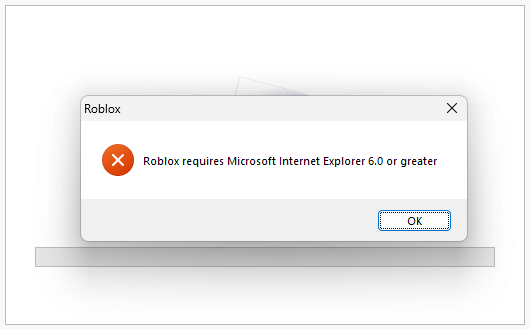
When you start the Roblox installer RobloxPlayerLauncher.exe on a Windows 10 or 11 computer, the following error may occur:
Roblox requires Microsoft Internet Explorer 6.0 or greater.
Media Creation Tool Error 0x80080005 – 0x90018
by Ramesh
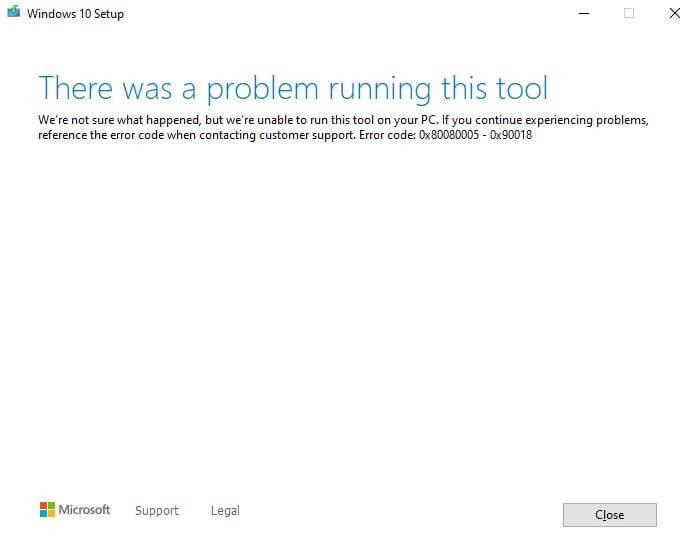
When you attempt to create a USB setup disk using the Media Creation Tool, the error code 0x80080005 - 0x90018 appears.
There was a problem running this tool

We're not sure what happened, but we're unable to run this tool on your PC. If you continue experiencing problems, reference the error code when contacting customer support. Error code 0x80080005 - 0x90018.
Fix: NSIS Error “Error launching installer” or “Cannot find [filename]”
by Ramesh
Many users are currently seeing the NSIS error on their systems, although they haven’t installed any new program. The error may appear every hour. It’s possible that a scheduled task triggers it.Read more
Error 0xC1900204 During Windows 10 or 11 Setup
by Ramesh
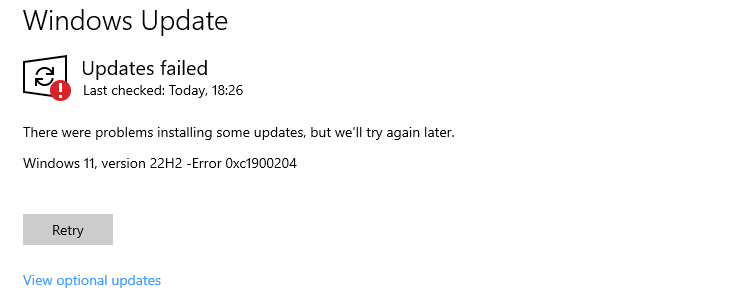
When you install a feature update via the Windows Update, the error code 0xC1900204 may occur. There were problems installing some updates, but we’ll try again later. Error 0xC1900204 If you use the Media Creation Tool to do an in-place upgrade, the only option you may get is to delete your files (which most users … Read more
Error 0xc1510111: You do not have permissions to mount and modify this image
by Ramesh
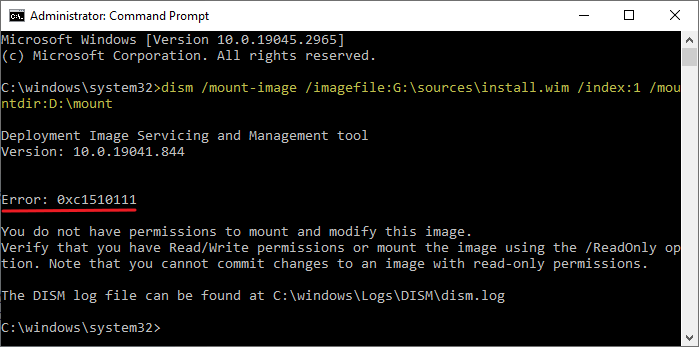
When you use DISM to mount a WIM file, the error code 0xc1510111 appears. The full error message is below:
Error: 0xc1510111 You do not have permissions to mount and modify this image.

Verify that you have Read/Write permissions or mount the image using the /ReadOnly option. Note that you cannot commit changes to an image with read-only permissions.

The DISM log file can be found at C:\windows\Logs\DISM\dism.log.
Error 0x80070522: Required privilege not held by the client when copying files
by Ramesh
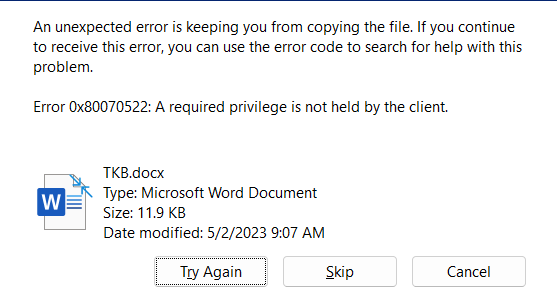
When you copy files to a non-system drive’s root folder, the error code 0x80070522 (“ERROR_PRIVILEGE_NOT_HELD”) may occur. The full error message verbatim is mentioned below:
An unexpected error is keeping you from copying the file. If you continue to receive this error, you can use the error code to search for help with this problem.

Error 0x80070522: A required privilege is not held by the client.
Error: WFS.exe is missing in Windows 10/11
by Ramesh
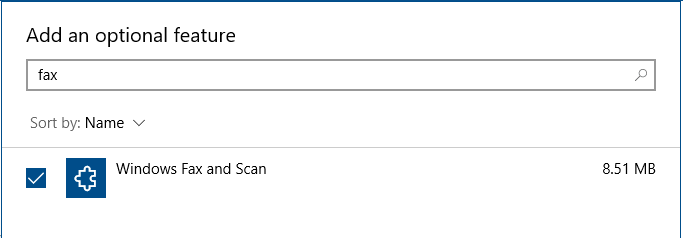
When you try to launch Windows Fax and Scan by running its executable WFS.exe, you may encounter the following error:
Windows cannot find 'c:\windows\system32\wfs.exe'. Make sure you typed the name correctly, and then try again.
The file wfs.exe may be missing in the Windows\System32 folder. You may be wondering how to start the Windows Fax and Scan program.Read more
Can’t Open Device Manager or MMC applets Due to Restrictions
by Ramesh
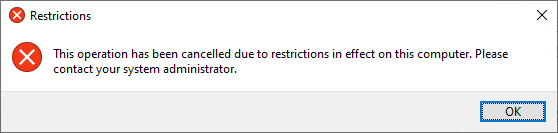
In Windows 10 or Windows 11. when you try to Device Manager from the Command Prompt (admin) window, the Device Manager doesn’t run. The following error message comes up when you do so: Read more