When you run a program elevated, the following error may occur:
A referral was returned from the server
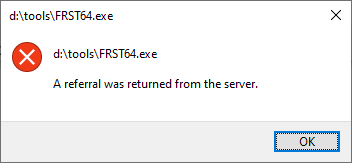
When you run a program elevated, the following error may occur:
A referral was returned from the server
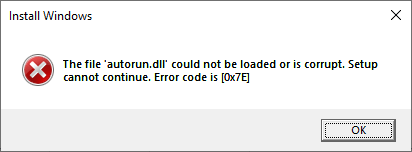
When you attempt to run setup.exe from the Windows 10 or 11 ISO, the following error may occur:
Install Windows

The file 'autorun.dll' could not be loaded or is corrupt. Setup cannot continue. Error code is [0x7E]
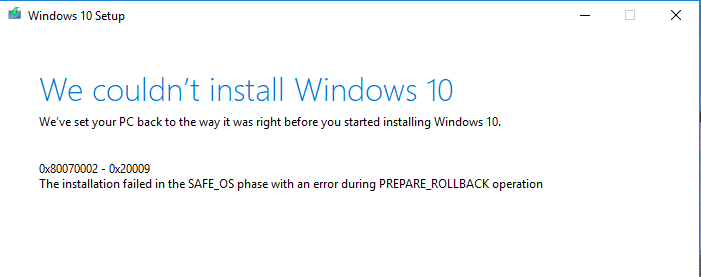
When you install Windows 10 or 11, the setup may fail with the error 0x80070002-0x20009.
0x80070002 – 0x20009
The installation failed in SAFE_OS phase with an error during PREPARE_ROLLBACK operation.
When you run the SetupDiag tool, the SetupDiagResults.log may show the following:Read more
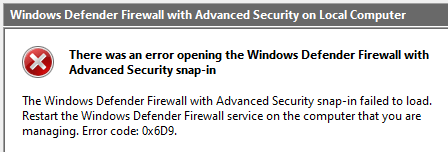
When you open the Windows Firewall (with Advanced Security) applet, the following error may show up:
There was an error opening the Windows Defender Firewall with Advanced Security snap-in

The Windows Defender Firewall with Advanced Security snap-in failed to load. Restart the Windows Defender Firewall service on the computer that you are managing. Error code: 0x6D9.
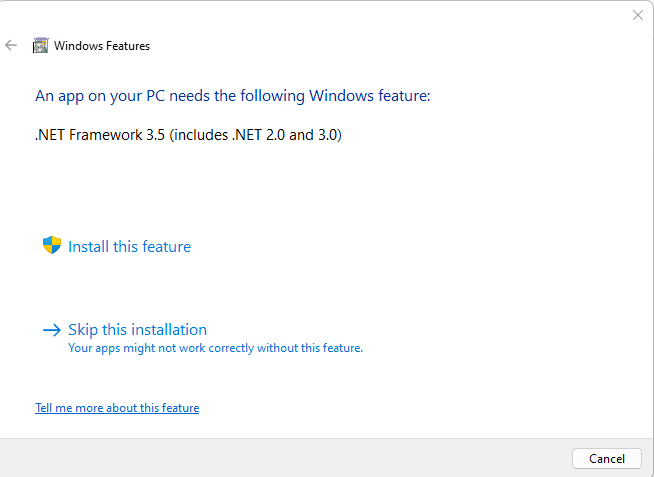
Several older programs require .NET Framework 3.5 to run. When you attempt to run a legacy program, it prompts you to install the framework. The prompt reads, “An app on your PC needs the following Windows feature: .NET Framework 3.5.”
When you install .NET Framework 3.5 (NetFx3) on demand, you may get the error 0x80070490. The full error message is below:Read more
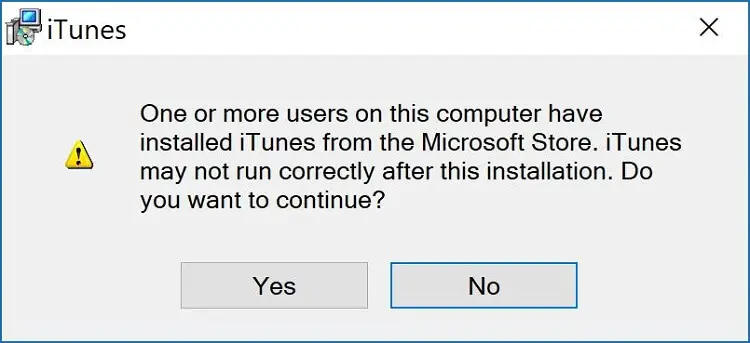
When you install iTunes classic version from the Applet website, the following error may appear:
One or more users on this computer have installed iTunes from the Microsoft Store. iTunes may not run correctly after this installation. Do you want to continue?
The above error occurs even though you have uninstalled iTunes via Apps & Features in Settings.Read more
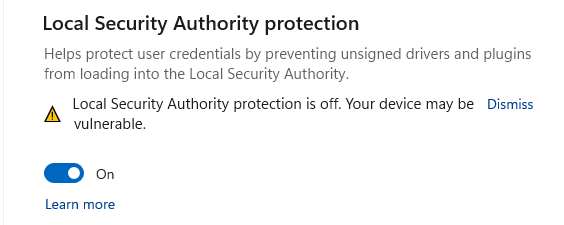
When you enable the Local Security Authority protection in Windows Security → Device Security → Core isolation page on your Windows 11 22H2 (and higher) computer, the yellow exclamation continues to appear.Read more
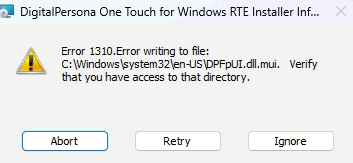
When you try to install a program, the installer may encounter the error 1310. The error code 1310 means “Error attempting to create the destination file.”Read more
When you try installing the 2023-02 Cumulative Update for Windows 11 Version 22H2 for x64-based Systems (KB5022913), the error 0x800f081f may appear. We couldn’t install this update, but you can try again (0x800f081f) Cause This happens if a manifest file is missing from the computer. Resolution Follow these steps to restore the missing file. Download … Read more
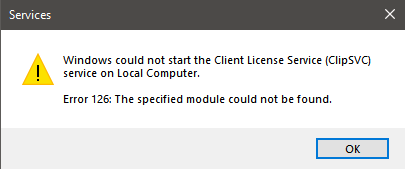
When you start the Client License Service (ClipSVC) service on your computer, error 126 may occur. Here’s the full error message text:Read more