Add “Open command window here” to Context Menu in Windows 10

win x replace powershell with command prompt

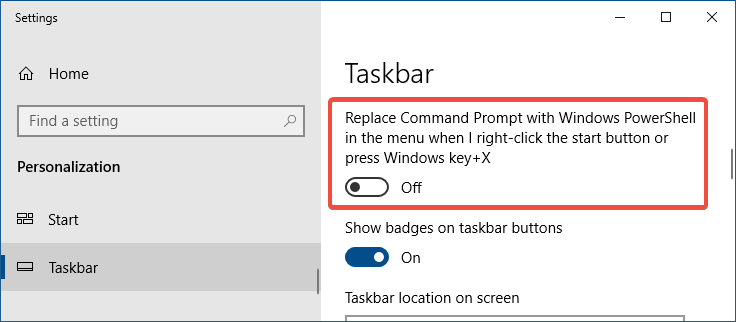
In the recent versions of Windows 10 (Creators Update and higher), the “Open Command Prompt here” context menu entry has been removed and is replaced by “Open PowerShell window here”.

Microsoft, in an effort to bring the best command line experiences to the forefront for all power users, has made PowerShell the de facto command shell.

This article tells you how to add “Open command window here” to right-click menu in Windows 10. Optionally, you can also remove the Open PowerShell window here from the context menu.

You may also be knowing that since the preview build 14971, “Command Prompt” and “Command Prompt (Admin)” entries in the Win+X menu (the menu which appears when you right-click Start) were replaced with PowerShell links.Read more
How to Copy Command Prompt Output Text to Clipboard or File

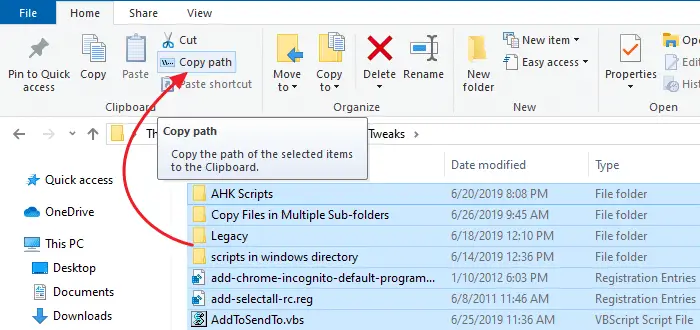
Windows Command-line tools are great for troubleshooting, as well as automation. But, if you’re stumped when a tech support guy on the phone asks you to run a built-in console command and copy the output displayed for diagnosing a problem, these Command Prompt basics will come in handy.

This post explains how to copy or redirect Command Prompt output to a file or the clipboard.Read more

How to Copy Files from Multiple Subfolders to a Single Folder?

move or copy files in multiple sub-folders

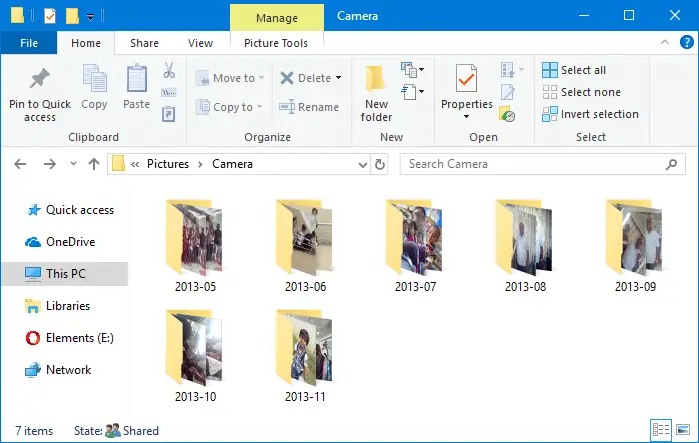
When importing photos from your camera or SD card via AutoPlay dialog using the Photos app, many sub-folders (month and year-wise) are created in the destination folder, which may not be what you wanted. Here is a step-by-step guide that explains how to move all files recursively from multiple subfolders to a single folder of your choice.

For example, here is how it gets imported when using the Photos app.

move or copy files in multiple sub-folders

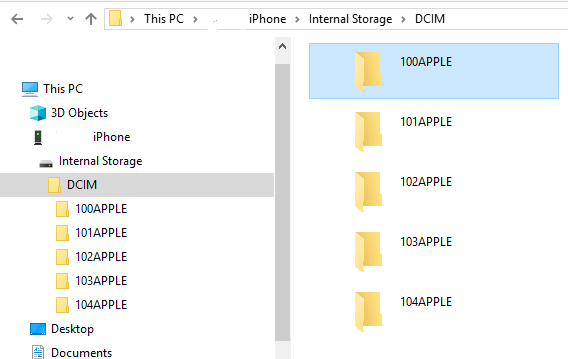
The mobile phones and cameras also may store your photos in many subfolders under the DCIM folder.

For instance, in Apple iPhone, your photos and videos are stored in the 100APPLE folder under DCIM. The 100APPLE folder contains IMG_0001.JPG to IMG_0999.JPG. If you have more images or videos, then they’re stored in 101APPLE , 102APPLE directory, and so forth. If you’re using iCloud to store photos and videos, you’ll also see the folders namely, 100CLOUD, 101CLOUD, and so on.

iphone dcim

Copying the files from each subfolder to a single folder on your hard disk manually can be a tiresome task, especially if you have a large number of folders. However, you don’t need to dig into every folder to do that, as there are several ways to quickly copy or move files from all the subfolders to a single folder — i.e., flatten a directory structure.Read more

Command Prompt Flashes and Closes Quickly at Startup or Random Intervals

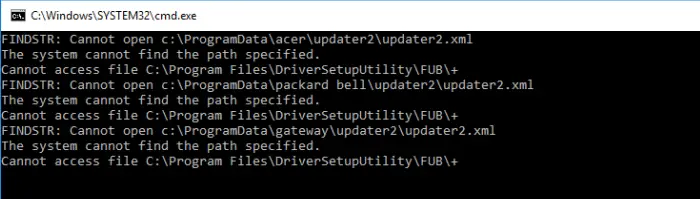
If the Command Prompt, PowerShell, or an unknown program window flashes during logon or at random intervals without you doing anything, there are many chances that it’s a Task Scheduler job. The windows popping up frequently can be a huge distraction when you’re working or playing a game on the computer.Read more