Open Command Prompt in Current Folder Using Keyboard Shortcut

open command prompt in current folder - autohotkey

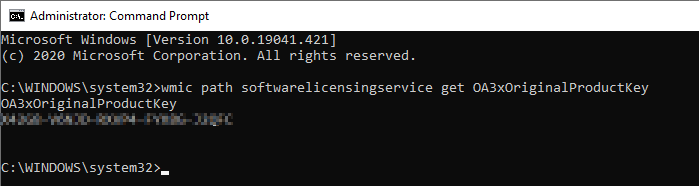
There are at least a couple of ways to open Command Prompt in the current folder path from a folder window. The two widely used options include running cmd.exe from the File Explorer address bar and using the Open Command window here option from the folder background context menu.

But, no built-in option exists to accomplish this using a keyboard shortcut or hotkey. This post tells you how to open Command Prompt (or admin Command Prompt) in the current directory path using the AutoHotkey automation tool.Read more
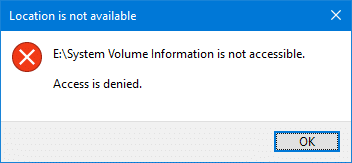
What is System Volume Information and Can I Delete the Folder

what is system volume information folder, and can i delete it

The System Volume Information folder is a hidden and protected folder located at the root of every drive or partition. It’s even found on your SD card, USB pen drive, and external hard disk if you have connected them to your Windows computer earlier. It’s is not a virus or malware.

But, what exactly is the System Volume Information folder? Why is the folder so huge? Can you delete the folder?

This System Volume Information FAQ page has answers to all your questions.Read more

How to Find and Remove Empty Folders in Windows

remove empty folders in windows

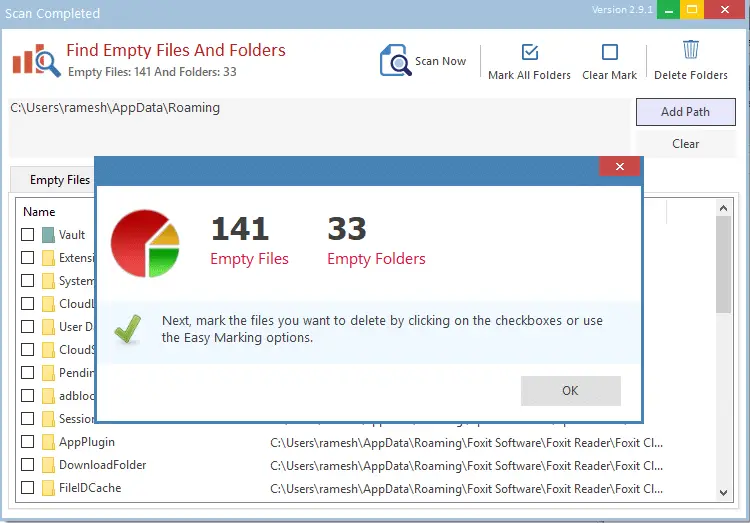
Over time, hundreds of empty folders and junk files may take up your hard disk. While the junk files occupy disk space and can be cleaned up using Disk Cleanup or Storage settings, the empty directories remain.

The empty folders don’t take up disk space, but to organize your data better, you may want to prune them every once in a while.

This article discusses different methods to find and remove empty folders on your computer.Read more

[Fix] “Could not find this item” When Deleting a File or Folder in Windows

could not find the item when deleting a file or folder

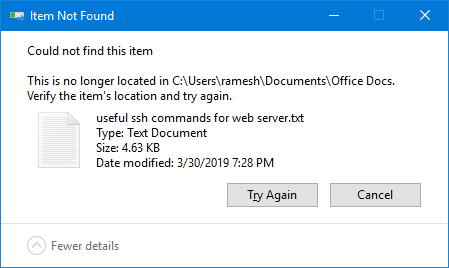
When you attempt to delete a file or folder on your Windows computer, the “Item not found” error may appear. Here is the full error message:

Could not find this item.

This is no longer located in [folder path]. Verify the item's location and try again.

could not find the item when deleting a file or folder

This article explains how to fix the error when deleting a file or folder in Windows.Read more

Fix: Windows Defaults to Safe Mode, Can’t Boot into Normal Mode

The Safe mode is used to troubleshoot problems on your PC. It is a mode wherein Windows starts in a basic state, using a limited set of drivers. For example, if the problem doesn’t happen in safe mode, you’ll know default settings and basic device drivers aren’t causing the issue. Here is how to start Windows in Safe mode.
Read more

How to Set Command Prompt Default Window Size and Position

When you open Command Prompt and position it on your preferred location on the screen, the setting is not retained. Also, when you resize the Command Prompt window and close it, the setting is not saved. This system managed positioning annoys many users who prefer uniformity in every aspect of the user interface. This post tells you how to customize the default Command Prompt window size (width & height) and set its default position in terms of screen coordinates.Read more

Extract Wallpapers from DeskThemePack and ThemePack Files

This article shows you different ways of extracting wallpaper images from a theme pack file in Windows.

A theme is a combination of desktop background pictures, window colors, and sounds. Windows themes come in the form of theme packs. Theme packs are essentially CAB files that enclose resources such as wallpapers, sounds, etc., along with the .theme file, which contains the instructions to apply the theme.

Theme packs come in two types: one with a .themepack file extension and the other with a .deskthemepack extension.Read more