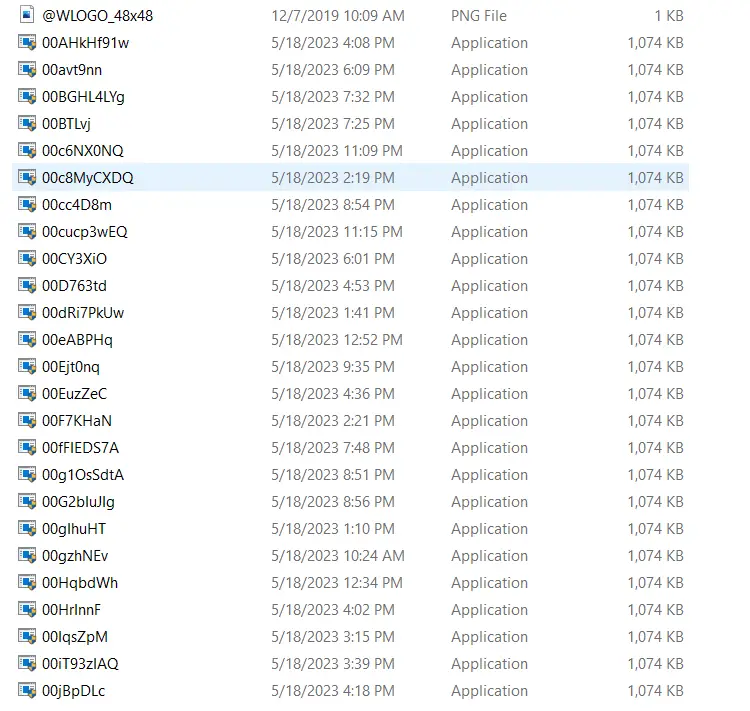
Error 0xC1900204 During Windows 10 or 11 Setup
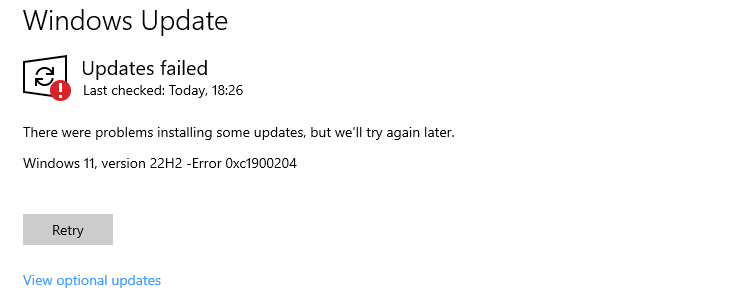
windows update error - programfilesdir change registry

When you install a feature update via the Windows Update, the error code 0xC1900204 may occur. There were problems installing some updates, but we’ll try again later. Error 0xC1900204 If you use the Media Creation Tool to do an in-place upgrade, the only option you may get is to delete your files (which most users … Read more
How to Recover Chrome Bookmarks from Windows.old or Old Profile

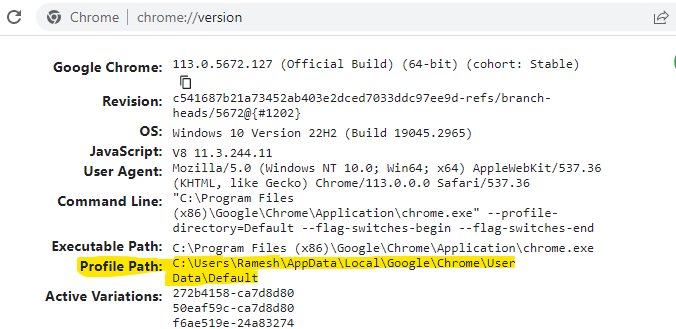
find chrome profile path

If you custom install Windows 10/11 using the Windows ISO, your files will be archived to Windows.old. Some users wonder how to retrieve Chrome bookmarks from the Windows.old folder. If you had enabled syncing, the bookmarks would be back when you sign in to that account using Chrome. However, if syncing wasn’t enabled, this article … Read more

Error 0xc1510111: You do not have permissions to mount and modify this image

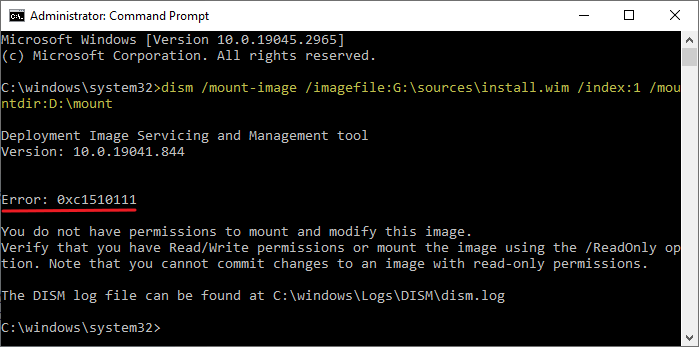
dism mount-image error 0xc1510111

When you use DISM to mount a WIM file, the error code 0xc1510111 appears. The full error message is below:

Error: 0xc1510111 You do not have permissions to mount and modify this image.

Verify that you have Read/Write permissions or mount the image using the /ReadOnly option. Note that you cannot commit changes to an image with read-only permissions.

The DISM log file can be found at C:\windows\Logs\DISM\dism.log.

Read more

Error 0x80070522: Required privilege not held by the client when copying files

0x80070522 unexpected error when copying a file - privilege not held. when copying files

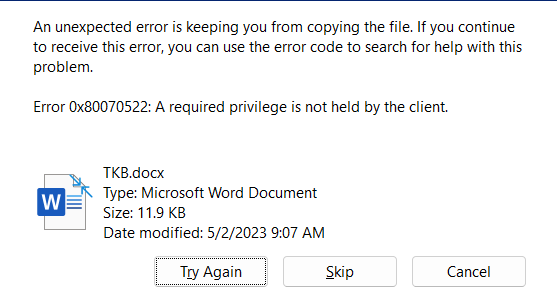
When you copy files to a non-system drive’s root folder, the error code 0x80070522 (“ERROR_PRIVILEGE_NOT_HELD”) may occur. The full error message verbatim is mentioned below:

An unexpected error is keeping you from copying the file. If you continue to receive this error, you can use the error code to search for help with this problem.

Error 0x80070522: A required privilege is not held by the client.

Read more