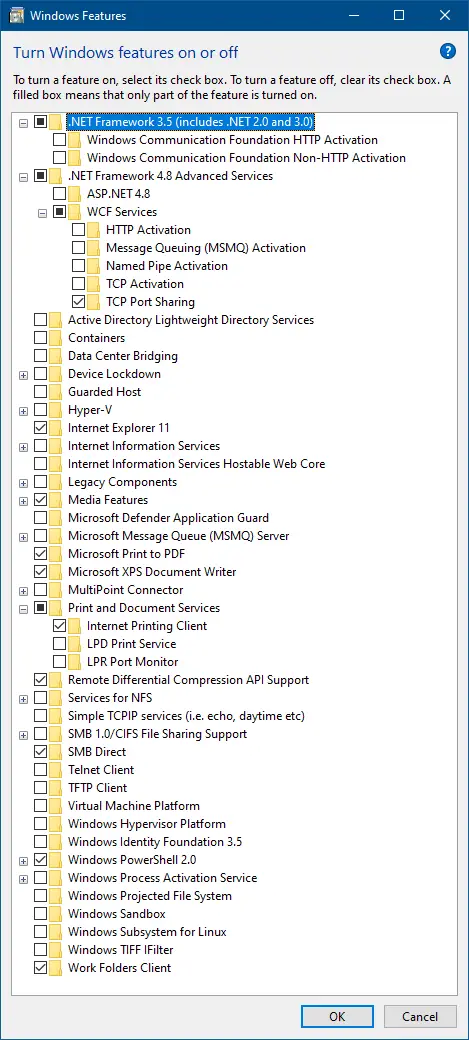
We may sometimes mess up with the Optional Features (“Turn Windows features on or off”) setting and don’t remember exactly what they changed. You wonder how to restore the system default settings for the “Turn Windows features on or off” (OptionalFeatures.exe) dialog without resetting Windows.Read more
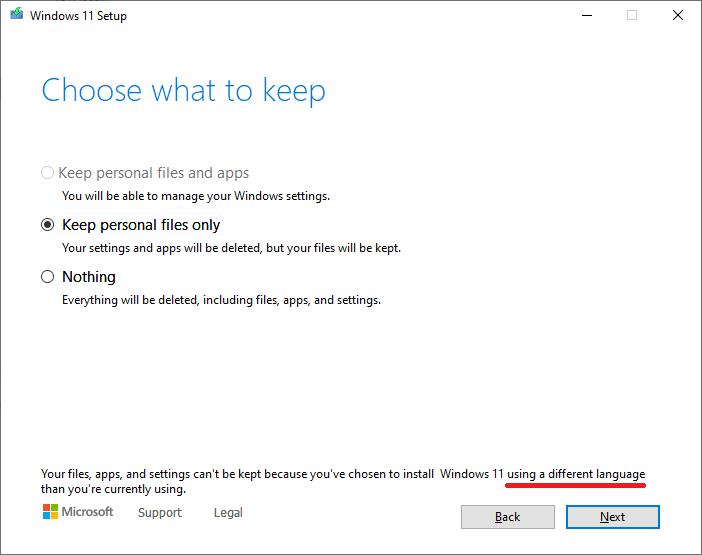
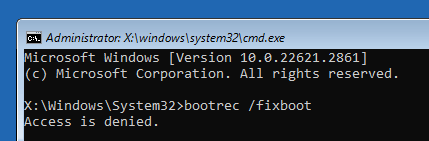
How to Reset Windows 10 or 11 via Windows RE
There are situations where Windows doesn’t boot or the “Reset this PC” option in Update & Security (Settings) does not work. In such cases, you can reset Windows 10 or 11 via the Windows Recovery Environment (“Windows RE” or “WinRE”). This article tells you how to reset the PC via WinRE. Resetting through the Windows … Read more
Proxy section not visible in Network & Internet Settings
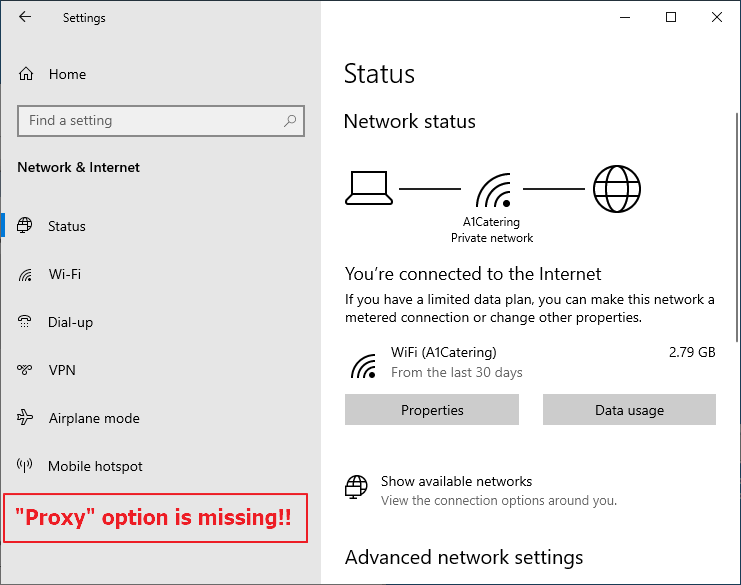
When you open Settings and click Network & Internet, the “Proxy” option may be missing. Also, if you use the Start menu search to find the proxy settings option, you may not be able to launch it.Read more
Turn off Caps Lock OSD Notification on HP Systems
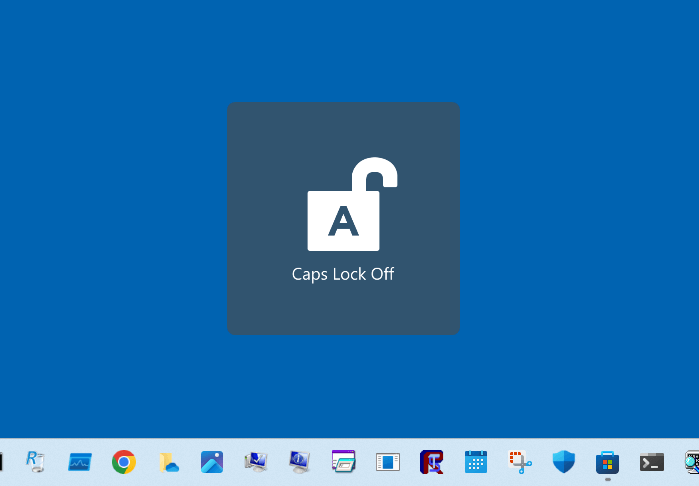
Lately, many HP users have been experiencing an annoyance: the Caps lock and Num lock on-screen display notifications appear whenever you press those buttons.
May 2024 Update: The issue seems to have been resolved in the HP System Event Utility version 1.5.10.0. Please update the app via the Microsoft Store library. However, the Num Lock notification still shows in this version.
How to Replace Task Manager with Process Explorer
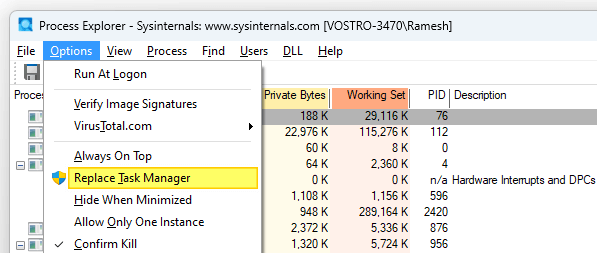
Windows Sysinternals Process Explorer is an advanced process management utility often called “Task Manager on steroids”. If you want to replace Task Manager with Process Explorer, this article is for you.Read more
[Fix] MP3 Metadata not displayed in File Explorer
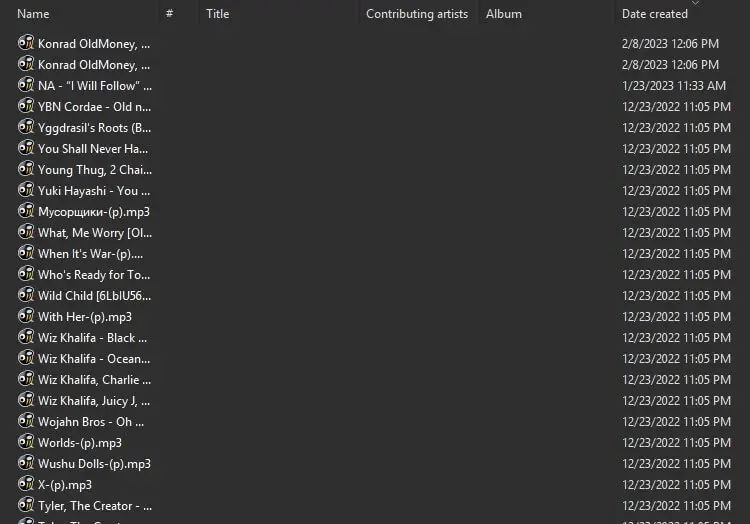
When you open a folder containing MP3 files, the metadata fields in the Details view of File Explorer may be empty.
For instance, the “Title”, “Contributing artists”, “Album” and other metadata columns may be blank. Even though the MP3 files have embedded metadata ID3 tags, they don’t appear in the Details view in File Explorer and the Details tab of the file’s Properties.Read more