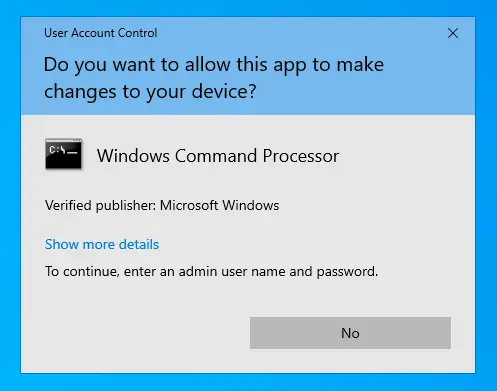
Some users are facing a weird problem wherein the “Yes” button in User Account Control (UAC) dialog is disabled or grayed out. As a result, you’ll be unable to launch any program under elevated privileges (run as administrator).Read more
Windows
You’re browsing the “Windows” parent category, which lists articles on every Windows Operating System.
How to Delete Files Older than N Days Automatically in Windows
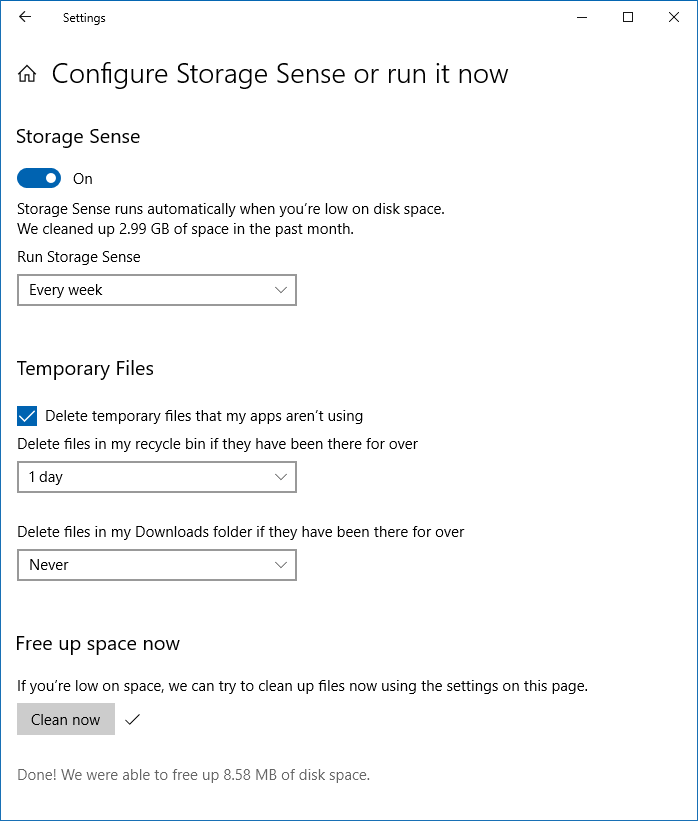
Windows 10 has built-in features to free up space by deleting old files in the %temp% directory and Downloads folder. Windows 10 Settings has an option (“Storage”) which automatically clears temporary files your apps are not using, files in the Downloads that haven’t been modified in the last x days, or files lying in the Recycle Bin for x days.Read more
Change Drag & Drop Sensitivity to Avoid Accidental Move of Files
Is your mouse or touchpad too sensitive which causes accidentally dragging of items on your desktop or File Explorer when clicked/tapped? By default, if you drag a file or folder by a distance of 4 pixels and release the mouse button, the default “drag and drop” action (move or copy, depending on whether you are dragging it to another folder on the same drive, or to a folder on another drive.) will take place.Read more
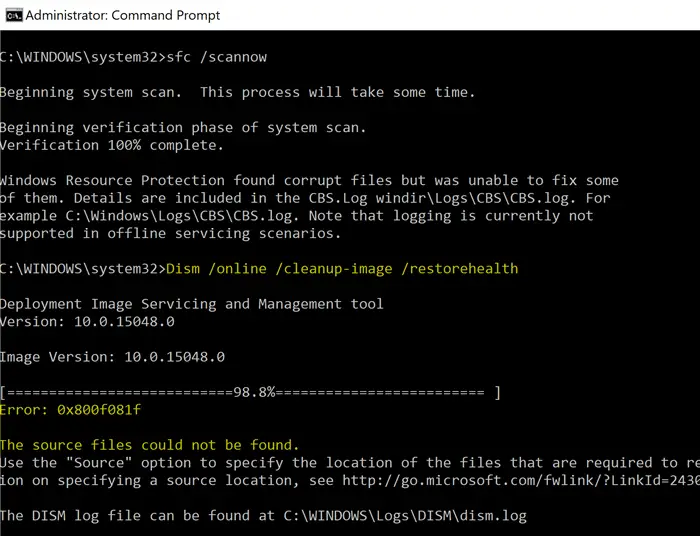
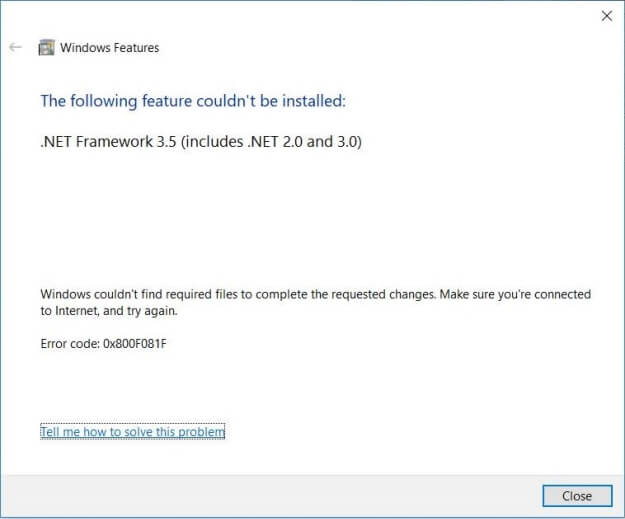
Fix: WiFi Disconnection Problem in Windows 10 Fall Creators Update
WiFi disconnection can occur due to many factors, such as incompatible device driver, incorrect settings, sleep timeout, or maybe it’s a Windows 10 Fall Creators Update bug. Some WiFi network adapters are incompatible with the recent implementation of the Microsoft Wi-Fi Direct Virtual Adapter driver.Read more
Fix: Windows Defaults to Safe Mode, Can’t Boot into Normal Mode
The Safe mode is used to troubleshoot problems on your PC. It is a mode wherein Windows starts in a basic state, using a limited set of drivers. For example, if the problem doesn’t happen in safe mode, you’ll know default settings and basic device drivers aren’t causing the issue. Here is how to start Windows in Safe mode.
Read more