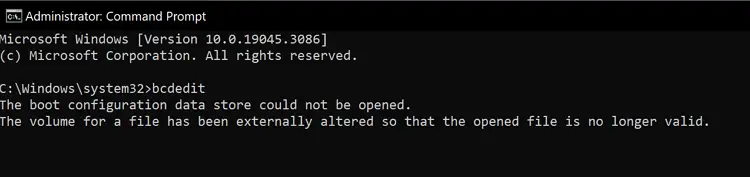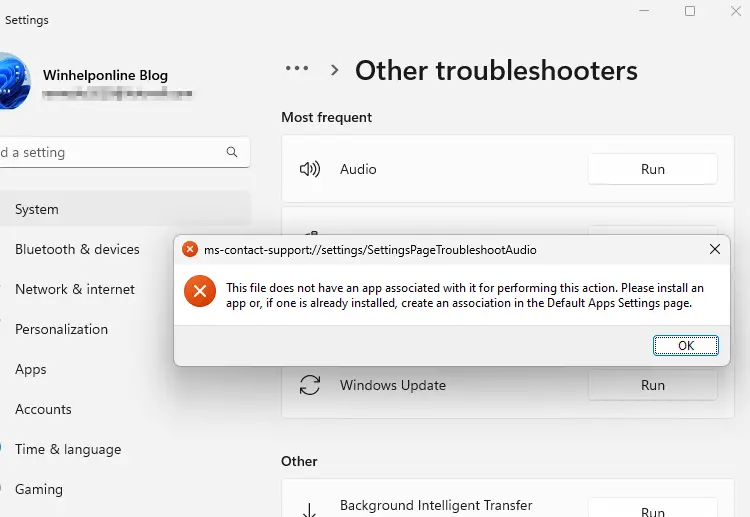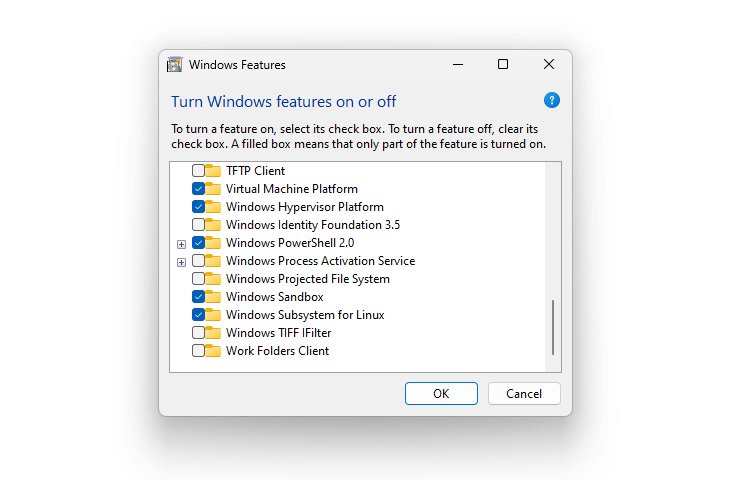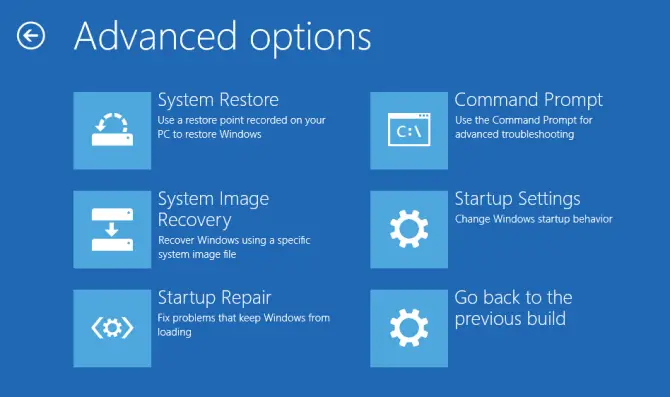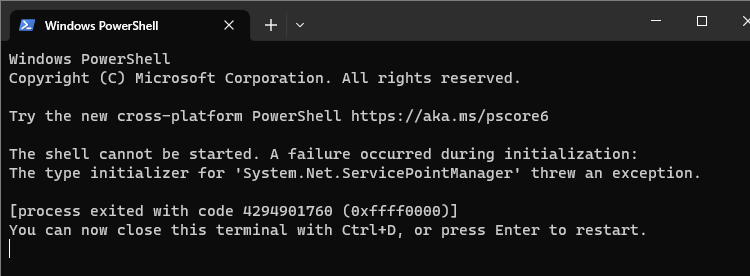
When you run PowerShell.exe, the PowerShell window may open and close immediately before you can read the error message. Running PowerShell.exe from an existing Command Prompt window, or opening PowerShell via Windows Terminal may show the error message:Read more
Windows
You’re browsing the “Windows” parent category, which lists articles on every Windows Operating System.
Reset WinHTTP Proxy Settings in Windows 10 or 11
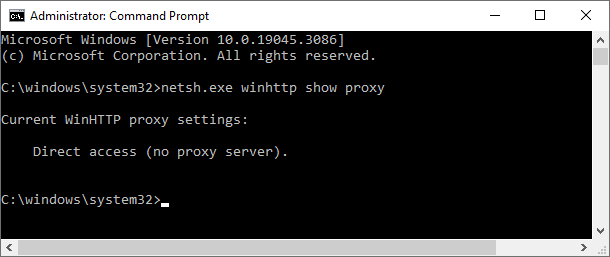
Sometimes, you may have to reset the WinHTTP proxy, firewall or network settings to fix connectivity issues when using Windows Update, Microsoft Store, or other apps. WinHTTP provides the HTTP client APIs, which are used by desktop applications and Windows services.
This article tells you how to disable or reset the WinHTTP and WinINET proxy settings using Netsh.exe and Internet Options, respectively.Read more
How to Create a Shortcut (.lnk) to a Non-Existent Target
There are situations where you need to create a shortcut (.lnk) to a target that doesn’t exist on the computer. For instance, you want to create a set of shortcuts for using them on another computer.
However, the Create Shortcut wizard in Windows will not allow you to create a shortcut to a path that does not exist.Read more
Generic Icon Shown for Apps in Start Search Results in Windows 10
When you search for an application in the Start menu search, an incorrect icon may appear for an app. For example, the File Explorer entry in the search results may show up with a generic icon or glyph, as in the following screenshot:Read more
How to Set the Default Terminal Application in Windows 11
The Windows Terminal becomes the default terminal. This means, all command line applications, such as Command Prompt and PowerShell, will open in Windows Terminal automatically. This article tells you how to change the default terminal to Windows Console Host or revert to Windows Terminal as the default host. Set the default Terminal app in Windows … Read more