How to Download Windows 11 ISO Using Media Creation Tool

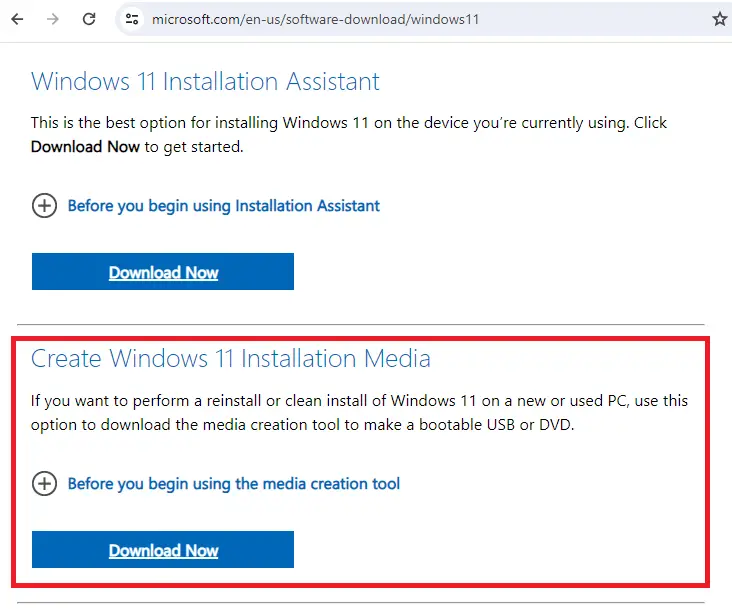
Media Creation Tool - Windows 11

To download the Windows 11 ISO or create a USB setup disk, you can use the Media Creation Tool (MCT). The ISO can be used to do an in-place upgrade or repair install on an existing Windows computer. Whereas the USB setup disk can be used to do an in-place upgrade, repair install on an existing Windows system, or cleanly install Windows 11 on a new PC.Read more

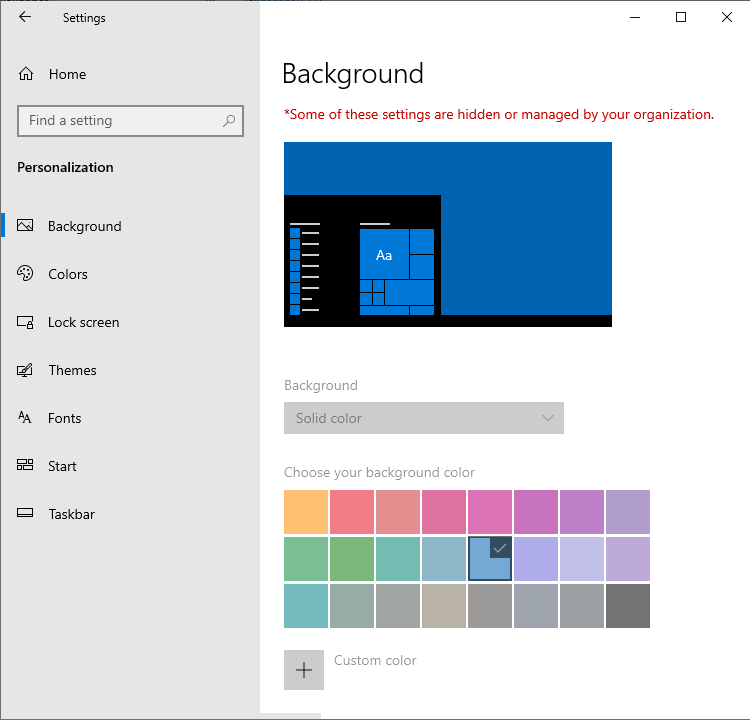
Desktop Background Option is greyed out in Personalize Settings

desktop background grayed out due to registry based policies

When you attempt to change my desktop wallpaper, the “Background” dropdown option may be greyed out in Settings → Personalize. The “choose your background color” option may also be grayed out. Also, on the top, it says the following: Some of these settings are hidden or managed by your organization. This happens even if your … Read more

KB5034441 Update error 0x80070643

KB5034441 error

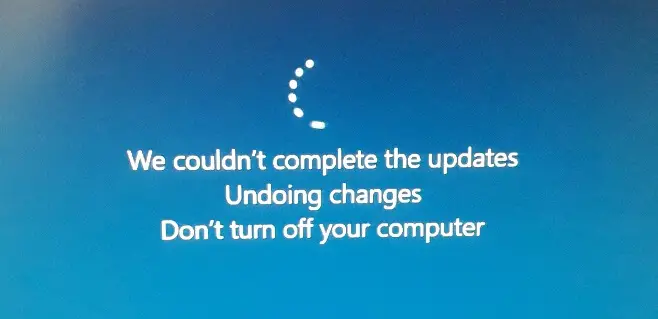
On many Windows 10 systems, the update KB5034441 (Windows Recovery Environment update for Windows 10 21H2 and 22H2) failed with the error code 0x80070643. 0x80070643 (“ERROR_INSTALL_FAILURE”) is a generic error code which means “Fatal error during installation.” The DISM log may show the following entries: [16088] ImageUnmarshallHandle: Reconstituting wim at C:\$WinREAgent\Scratch\update.wim. [15624] Received unmount request … Read more

Powercfg: The hiberfile type does not support hibernation

power options - hibernate missing - dropdown

When you open the Power and sleep buttons and lid settings in Power Options, the Hibernate option may be missing from the dropdown. However, the “Fast Startup” option may be available. When you run Powercfg /AVAILABLESLEEPSTATES or Powercfg /A to report the sleep states available on the system, the output may contain the following line: … Read more

.NET Framework Error: Please set registry key InstallRoot

.NET Framework InstallRoot error

When you install a program that uses .NET Framework, the following error message may appear: .NET Framework initialization Error Please set registry key HKLM\SOFTWARE\Microsoft\.NETFramework\InstallRoot to point to the .NET Framework installation Running the .NET Framework Repair tool or removing and reinstalling .NET Framework may not resolve the error. Cause The above error occurs due to … Read more

[Fix] Cannot change default app for .SVG files

On your Windows 11 computer, you may be unable to change the default app for .SVG files. When you right-click on an .SVG file and click Open with…, “Just Once” is the only option shown; there is no “Always” option.

When right-clicking on a .SVG file and clicking Properties, the properties dialog may not have the “Change” button.

The .SVG file type may not show up on the Default Apps settings page.Read more