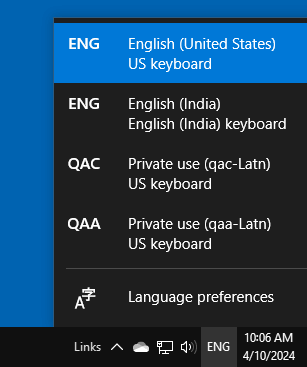
After installing updates, you may find unknown locale(s), such as QAA-Latn or QAC-Latn, when you click the Language bar, as seen in the screenshot below.
Windows
You’re browsing the “Windows” parent category, which lists articles on every Windows Operating System.
What is “Account Unknown” in the Security tab?
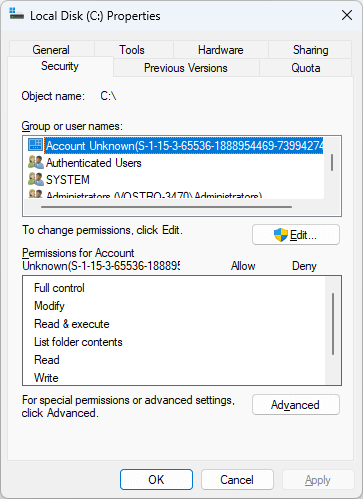
When you check the permissions for a drive, folder, or registry key, you may see the “Account Unknown” entry showing a bunch of random numbers. You wonder what the “Account Unknown” entry refers to.Read more

How to Uninstall and Reinstall Snip & Sketch in Windows 10
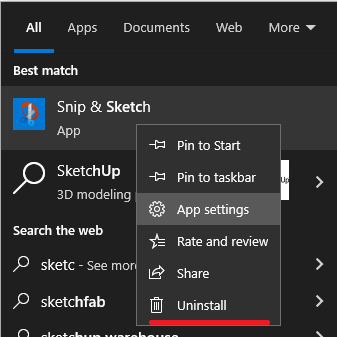
Snip & Sketch is a useful screen capture tool that allows you to crop screenshots and mark them up with ink and highlights. If Snip & Sketch doesn’t launch on your Windows 10 system, uninstall and reinstall the app. This article explains how to do so.Read more
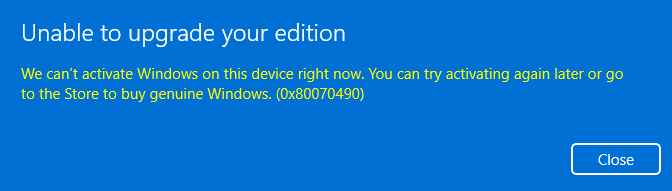
How to Remove OneDrive from Explorer Left Pane in Windows 10/11
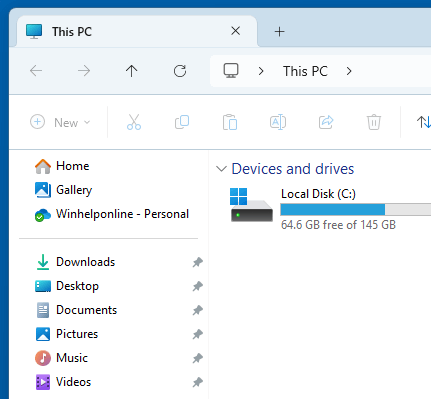
In File Explorer’s upper left navigation pane, there are links to Home, Gallery, and OneDrive. You may wonder how to remove the OneDrive link from the navigation pane.
Let’s see how to remove OneDrive link from Explorer. Information in this article applies to Windows 10 and Windows 11.Read more
How to Restore Missing “Open with VS Code” Context Menu Option
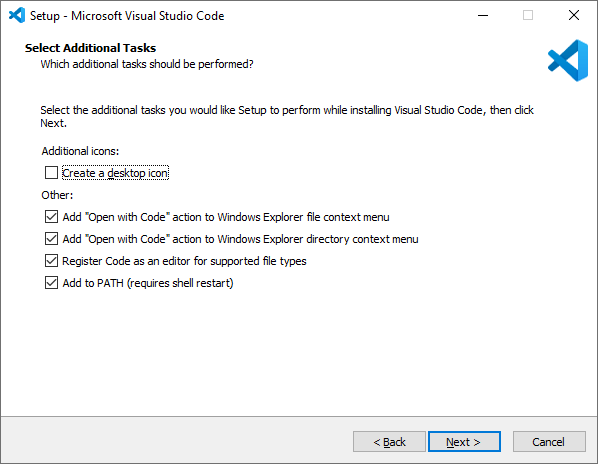
Visual Studio Code (VS Code) adds the “Open with Code” option in your context menu. However, when you install the app via the Microsoft Store, the context menu option may be missing.
You may wonder how to add the “Open with Code” option to the right-click menu.Read more