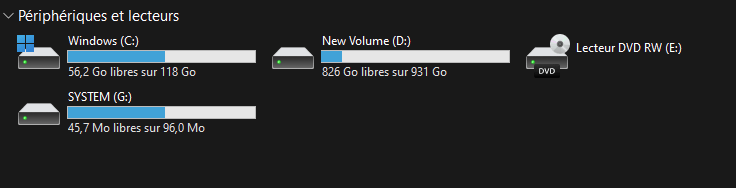
The EFI system partition, which contains your boot files and boot configuration database, is hidden by default. However, on some systems, the EFI partition may show up with a drive letter in File Explorer.
Windows 10
This category contains posts about Microsoft’s latest Operating System – Windows 10.Windows 10’s always been interesting, as every new major update will usually include additional features.
Microsoft Common Language Runtime Native Compiler 100% CPU Usage
When you open Task Manager, you may see that the module “Microsoft common language runtime native compiler” may use 100% of the CPU and hamper the device’s performance.
If the task is ended manually, it starts up automatically after about 10-20 minutes. You may wonder what causes this issue and how to fix this.Read more
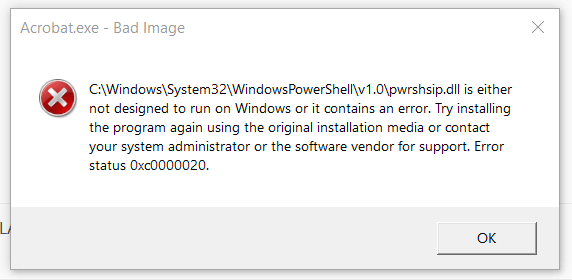
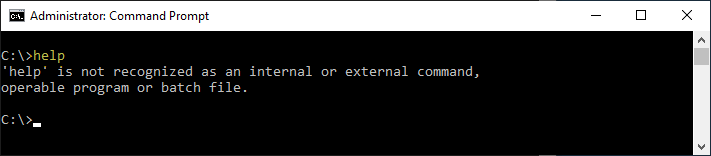
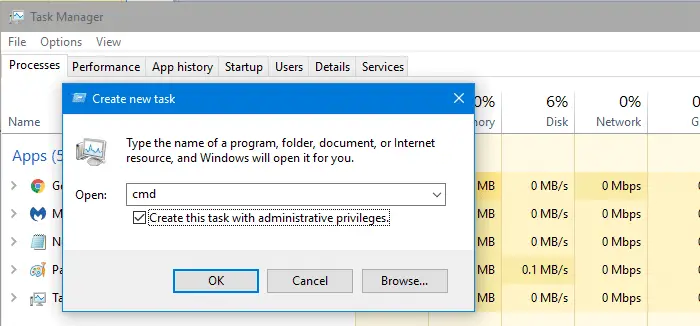
Msg.exe is missing in Windows 10/11?
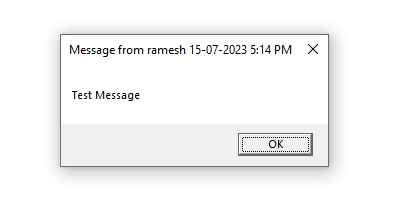
Msg.exe is a built-in console tool that can send a message to a user on the same network.
On Windows Home editions, you’ll see the following error when trying to run msg.exe:Read more
How to Reset File History Back to Default Settings
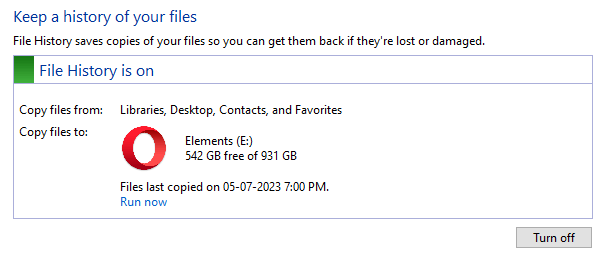
File History automatically backs up files in your libraries, contacts, favorites, and on your desktop. You can also find different versions of your files from a specific point in time. You can add and remove custom folder locations from the backup. The customizations are stored in the two XML files, Config1.xml and Config2.xml, in the File History folder.Read more
Mystery Drive appears in System Properties Protection tab
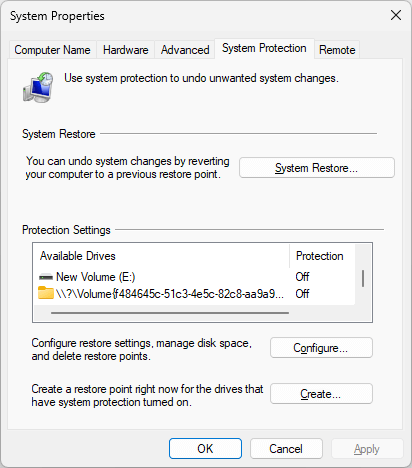
When you open System Properties and click the System Protection tab to create a restore point, you may notice a mystery drive appearing with the volume GUID string (e.g., \\?\Volume{a6810e9c-8234-4cd1…) instead of a drive letter.Read more
[Fix] DISM StartComponentCleanup Stops at 20%
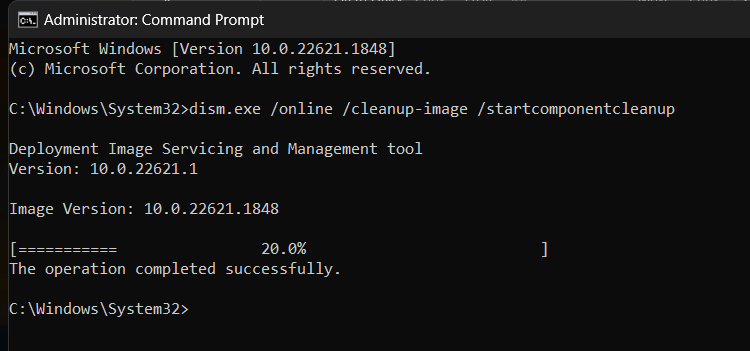
When you run a component store cleanup using DISM.exe’s /startcomponentcleanup parameter, the command doesn’t finish correctly. The output shows that the process has stopped at 20%, but the message says, “The operation completed successfully.”Read more
How to Find if a Disk Uses MBR or GPT
Knowing how your disks were set up (MBR vs. GPT) is essential for troubleshooting boot issues and Windows Update errors. Master Boot Record (MBR) disks use the standard BIOS partition table. GUID partition table (GPT) disks use the Unified Extensible Firmware Interface (UEFI).Read more