How to Install a Feature On Demand (FOD) Package Offline

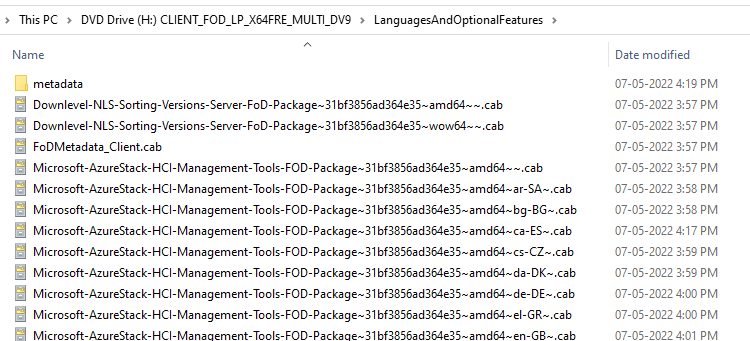
Language and Features ISO contents

Features on Demand (FODs) are Windows features that can be added anytime. Standard features include language resources like handwriting recognition or other features like the .NET Framework (.NetFx3). When Windows 10, 11, or Windows Server needs a new feature, it can request the feature package from Windows Update.Read more

[Fix] F8 Legacy Boot does not work

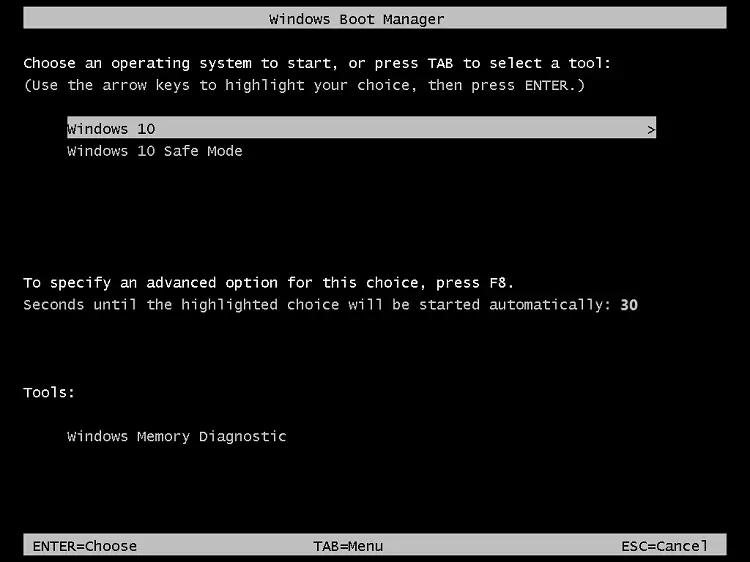
f8 legacy boot menu

The “bootmenupolicy” setting in the Boot Configuration Database (BCD) defines the type of boot menu (Standard vs. Legacy) the system will use. For Windows 11, 10, Windows 8.1, Windows 8, and Windows RT, the default is Standard. For Windows Server 2012 R2, Windows Server 2012, the default is Legacy. When Legacy is selected, the Advanced options menu (F8) is available.Read more

[Fix] BCD Error 0xc0000098 During Boot

bcd error 0xc0000098

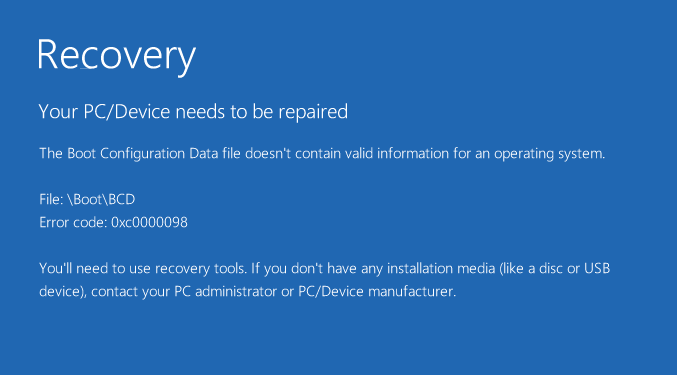
When you start your computer, BCD error 0xc0000098 may appear, and pressing F1 may boot the system into Windows. Here’s the entire error message: Recovery Your PC/Device needs to be repaired The Boot Configuration Data file doesn’t contain valid information for an operating System File: \Boot\BCD Error code: 0xc0000098 You’ll need to use recovery tools. … Read more

Microsoft Common Language Runtime Native Compiler 100% CPU Usage

When you open Task Manager, you may see that the module “Microsoft common language runtime native compiler” may use 100% of the CPU and hamper the device’s performance.

If the task is ended manually, it starts up automatically after about 10-20 minutes. You may wonder what causes this issue and how to fix this.Read more

How to Fix Pwrshsip.dll “Bad Image” Error

pwrshsip.dll bad image error

When you run a program, especially an Adobe app, the following error may occur:

[program.exe] - Bad Image

C:\Windows\System32\WindowsPowerShell\v1.0\pwrshsip.dll is either not designed to run on Windows or it contains an error. Try installing the program again using the original installation media or contact your system administrator or the software vendor for support. Error status 0xc000012f.

Read more

[SFC] You must be an administrator running a console session

task manager -run command prompt elevated - create new task

When you try to run Sfc.exe /scannow on Command Prompt to repair the system files, the following error message may appear:

You must be an administrator running a console session in order to
use the sfc utility.

This may happen even though you right-click Command Prompt from the Start menu search results, and click Run as administrator.Read more