How to Automatically Backup the Entire Registry in Windows

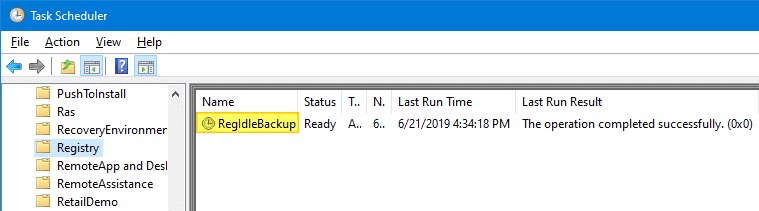
RegIdleBackup - Registry Idle Backup Task - Scheduler Registry Backup

Every System Restore point or shadow copy maintains a complete backup of the registry hives. However, Windows 10/11 doesn’t automatically create System Restore points every day. Restore Points are created only when installing important updates or drivers.

Notwithstanding the System Restore’s excellent capabilities, relying upon System Restore as a file or registry backup method is not sensible. It’s because System Restore points are cleared on a FIFO basis once the space threshold is reached.

The registry files (hives) are located in the Windows\System32\Config folder. The hives are always in use when Windows is running. So, you’ll need a specialized program that uses Windows API or volume shadow to backup the hives.

This article discusses six different methods to completely backup your Windows registry hives.Read more

Notepad++ Tips: Find and Replace, and Text Manipulation Examples

notepad++ icon

notepad++ iconNotepad++ is an excellent light-weight text editor with many useful features. With Notepad++, you can find and replace text in the current file or in multiple files in a folder recursively. You can also find and replace text using regex.

This post has many Notepad++ find & replace examples and other useful Notepad++ tips for different scenarios.Read more

Insert Date/Time in Any Program Using Keyboard Hotkey

insert date/time in any program - wordpad

When you’re writing content such as technical content, news articles, etc., you may sometimes want to insert the current date or timestamp in a program or editor you’re using. In Notepad, you can add the timestamp by pressing the F5 key.

Microsoft Office Word, OneNote allows the Alt + Shift + D and Alt + Shift + T hotkey combinations to insert the current date and current time respectively.

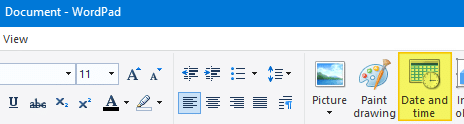
Similarly, WordPad has the Date and time toolbar button that lets you insert the date or timestamp in your preferred format from the list of 13 choices.

insert date/time in any program - wordpad

But, if you’re using a program which doesn’t have a built-in feature to insert current date and time, you may need a third-party macro or automation tool for that purpose. With automation tools, you also have the advantage of using a single hotkey combination to insert the date or timestamp in any program.Read more

How to Remove Easy Clean Mode in CCleaner

disable ccleaner easy clean option

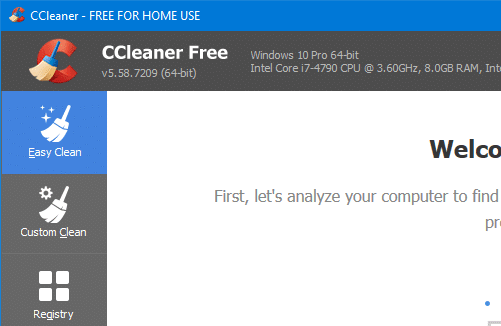
CCleaner 5.57 introduced a cleaning mode named Easy Clean to make the interface simpler and easy to understand for users who are not tech-savvy.

Easy Clean provides a simpler, more intuitive interface and uses everyday language to explain the types of files that can be cleaned. Files are now categorized as either ‘Trackers’ or Junk’ and when a user wishes to customize their clean, the purposes of each file type is explained (for example, Temporary Internet Files are described as ‘Files left behind when you visit websites’).Read more

How to Find and Delete Duplicate Files in Windows

find and delete duplicate files in windows - ccleaner

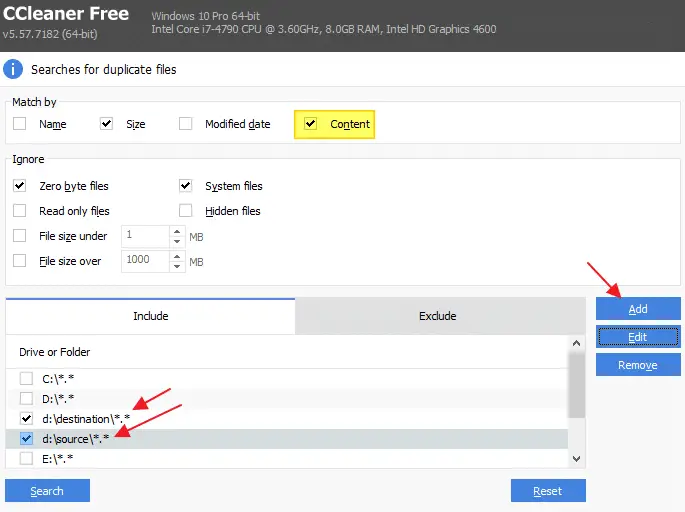
Over time, you may accumulate duplicate files or imported photos on your hard disk due to mismanagement or accidental copying to another location. In some situations, the duplicate files or photos may have completely different names than the original. How do you find duplicate files or photos on your hard disk and remove them to free up the disk space?Read more

Get File Hash Checksum (MD5, SHA-256) via Right-click Menu

get file hash via the right-click menu

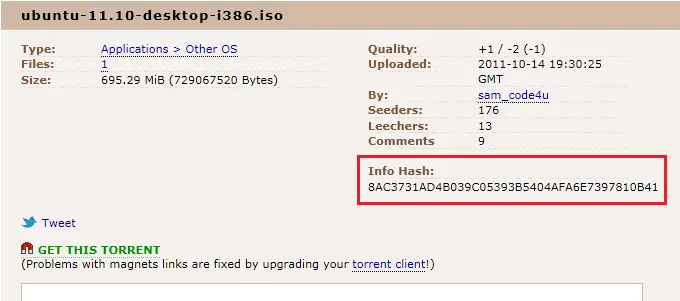
Hashing means taking an input string of any length and giving out an output of a fixed length. Using the cryptographic hashing algorithm — e.g., MD5, SHA-256, SHA-384, you can verify if two files are identical or not. The checksum is a hash value used for performing data integrity checks on files. It’s a kind of signature for a file.

When you download large files from the internet such as the Windows 10 ISO images, there are chances that the file gets corrupt or a few bits lost due to inconsistent connection or other factors. Hash verification is the best way to compare the two hashes – source file on a website or server versus the downloaded copy.Read more

How to Use Windows Spotlight as Desktop Wallpaper Slideshow

The Windows Spotlight brings fresh wallpaper images for your lock screen daily. The wallpapers are stored in the Assets folder wherein the older wallpaper images will be purged automatically as the new set of images get downloaded. We saw how to save the lock screen wallpapers using various methods, including a scripting method. This post … Read more