[Fix] PDF Preview Shows Directory Index or ERR_FILE_NOT_FOUND

pdf preview shows index of or error file not found

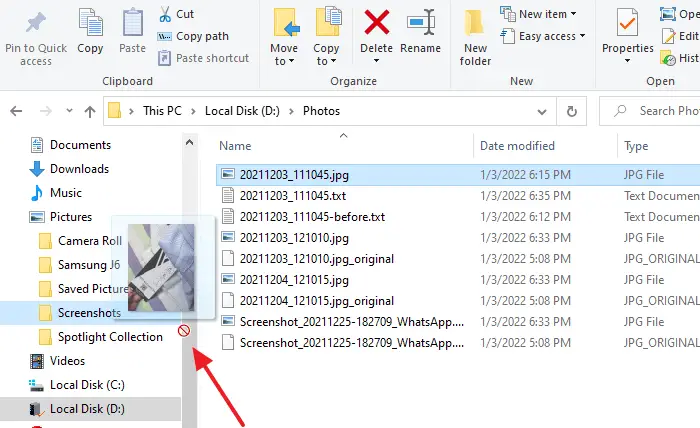
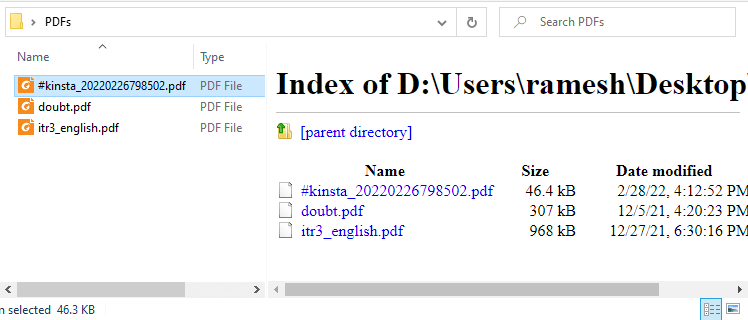
When you preview PDF files in File Explorer or Microsoft Outlook on your Windows 10 or Windows 11 computer, the preview pane may show the directory index of the current folder instead of previewing the PDF file’s contents.

pdf preview shows index of or error file not found

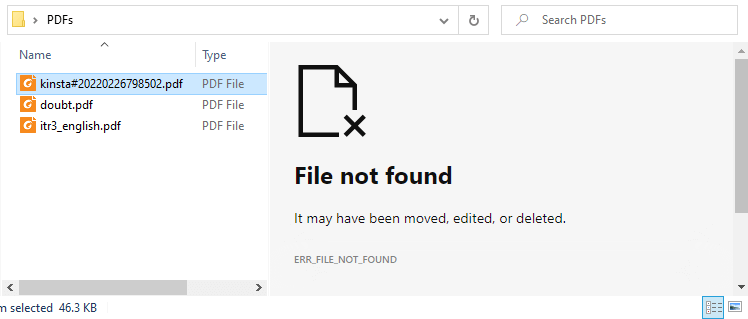
In some cases, it shows the following error:

File not found

It may have been moved, edited, or deleted.
ERR_FILE_NOT_FOUND

pdf preview shows index of or error file not foundRead more

[Fix] Can’t Change File Association via Default Apps in Windows 11

windows 11 jpg/png association fix

After installing third-party software on your Windows 11 computer, the ability to associate file types such as JPG, JPE, JPEG, PNG, MPG, MPEG, and other file types may be hampered. Here are the issues you may encounter when attempting to change the file association for the said file types.

When you right-click on an image file such as .jpg, click Open With, and select Choose another app, the “Always use this app to open .jpg files” checkbox is missing.
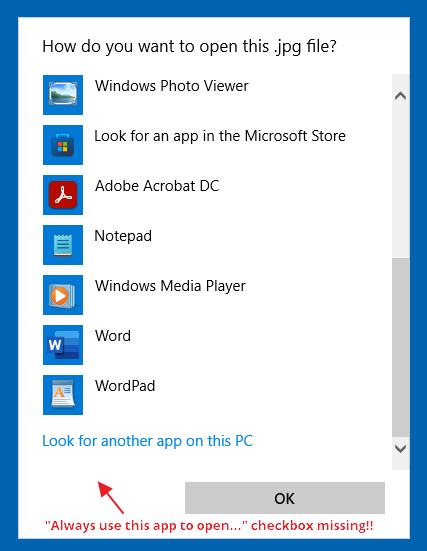
windows 11 jpg/png association fix

If you right-click on the image file and click Properties, the “Change…” button is missing:
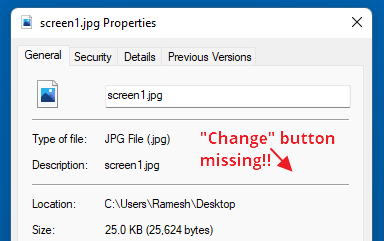
windows 11 jpg/png association fix

In the Settings → Apps → Default apps dialog, the “Choose a default” button would be grayed out when you type the file extension (e.g., .jpg, .png, etc.) in the text box.
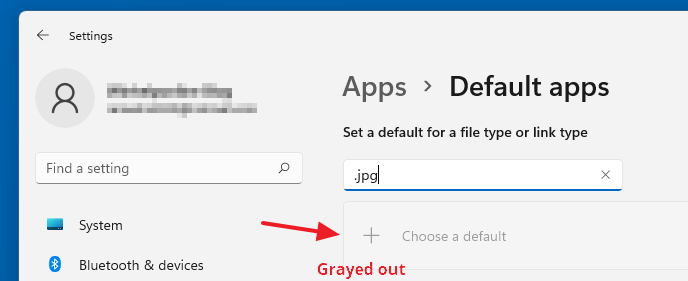
windows 11 jpg/png association fix

As a result, you may be unable to change the file association for image (and some video) file types.Read more
Remove BitLocker Encryption from a drive via Windows 10/11 Home Edition

remove bitlocker encryption in home edition

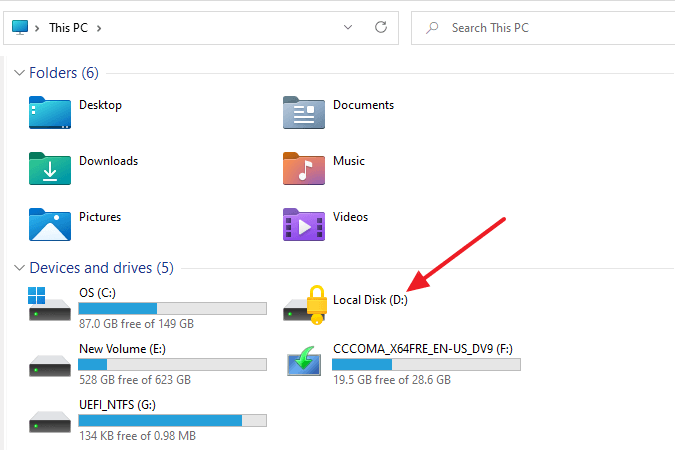
BitLocker is a full-volume encryption feature included with Microsoft Windows. Unfortunately, windows Home Editions don’t have BitLocker Drive Encryption (BDE). However, suppose you have a hard drive that’s already encrypted using BDE. In that case, Windows 11/10 Home Edition can use the drive if the user has the 48-digit BitLocker recovery password or the recovery key.

The “Manage BitLocker” Control Panel applet doesn’t exist in Windows 10/11 Home Edition. Still, you can unlock that drive and disable BDE on a device running any edition, including Windows 10 Home using the command-line tool named manage-bde.exe.

remove bitlocker encryption in home edition

This article tells how to unlock a BDE-encrypted drive and remove the BitLocker Drive Encryption from a drive using Windows 11/10 Home Edition. Of course, this assumes that you have the BDE encryption key/48-digit recovery password.Read more

[Fix] File History “The parameter is incorrect” Error

file history not working - element not found error

File History may have been working all these years correctly. But, of late, you may have noticed that File History backups stopped working even though the File History settings page says the feature is turned on.

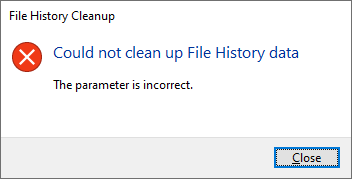
To make it work again, users may attempt to clean up old versions of File History backups to free up the disk space. However, doing so may cause the error “The parameter is incorrect.” Here’s the full error message verbatim:

File History Cleanup

Could not clean up File History data

The parameter is incorrect.

file history not working - element not found errorRead more

Photos App Freezes When Importing Pictures from iPhone/Android or Camera

import photos freezes

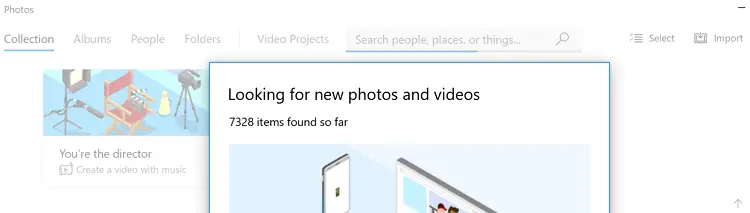
When you attempt to import photos from your iPhone/Android mobile or your camera using the built-in Photos app, the Photos app may freeze in the middle of the transfer. The import wizard may stall after displaying the number of photos on your mobile/camera.

import photos freezes

This issue occurs especially when there are a large number of images on your mobile or camera.

In some cases, you receive the following error (when importing photos from your iPhone:)

Something went wrong. Your files might not have been imported. Try again.

Read more

Windows 11 Default Services Configuration and Permissions

The Windows 11 Services configuration defaults are provided on this page. The settings below are gathered from a Windows 11 Pro PC (clean install, rather than upgrade).

Updated on June 13, 2024 for Windows 11 Pro 23H2.

Note that some of these services may not be found in your system, depending upon the edition of Windows 11 you’ve installed. Also, you may find some non-Microsoft services (e.g., Intel services) in the list, which you may not find on your computer.
Read more